








Published: March 12, 2026
Updated: March 12, 2026

Quick Summary
The right proposal tool can simplify your workflow, elevate how your brand shows up, and ultimately nail you a winning proposal process. If you’re having trouble choosing between Conga and DocuSign, this guide compares both tools on real user experience, product features, and target market. We’ll also reveal why Proposify might be the best choice for polished, professional proposals that close deals faster.
Looking for the Right Proposal Tool?
Both Conga and DocuSign market themselves as robust solutions for tracking the entire contract lifecycle. But promises alone don’t guarantee results. To understand which platform suits your workflow best, you need clarity on how each one operates in practice, who they are built for, and where they fall short.
Instead of leaving it up to guess work, read on to find their strengths, limitations, and what your choice means for your team’s ability to present excellent proposals and boost close rates.
Why Listen to Us?
We've helped thousands of sales teams erase obstructions that slowed their sales cycles, creating error-free, on-brand documents. Proposal software is at the heart of what we do, but our customer support also sets us apart — real people ready to help teams to get the most out of Proposify.
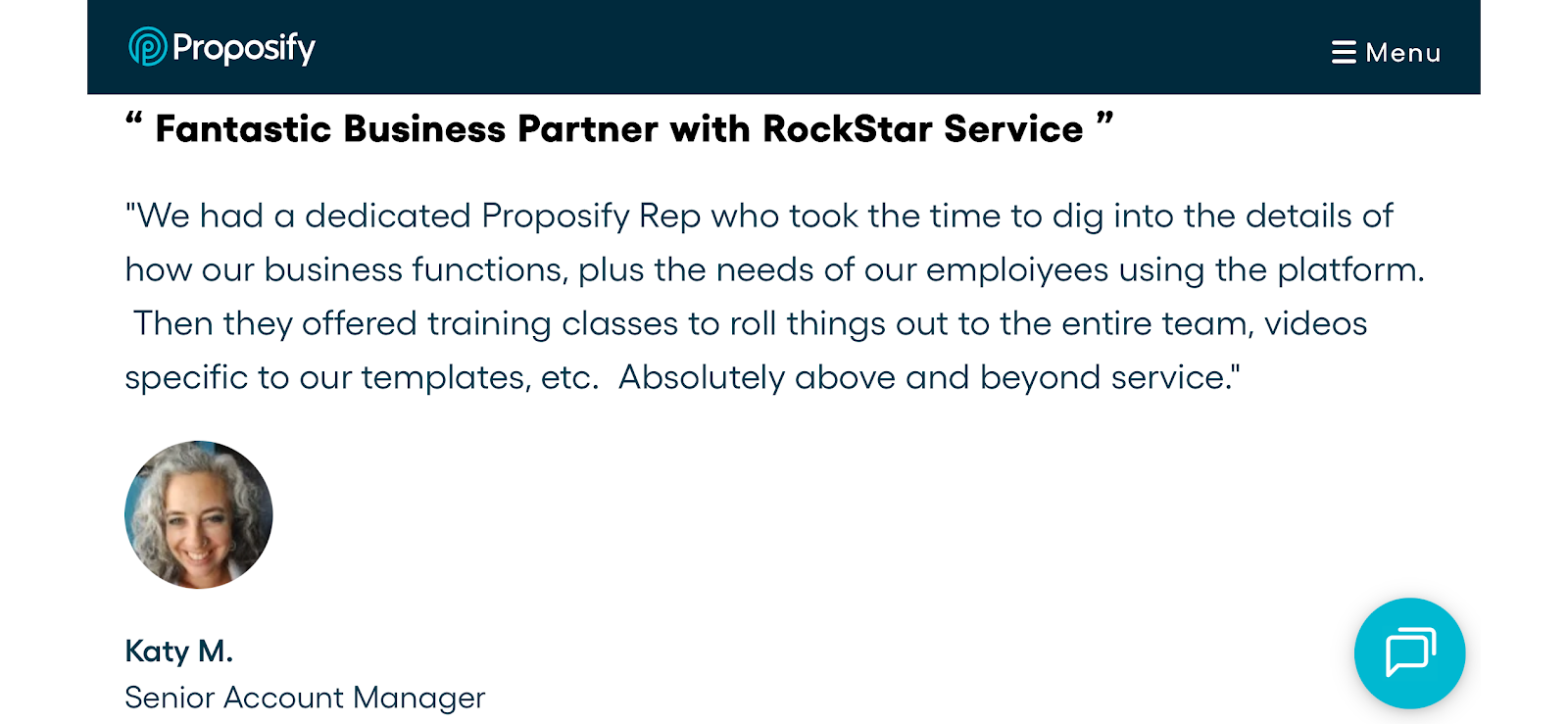
Here’s a customer’s description of how Proposify's support team improved their user experience:
When closing deals is the goal, you can trust this comparison to guide you to the right choice.
Conga vs. DocuSign: Key Differences
Conga is Suite-Dependent, DocuSign is a Standalone Tool
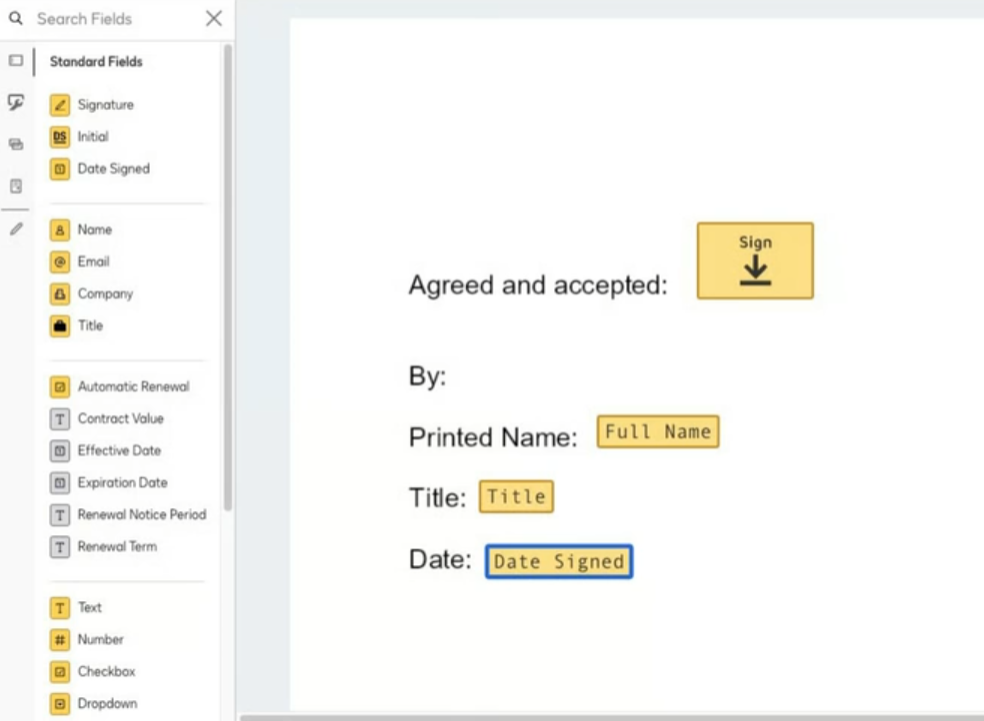
Conga Sign is designed as part of Conga's Revenue Lifecycle Cloud, working seamlessly with Conga Composer for document generation, Conga Contracts for CLM, and Conga Sign for e-signatures, among others. The platform is particularly built for Salesforce integration, being specifically designed for Salesforce customers
DocuSign provides its Intelligent Agreement Management (IAM) platform with modular capabilities including e-signature, Maestro for workflow automation, and Navigator for document management. However, it functions effectively as a standalone e-signature solution.
Conga’s Pricing is Opaque, DocuSign’s Pricing is More Flexible
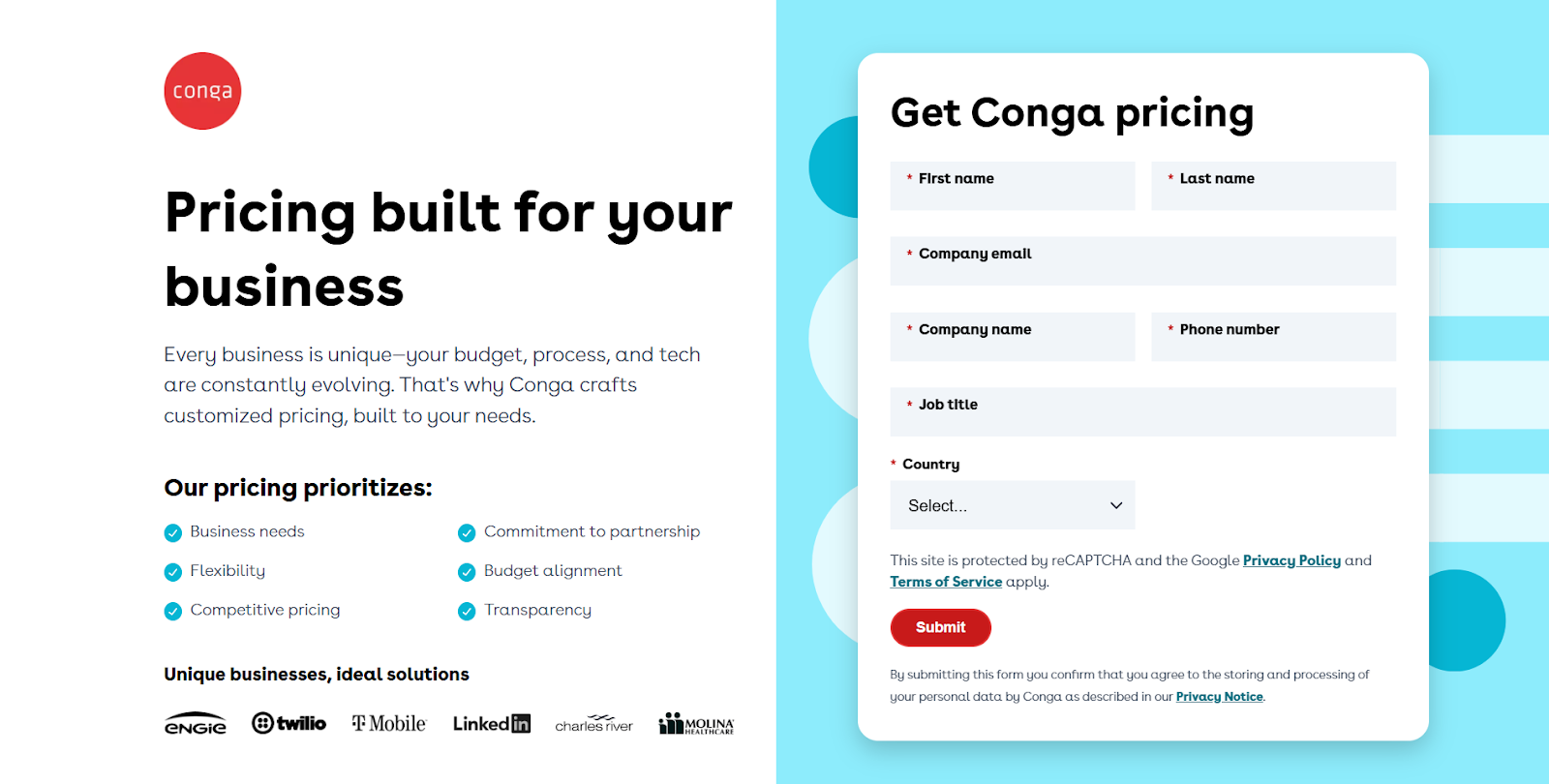
Conga does not provide public pricing information, which means prospective users must submit their company information to get a quote. This makes it difficult to assess costs upfront. The pricing is enterprise-focused with Conga offering different plans based on business needs.
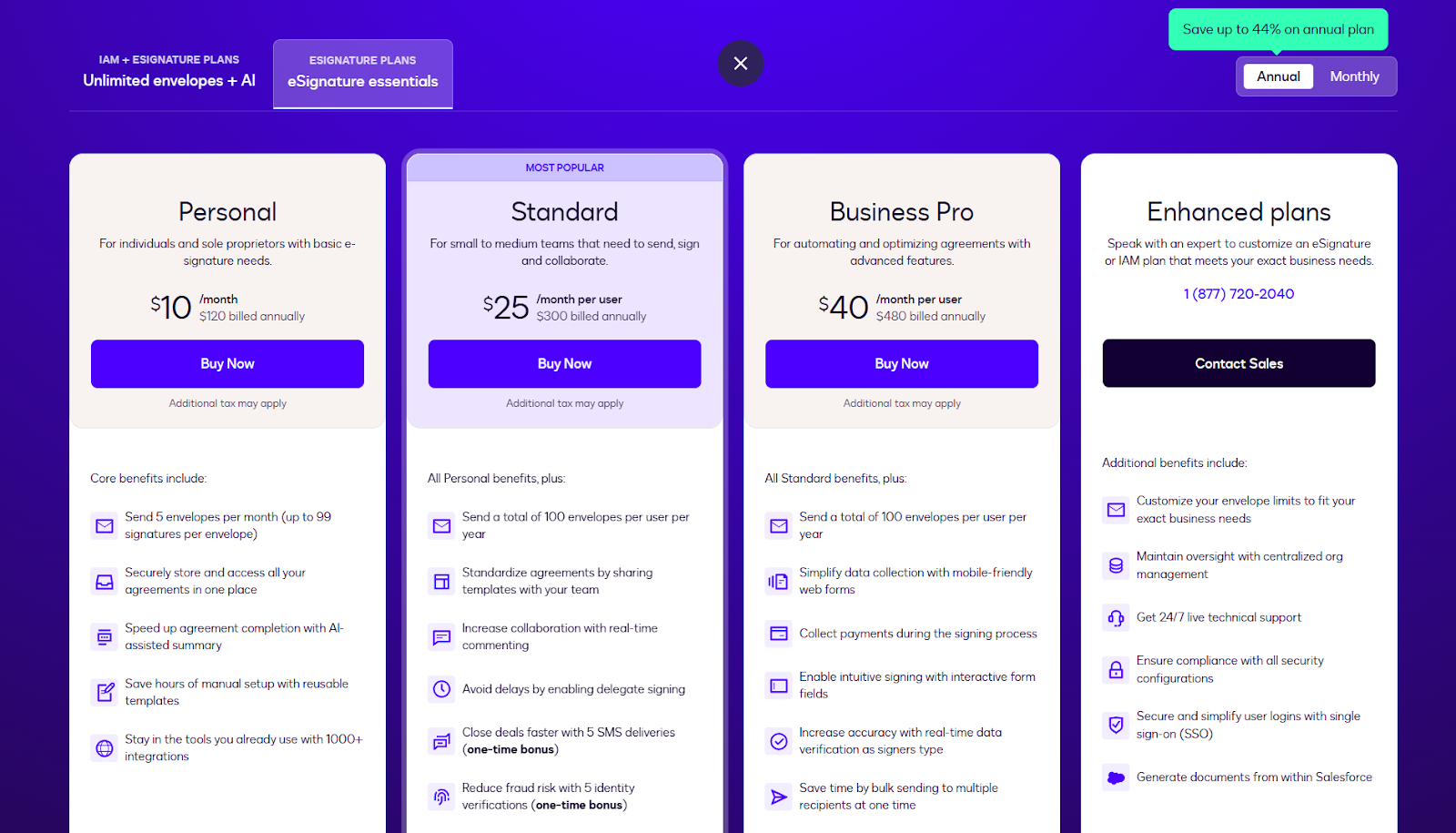
DocuSign is completely transparent about its costs, opting for a tiered pricing model. It offers fully-priced plans for the entire product suite, but also includes “lite” plans for users that only need the e-signature functionality. Both options offer monthly and annual (40% discount) payments, as well as a custom enterprise plan.
Conga is Native to Salesforce, DocuSign Offers Broader Integration Options
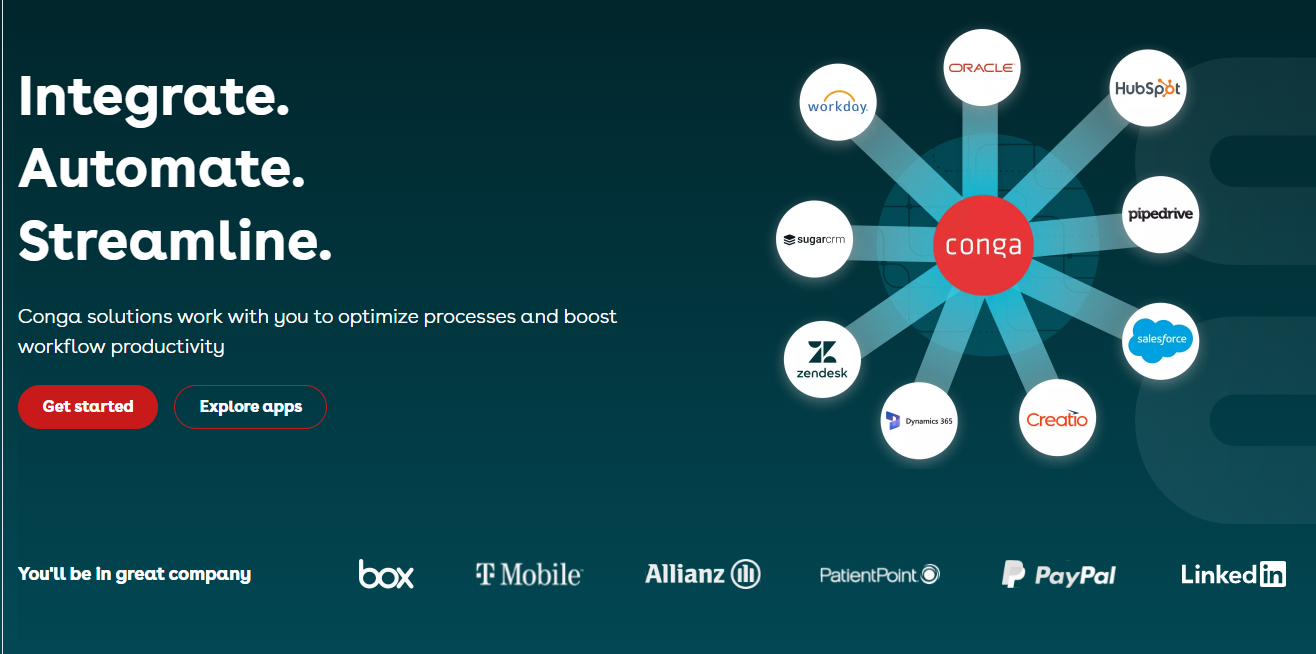
Conga was born on the Salesforce AppExchange in 2006 and is deeply embedded within the Salesforce ecosystem, with Salesforce Ventures as an investor. The platform directly offers its solutions within Salesforce, but also integrates with some popular tools like HubSpot and Zendesk, as well as custom API integrations.
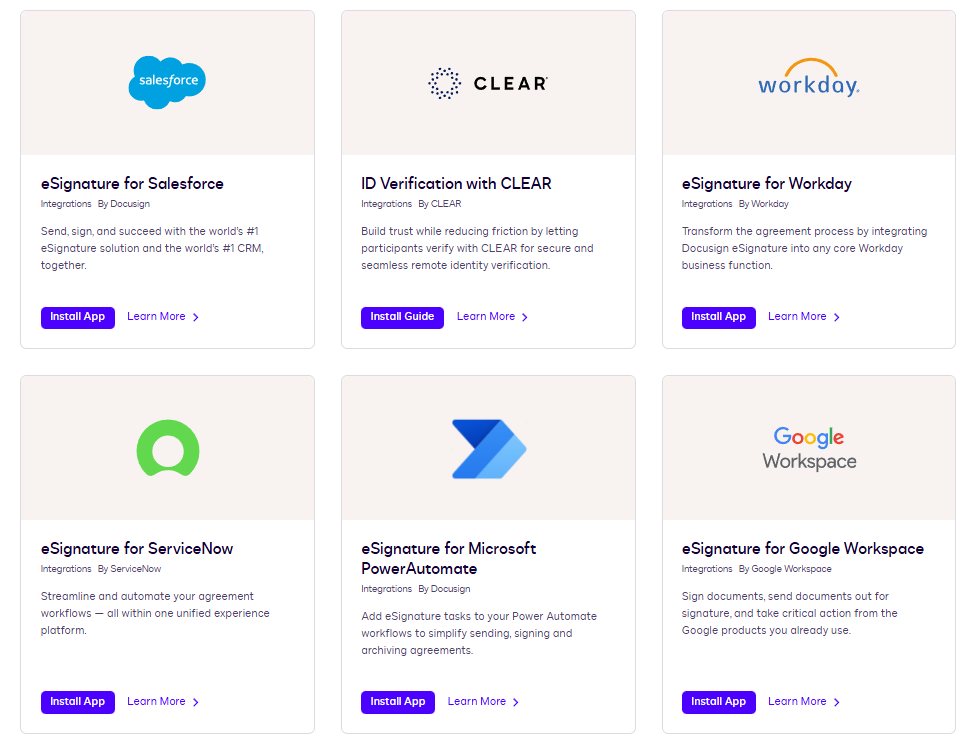
DocuSign offers over 1,000 cloud-based integrations across multiple platforms including Salesforce, Microsoft, Workday, and ServiceNow. It also supports 8,000 other applications through Zaiper, offering more flexibility.
What is Conga?
Conga provides a Revenue Lifecycle Management platform that unifies document automation, contract lifecycle management, and revenue operations under a single platform built primarily for salesforce users.
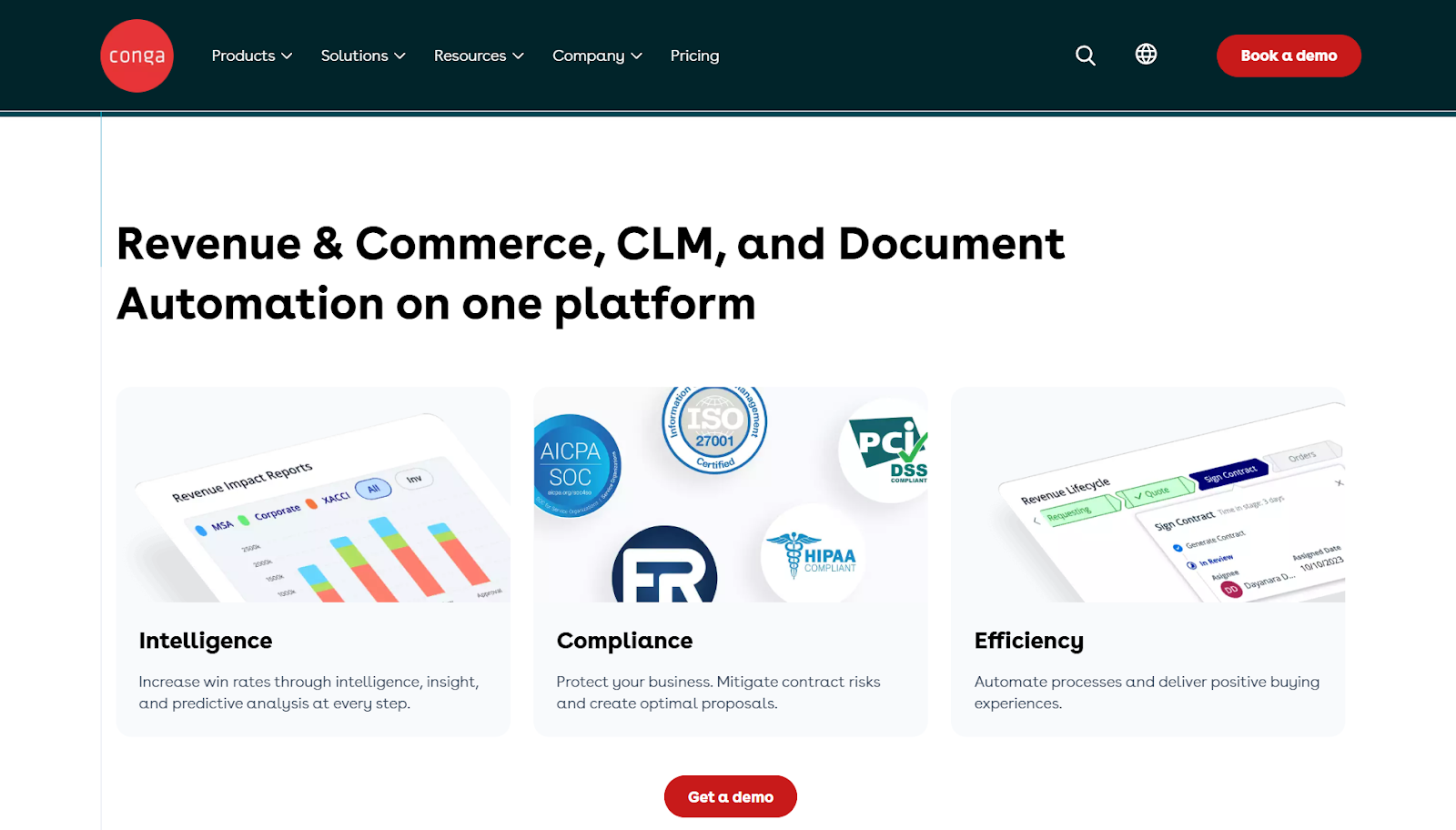
The platform includes Conga Composer for document generation, Conga Contracts for contract management with AI-powered clause libraries and redlining, Conga CPQ for configure-price-quote workflows, and Conga Sign for electronic signatures.
Key Features
- Document Automation
- Conga Composer: Automatically generate error-free, on-brand documents using the robust document creation software.
- Conga Sign: Sign documents digitally with ensured security.
- Contract Lifecycle Management
- CLM: Automate, manage, and safeguard every stage of a contract’s life from creation, negotiation, approval, until the end.
- CLM AI: Use AI to quickly and accurately extract text from contracts for tracking, review, amendment and question answering.
- Revenue & Commerce
- Configure, Price, Quote (CPQ): Streamline the entire quote-to-cash process on a single platform. Use codified and rule-based configuration to reduce errors, ensuring compliance for even complex quotes.
- Digital Commerce: Offer a comprehensive buying experience, ensure consistent pricing and product rules across channels.
- Billing: Customize distinctive billing plans to suit specific business models and customer preferences, such as tiered pricing, usage-based billing, or subscription plans.
Pricing
Conga uses a custom pricing model that varies based on the specific products and modules a business needs. Prospective users must contact Conga’s sales team to request a price quote and book a demo.
Pros and Cons
Pros
- Offers many products for revenue lifecycle management
- Mobile friendly interface for users
- AI-powered features to improve productivity
- Comprehensive toolset for smooth business workflows
Cons
- Lacks transparent pricing information
- Tailored for Salesforce users with limited support for custom workflows
- Cumbersome navigation, especially for new users
What is DocuSign?
DocuSign was originally built for e-signature but has since expanded into what the company calls Intelligent Agreement Management (IAM).
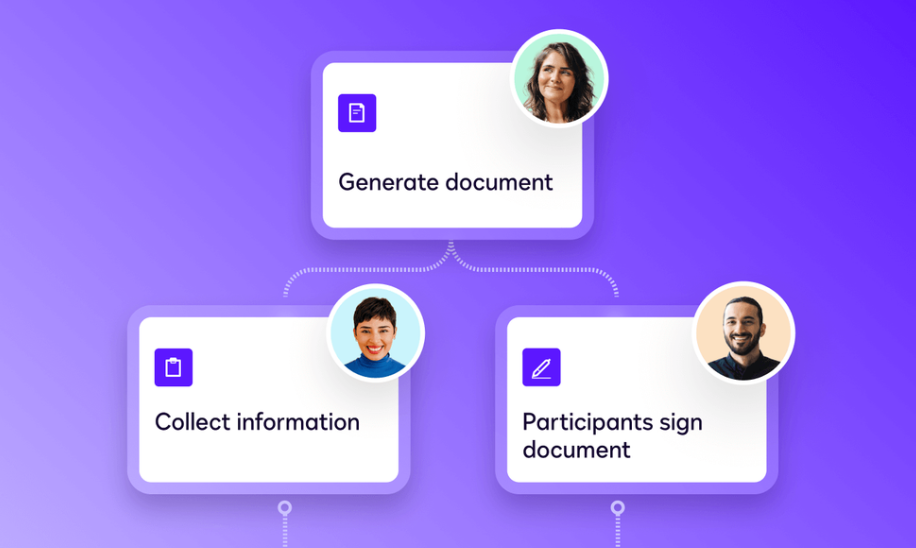
The platform now includes AI-powered contract analysis, workflow automation, and data extraction tools alongside its core signing functionality. Users can prepare documents with drag-and-drop editing, verify signer identities through various methods including government photo ID, and track signature progress with audit trails
Key Features
- Navigator: Use AI to instantly search and analyze agreements. Extract critical agreement data and generate customizable reports for data-driven decisions.
- e-signature: Legally bind contracts from anywhere in the world and close business deals quickly. Mobile app available for signing on the go.
- Maestro: Without writing a single line of code, build and deploy workflow sequences for proposal automation and acceleration.
- Web forms: Build web forms that capture data using a drag-and drop interface. Conditional logic and data validation adapts forms to individual responders.
- Workspaces: Simplify multi-step transactions by centralizing all agreements in a secure, collaborative hub.
- Contract Lifecycle Management (CLM): Improve productivity and efficiency by using this tool to monitor the contract’s progress from start to finish.
Pricing
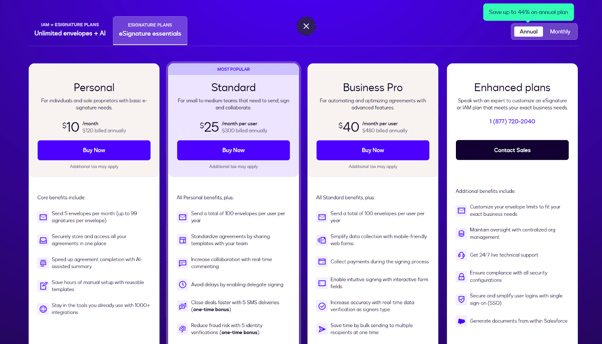
DocuSign offers different payment plans ranging from Personal to Enhanced, depending on your needs. The Personal plan starts at $10 per month, offering 5 envelopes with each envelope containing up to 99 signatures.
The $25/month/user Standard plan includes real-time commenting, identity verification, and templates on top of the Personal plan features. Business Pro adds data verification, interactive form fields, and bulk sending for $40/month/user. The Enhanced plan is tailored to enterprises, with customized envelope limits according to business needs.
Pros and Cons
Pros
- Easy platform to navigate
- Intricate details provided for each feature.
- Thousands of integrations with CRMs, ERPs, a wide range of business tools.
- Robust security, compliance and trusted legal validity.
Cons
- Advanced features are complicated to set up
- Limited customization options in lower-tier plans
- Users complain about not being able to edit documents after they’re sent out
Next Best Alternative to Conga and DocuSign: Proposify
Conga is tailored for enterprise users and hides its pricing information, while DocuSign has a steep learning curve beyond basic e-signatures. Proposify strikes a perfect balance by offering simple, intuitive features for businesses of all sizes — with transparent pricing information.
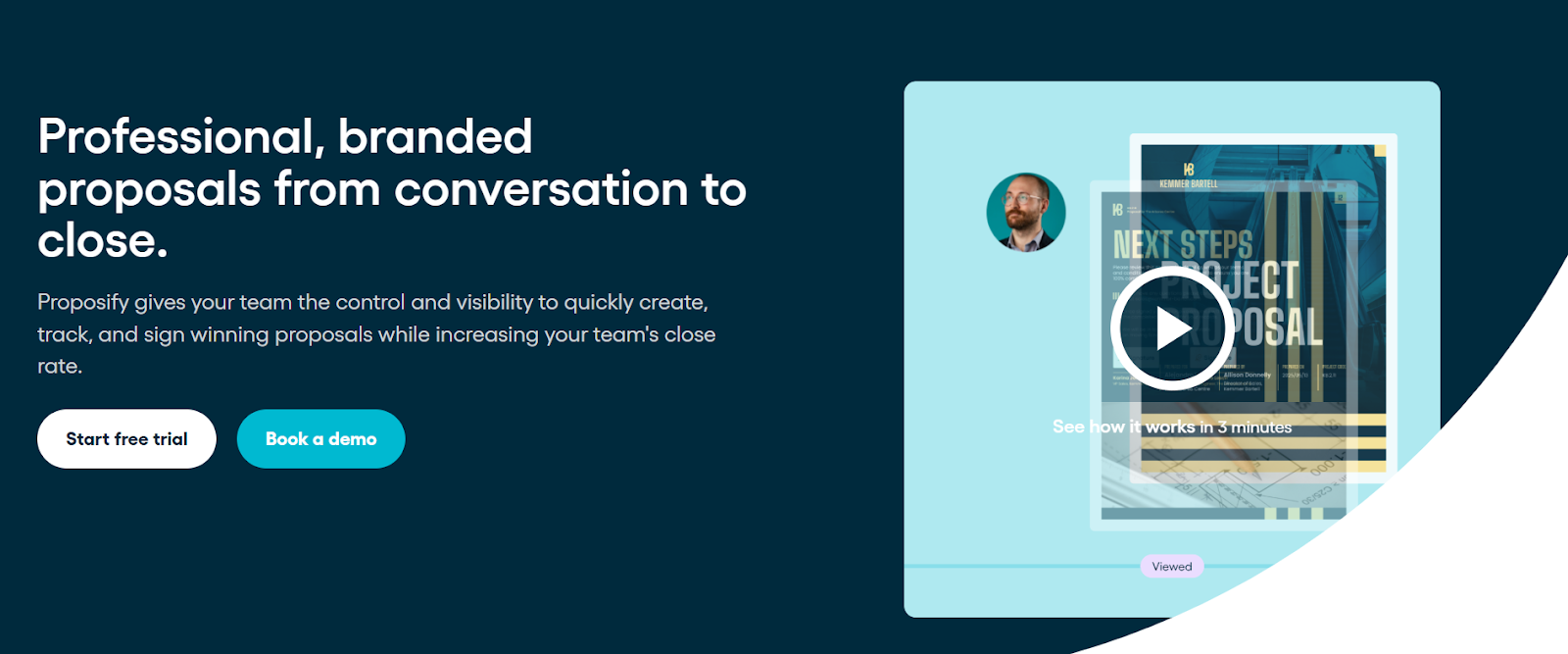
It’s designed for teams who need to create, send, and track proposals with flexibility, and timeliness. Its drag-and-drop templates, real-time analytics, and seamless collaboration ensure proposals are on-brand and error-free, while keeping teams aligned and deals moving efficiently.
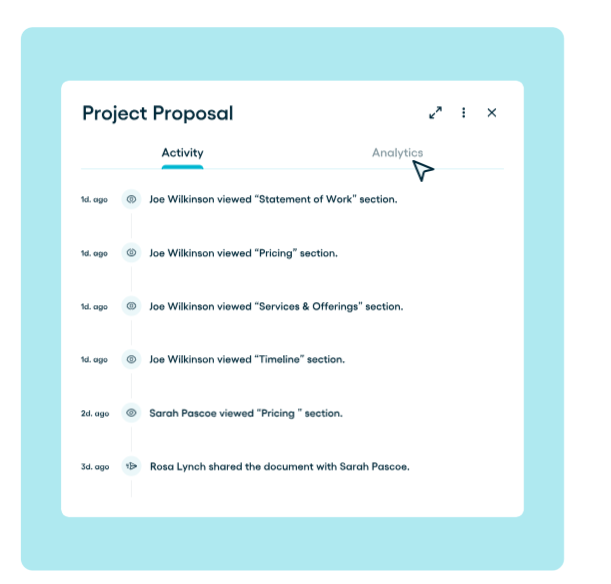
With Proposify’s sales analytics, every proposal becomes a source of insight. Prospect interactions with documents can be tracked: which sections they linger on, where they hesitate, and when they open or revisit a proposal.
Key Features
Proposal Editor
Proposify helps sales teams improve their win rates with polished proposals. Build multi-section proposals with customizable layouts, interactive pricing tables, videos, images, and reusable content. For teams still using Microsoft Word or Google Docs, Proposify is a massive step up from text documents.
Document Tracking
Instead of guessing what went wrong with your proposal, Proposify gives insights into how prospects engage with your proposals, showing a complete timeline of activities. With this, you can stay one step ahead and tailor follow ups with adequate and correct information.
Quoting Software
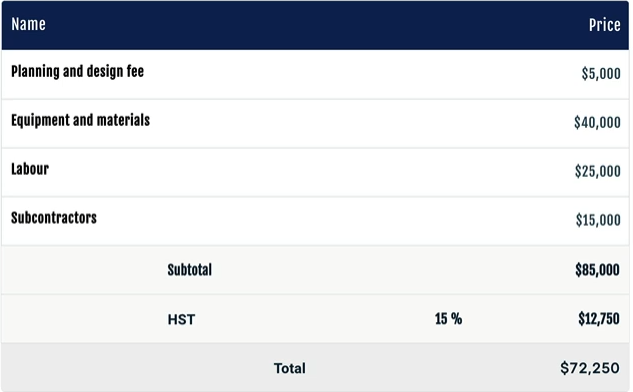
Create accurate, customized digital quotes with interactive pricing and smart discounting tools that help prospects tailor their experiences. Use the intuitive drag-and-drop editor to build customizable pricing tables within minutes. Once the quote is accepted, it can be seamlessly converted to a contract, keeping your workflow fast and organized.
Contract Management Templates
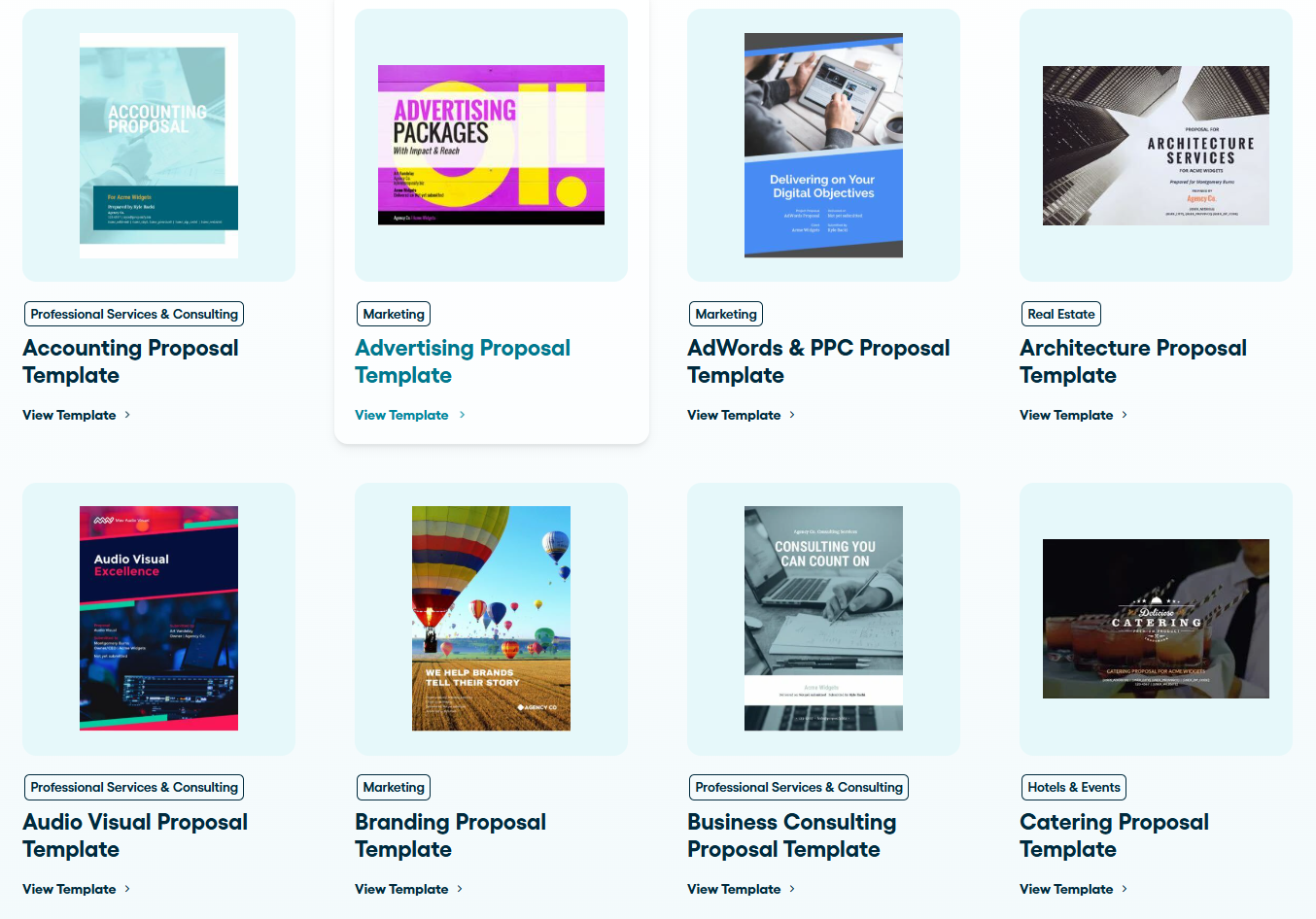
Proposify optimizes the contract management process with reusable, error-free templates. These templates include standardized, pre-approved clauses with the option of attaching supporting business documents. With Proposify, you don’t have to create every agreement from scratch.
Secure, Convenient E-Signatures
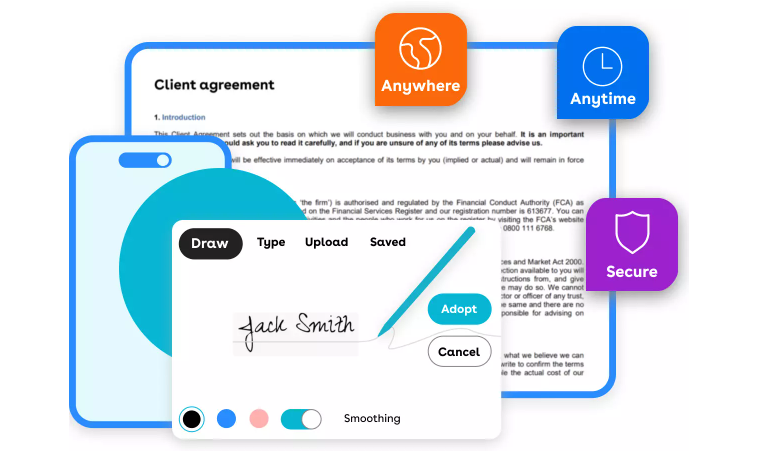
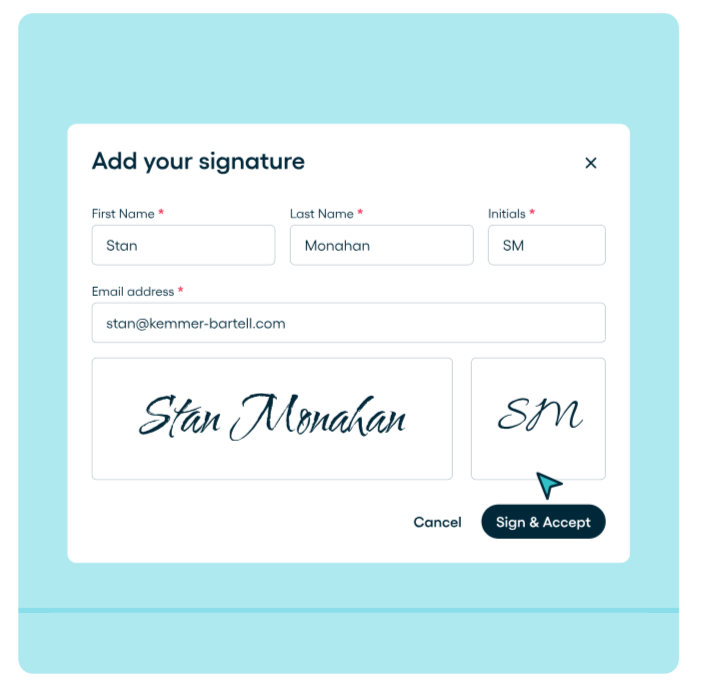
Collect secure, legally binding electronic signatures from anywhere on any device with Proposify. This feature is designed for client convenience and doesn’t require specialized tools or add-ons. Automatic reminders are also sent for pending signatures, and clear notifications for expiration dates, keeping deals on track.
Document Automation
Proposify improves the proposal creation process, reducing creation time from days to minutes by automating repetitive processes, reducing errors, and eliminating time-consuming admin work. With variables and fields that automatically populate client names, project details, pricing, and dates from your CRM, every proposal is accurate and consistent.
Hands-On Customer Support
Responsive customer support across multiple channels. The team provides Monday to Friday email and live chat, even on the lowest pricing plan. Guides, training classes, and workflow audits to help you get the best out of Proposify.
Pricing
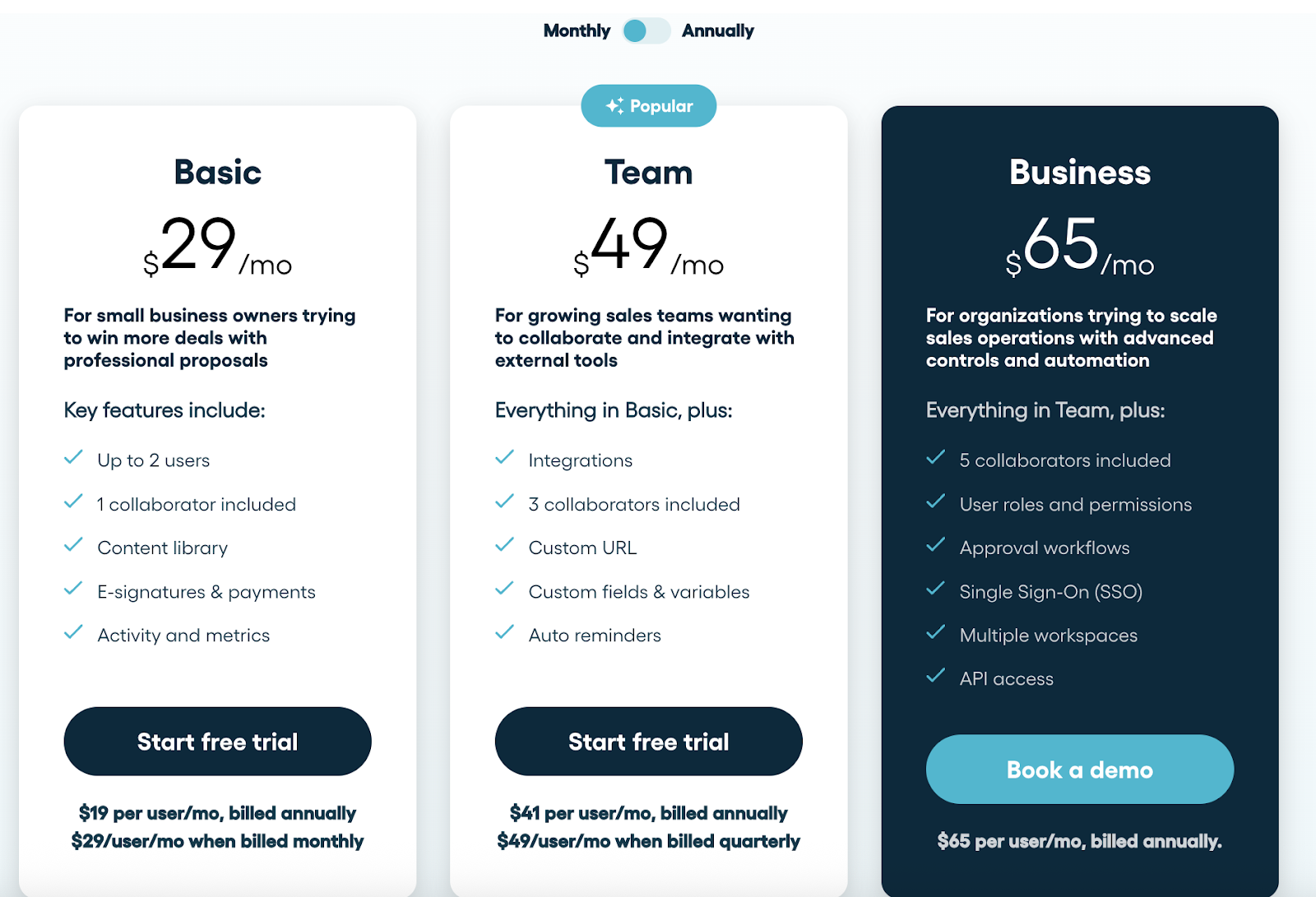
Proposify starts at $29/user/month for all core features. The Team plan offers higher limits and custom roles, while the Enterprise plan adds single sign-on, advanced permissions, and tailored onboarding for larger organizations.
Pros
- Design flexibility to create impressive, on-brand proposals
- Role-based element locking ensures pricing, terms, and brand compliance without slowing teams down
- Done-for-you implementation gets teams up and running faster than competitors
- Comprehensive proposal analytics showing prospect engagement behavior to prevent deals from going dark
- Ensure every proposal maintains brand standards across offices, reps, and regions
- Free up sales teams to focus on selling activities instead of document formatting and approvals
Cons
- Pricing may not be favourable for micro-businesses with infrequent proposal needs
Conga vs. DocuSign vs. Proposify: Feature Comparison
|
Feature |
Conga |
DocuSign |
Proposify |
|
Proposal Presentation |
PDF-style, structured |
Document-based, structured |
Custom layouts, branded |
|
CRM Integrations |
Basic (Salesforce, Microsoft Dynamics, etc.) |
Wide (Salesforce, Microsoft, HubSpot, etc.) |
Deep (HubSpot, Salesforce) |
|
E-Signatures |
Built-in via Conga Sign |
Built-in |
Built-in |
|
Payment Options |
No payment info available |
Credit/debit, PayPal |
Stripe only |
|
Analytics |
Document lifecycle tracking |
Document status tracking |
Section-level engagement |
|
Design Flexibility |
Moderate, template-based with automation options |
Limited, focused on signing and templates |
Full creative control |
|
Custom Design Services |
No |
No |
Yes |
|
Support Quality |
12-hour support, depending on region |
24/7 support on business plans (mixed user reviews) |
Known for great support |
Why people choose Proposify
Streamlined Proposal Creation
Sales teams often find themselves in chaos, building proposals in Word or Google Docs, manually copying pricing, and struggling to maintain brand consistency. Proposify solves this by enabling fast, professional, and on-brand proposal creation. With flexible templates, teams can eliminate repetitive tasks and free time to focus on selling rather than formatting.
Insightful Proposal Analytics
With real-time visibility into prospects interactions with proposal documents, teams can plan for strategic follow ups. Proposify converts seemingly invisible interactions into actionable insights.
Responsive Human Support
Proposify's support team is known for quick response times and knowledgeable assistance. The company provides live onboarding, training resources, and custom design help alongside standard troubleshooting. Users consistently note the human, accessible approach rather than automated or scripted interactions.
Flexible Collaboration for Teams of Any Size
Different parts of the team can collaborate on one document. For example, the operation, and legal teams can enforce brand compliance, while the sales team focuses on customizing proposals for the clients. This ensures consistency and accuracy, even if the teams scale or expand.
A Complete Sales Efficiency Solution
People choose Proposify because it solves real sales problems like long proposal cycles, lost deals from errors, lack of visibility, and more. It goes beyond “proposal software” to integrate CRM systems, e-signatures, and workflow automation.
Ready for a Simpler Alternative?
Your choice of tools can shape how your brand is perceived and how efficiently your team operates. For large enterprises needing comprehensive lifecycle automation, Conga offers a powerful enterprise solution to manage complex workflows. DocuSign excels at e-signatures, especially on mobile devices and improves productivity with AI-powered workflows.
But if you want the best option for branded proposals, engagement tracking, document automation, secure e-signatures, and contract management, look no further than Proposify. It offers flexible, transparent pricing and is extremely easy to use with hands-on design support.
Get started with Proposify here.