









Comparing the Best 11 DealHub Alternatives
|
Tools |
Key Features |
Major Limitation |
|
Proposify |
- Drag-and-drop editor - Content library - CRM integration with HubSpot, Salesforce, Pipedrive. - Analytics and E-signatures |
Editing challenges when adjusting table data or aligning elements. |
|
PandaDoc |
- Electronic signatures - Workflow management - Real-time tracking |
Limited template customization. |
|
GetAccept |
- Video communication - Automated workflows - Sales analytics |
Templates offer limited customization. |
|
Qwilr |
- Web-based documents - Interactive quotes - Integration with CRM systems, payment gateways, and accounting software |
Lacks in advanced editing features. |
|
HubSpot Sales Hub |
- Sales automation - Deals & pipeline management - Reporting & dashboards |
Offers limited customization options, requiring additional support for broader adaptations. |
|
Salesforce CPQ |
- Product configuration - Pricing guidance - Quote generation |
Product Option Drawer attributes are not supported in the Salesforce mobile app. |
|
Oracle CPQ |
- Product configuration - Price management - Quote creation and management |
Steep learning curve, especially for new administrators. |
|
SAP CPQ |
- Product configuration - Pricing flexibility - Quote generation and management |
Unintuitive and challenging user interface. |
|
Conga CPQ |
- Advanced product configuration - Dynamic pricing & discounting - Seamless document generation |
Customizing Conga CPQ often requires developer expertise. |
|
QuoteWerks |
- Customizable templates - Real-time pricing integration - Approval workflows |
Offers limited customization options. |
|
Cacheflow |
- No-code CPQ for SaaS - Interactive buyer room - Subscription management & renewals |
Limited customization options |
Proposify
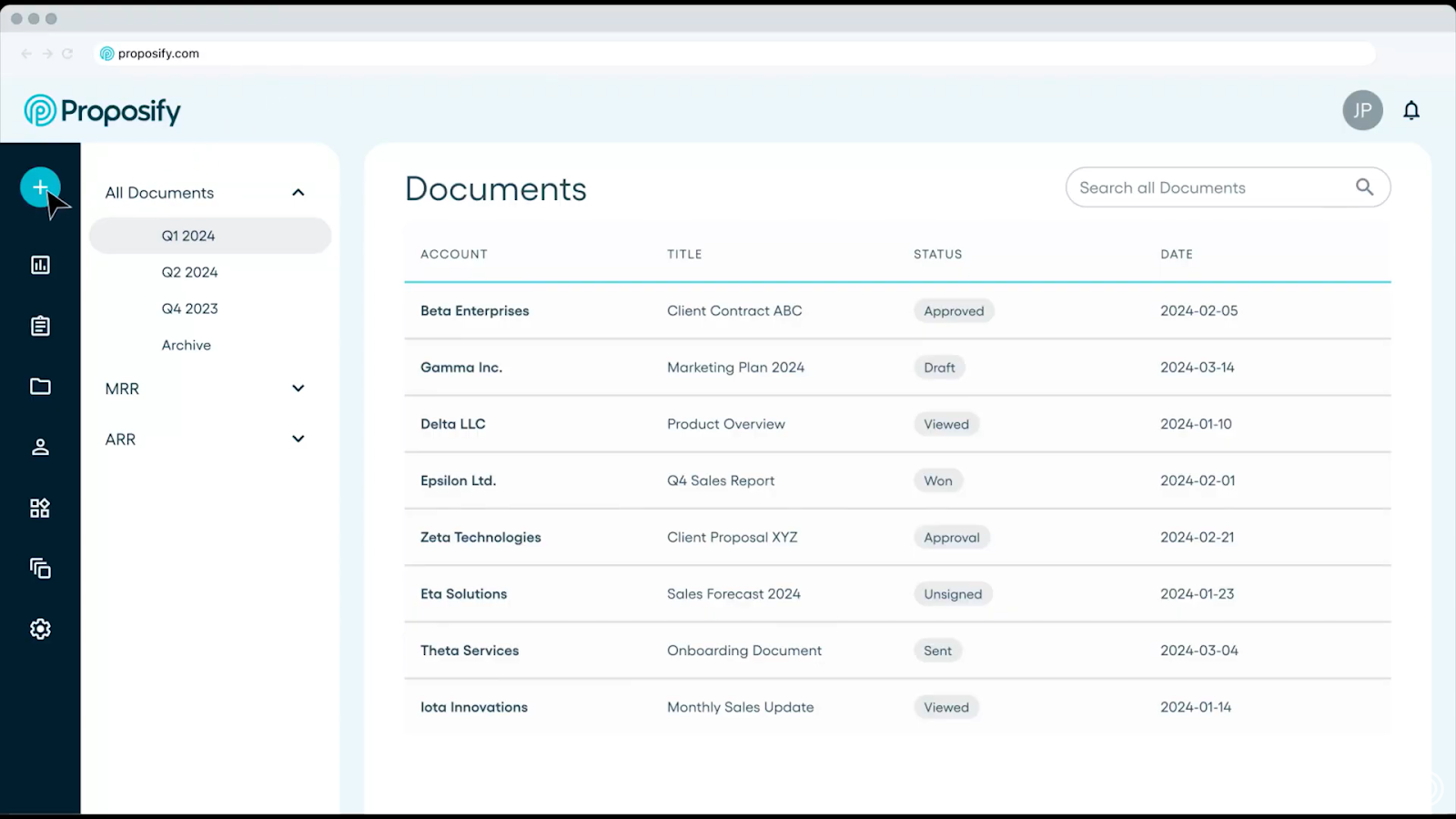
Proposify is cloud-based proposal software that empowers businesses by providing full control and visibility into the entire sales process. It also boasts many of the same features as CPQ software, often at a lower price.
With its user-friendly interface and extensive set of features, Proposify simplifies the proposal creation process, allowing users to design professional-looking documents that impress prospects and win deals.
Key Features
- Drag-and-drop proposal editor with full design control
- Reusable templates and a shared content library
- Interactive pricing tables with optional items and editable quantities
- CRM integrations with HubSpot, Salesforce, and Pipedrive
- Proposal analytics that show views, time spent, and close data
- Built-in e-signatures for faster deal completion
Pricing
We offer three main plans: Basic ($29/month), Team ($49/month), and Business ($65/month).
Basic provides core tools like a content library and e-signatures for up to two users. Growing teams can upgrade to Team for CRM integrations and automation, while the Business plan adds advanced controls, SSO, and approval workflows.
Pros
- Strong balance of pricing flexibility and ease of use
- Proposals look polished without relying on design tools
- Clear visibility into buyer engagement after send
Cons
- Advanced layouts and pricing tables take some time to learn
- Not designed for internal-only contract management
Reviews
Proposify holds a 4.6-star rating on G2.
2. PandaDoc
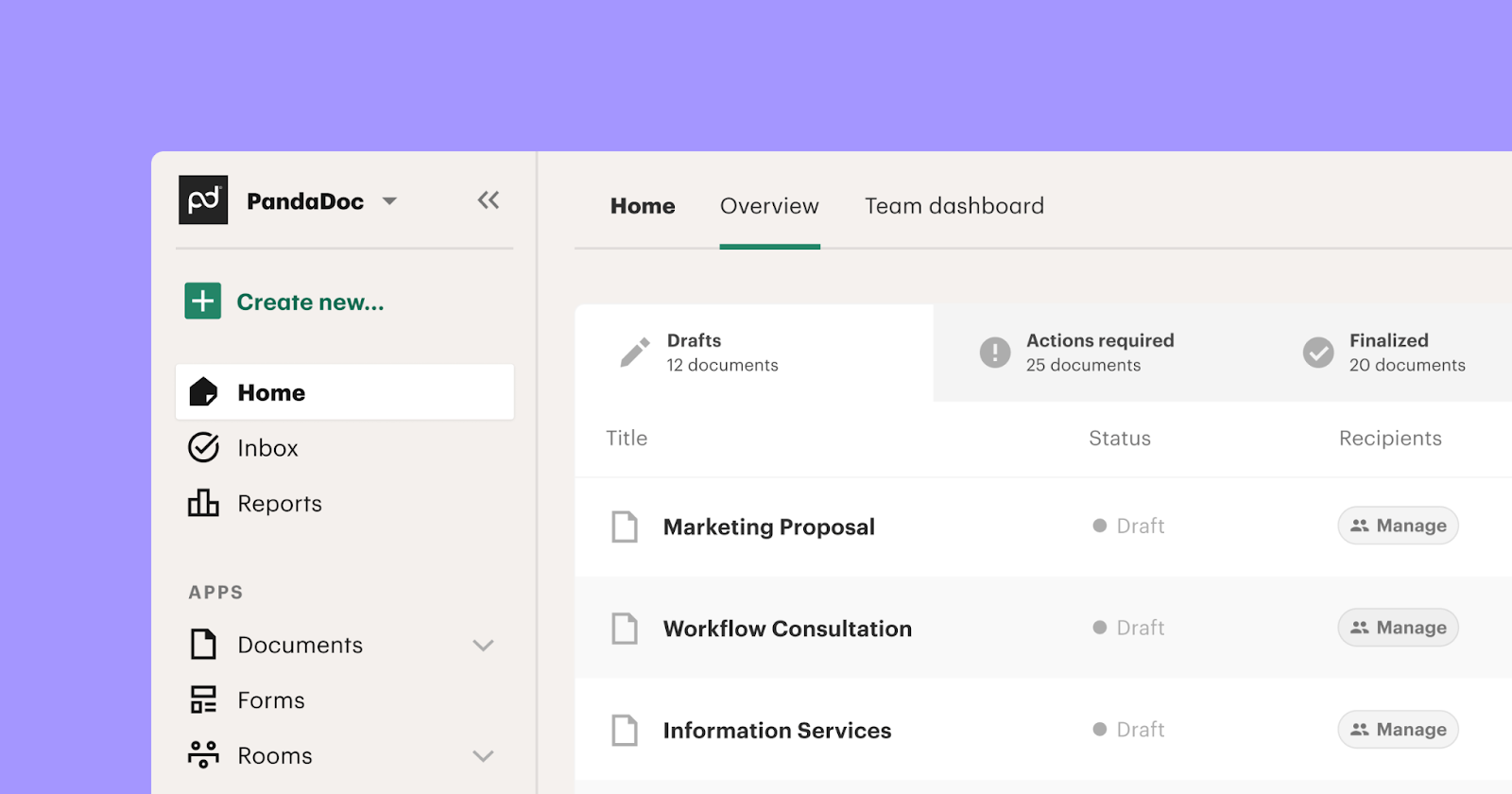
PandaDoc is a document automation platform used to create, send, and sign proposals, quotes, and contracts. Teams often choose it when they want e-signatures combined with basic document workflows and tracking, without moving into full CPQ.
Key Features
- Built-in e-signatures with status tracking
- Document workflows for reviews and approvals
- Real-time alerts when documents are opened or signed
- Templates for proposals, quotes, and contracts
- CRM integrations for sending and tracking documents
Pricing
Paid plans start around $19 per user per month. Pricing increases with added workflows, integrations, and advanced features.
Pros
- Easy to get started for common document use cases
- Good visibility into document activity
- Works well for teams sending a high volume of standard documents
Cons
- Template design and layout options feel restrictive
- Editing can be frustrating when fields break or do not behave as expected
- Mobile experience is weaker than desktop
Reviews
PandaDoc is rated around 4.7 stars on G2.
3. GetAccept
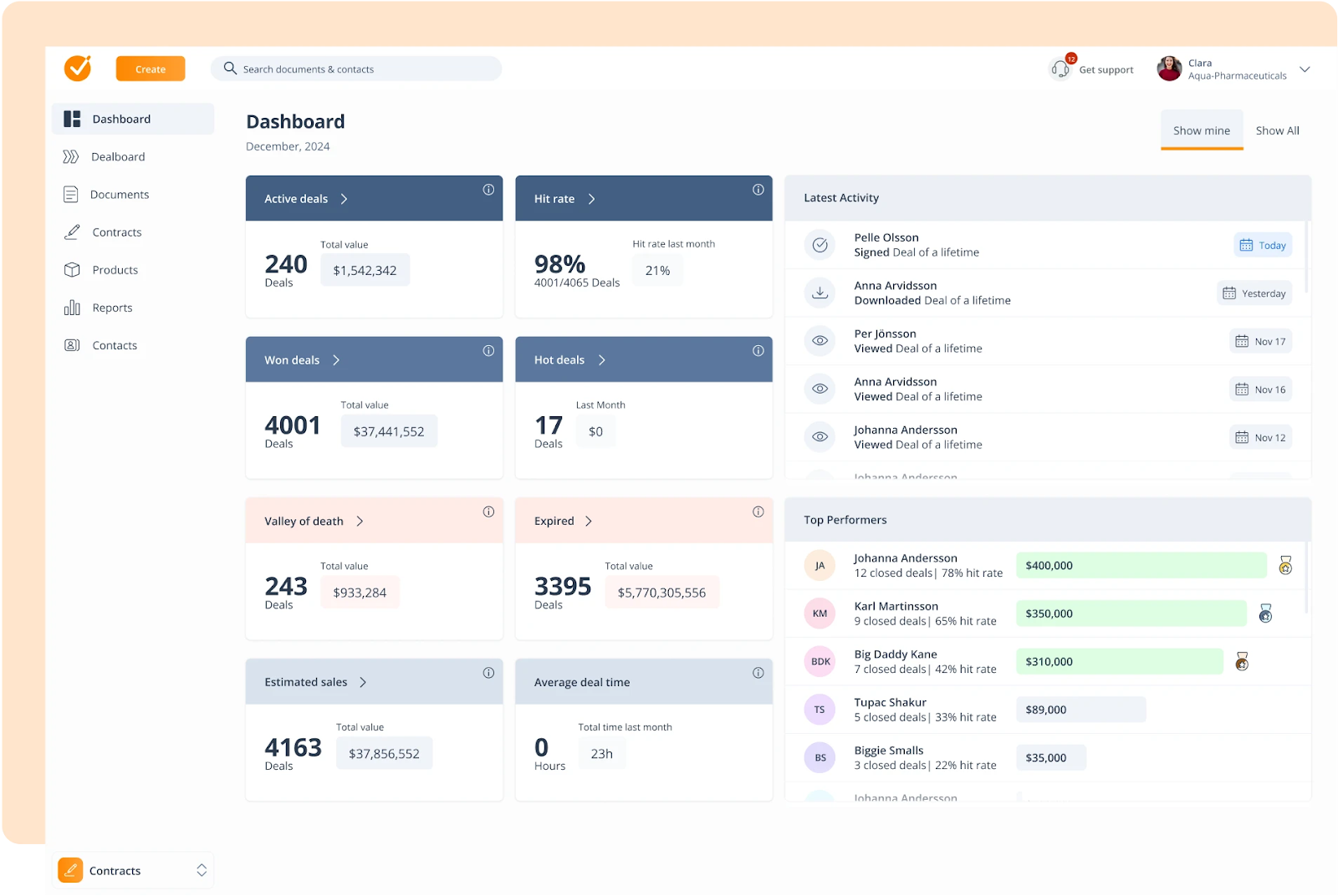
GetAccept is a digital sales room platform built for sales teams that want to combine documents, e-signatures, and buyer interaction in one place. It focuses on deal engagement, with tools that help reps communicate, follow up, and keep deals moving.
While it's an alternative to DealHub, you can find several GetAccept alternatives if you want even more options.
Key Features
- Video messages embedded in proposals and sales documents
- Automated reminders and follow-ups for recipients
- Built-in e-signatures for contracts and agreements
- Sales activity tracking inside the deal room
- CRM integrations for deal visibility
Pricing
GetAccept’s pricing starts at $25/user/month for the eSign plan. The Professional Plan costs $49/user/month for a minimum of 5 users, offering a complete digital sales room experience. Free trial available.
Pros
- Video messaging adds a personal touch to proposals
- Helpful for teams that rely on guided follow-ups
- Sales rooms keep documents and conversations together
Cons
- Templates offer limited layout and design control
- Editing contracts and templates can feel clunky
- Missing bulk actions and flexible recipient editing
Reviews
GetAccept is rated around 4.6 stars on G2.
4. Qwilr
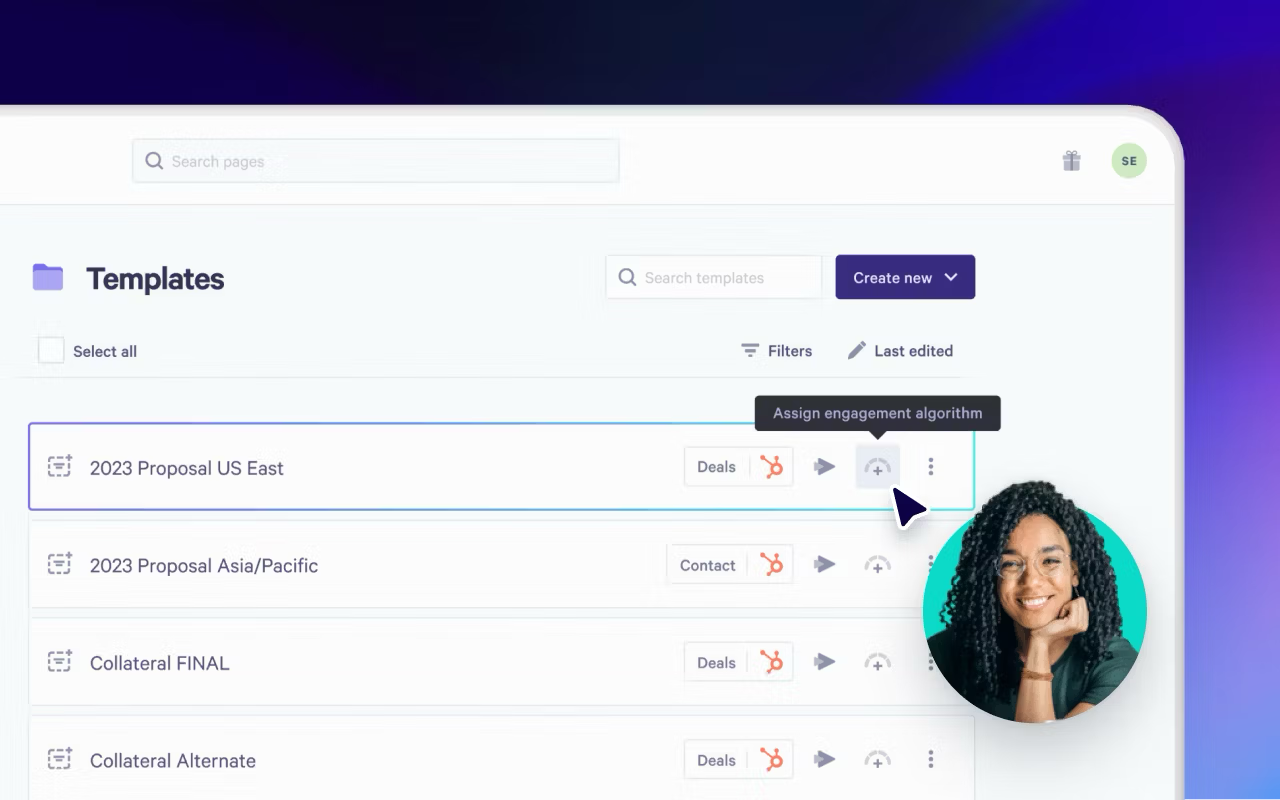
Qwilr is a proposal and document platform focused on creating web-based sales documents instead of traditional PDFs. Teams use it to present proposals and quotes in a more interactive format, especially when presentation matters more than strict pricing rules.
Not a fan of Qwilr? Here’s our list of Qwilr alternatives.
Key Features
- Web-based proposals and quotes with interactive elements
- Interactive pricing where buyers can select options and quantities
- Online sharing instead of file-based documents
- Integrations with CRM tools, payment platforms, and accounting software
Pricing
Qwilr plans start around $39 per user per month. Higher tiers add integrations, branding, and advanced features.
Pros
- Clean, modern proposal presentation
- Interactive quotes improve buyer experience
- Easy for sales teams to share and update proposals
Cons
- Limited control over layout and advanced editing
- PDF exports often break formatting
- Integrations can require extra setup
Reviews
Qwilr holds a 4.6-star rating on G2.
5. HubSpot Sales Hub
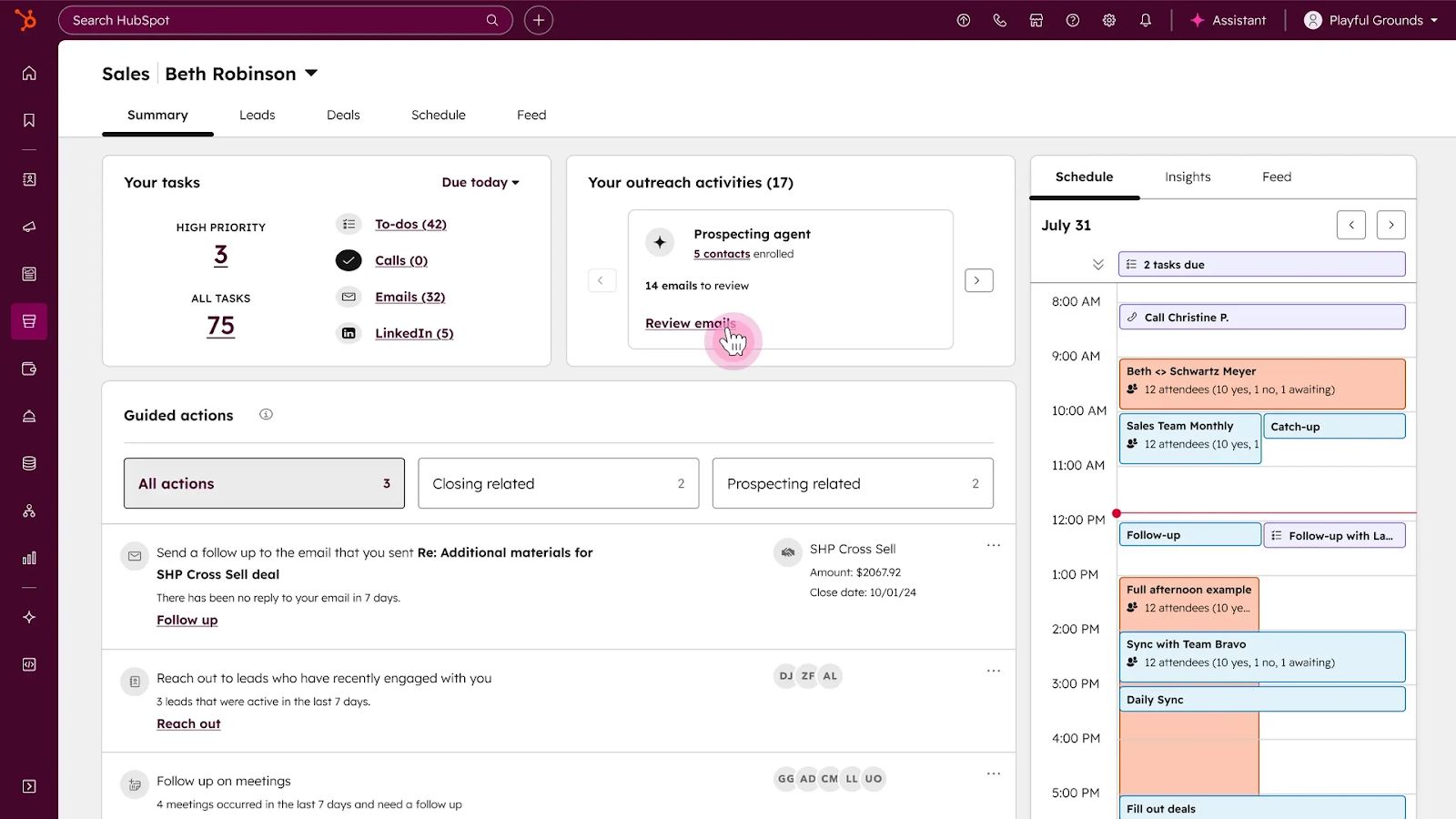
HubSpot Sales Hub is part of the HubSpot CRM and focuses on managing leads, deals, and sales activity in one system. Teams often use it as their core sales workspace, then layer in other tools for quoting or proposals.
Key Features
- Sales automation for follow-ups, tasks, and outreach
- Deal and pipeline tracking with visual stages
- Reporting and dashboards for sales activity and performance
- Native connection to HubSpot’s marketing and service tools
Pricing
Plans start with a free tier. Paid Sales Hub plans range from roughly $9 to $150 per month per seat, depending on features and scale.
Pros
- Strong pipeline visibility and reporting
- Works best for teams already using HubSpot CRM
- Reduces tool sprawl inside the sales org
Cons
- Limited flexibility for proposals and quoting
- Custom changes often require added tools or support
- Not built to replace dedicated CPQ or proposal software
Reviews
HubSpot Sales Hub is rated around 4.4 stars on G2.
6. Salesforce CPQ
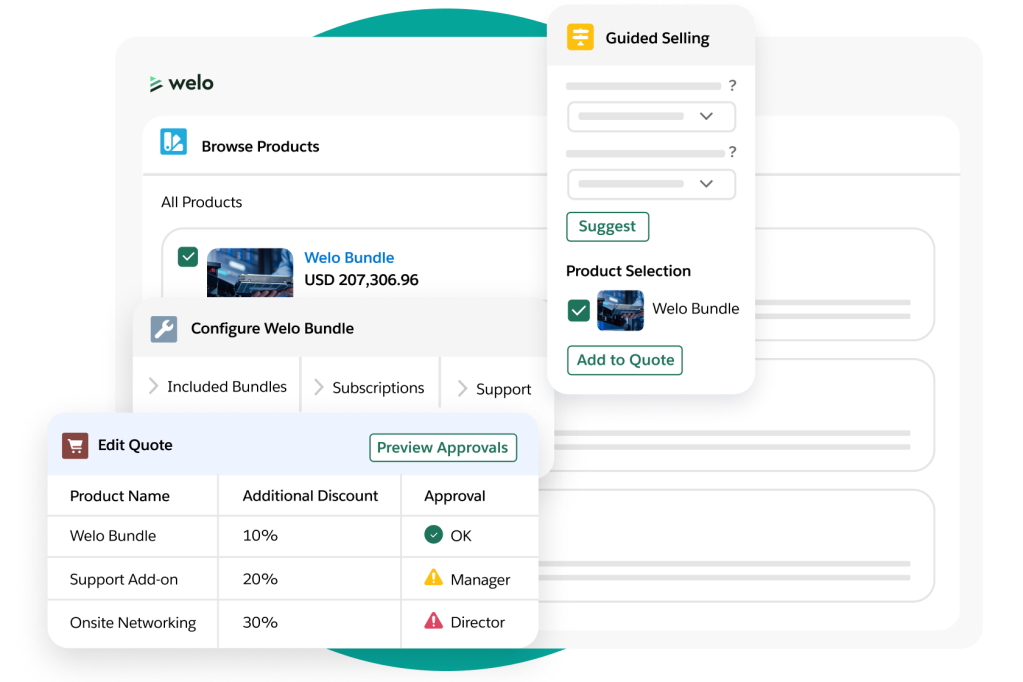
Salesforce CPQ is a powerful tool designed to automate the quoting process and integrate seamlessly with Salesforce’s broader Sales Cloud. It’s best suited for teams that need to manage complex product configurations, pricing, and discounts within the Salesforce ecosystem.
Key Features
- Product configuration to ensure accurate, customizable quotes
- Pricing and discounting automation to ensure consistency
- Professional, branded quote generation
- Integration with Salesforce for full CRM visibility
Pricing
Salesforce CPQ is part of the Salesforce Sales Cloud. There’s a limited free plan, with paid plans starting at $25 per user per month. Adding Agentforce to the plan is an option at higher costs.
Pros
- Strong for managing complex product configurations
- Fully integrated with Salesforce CRM
- Custom pricing rules and discounting
Cons
- Mobile experience is limited; no support for certain product attributes
- Setup and implementation are complex
- Data migration can be challenging, especially for large teams
Reviews
Salesforce CPQ is rated 4.2 stars on G2.
7. Oracle CPQ
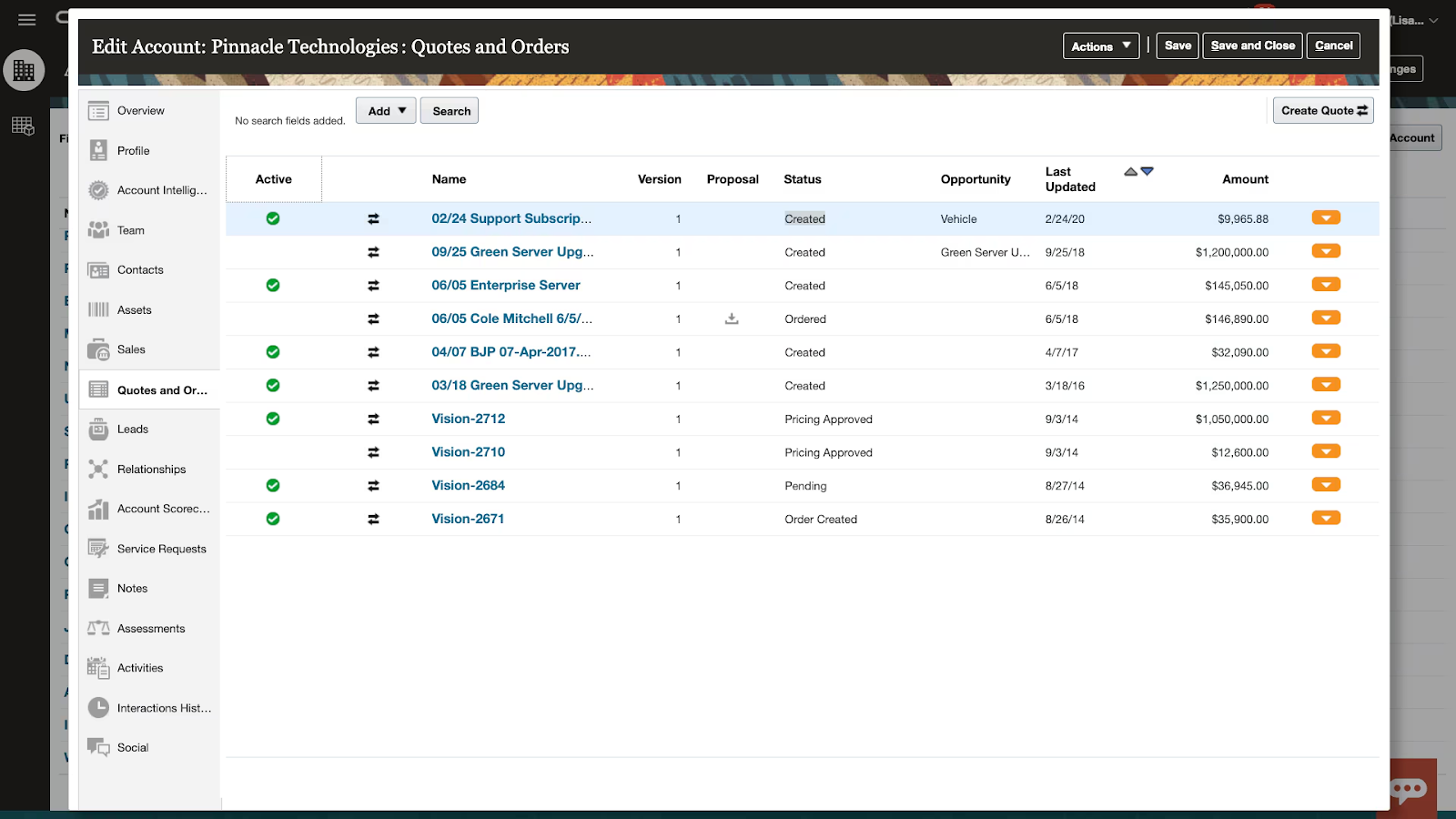
Oracle CPQ is a cloud-based platform designed to support complex sales cycles, product configurations, and pricing. Integrated within Oracle's suite of cloud applications, it’s tailored for organizations needing advanced product configuration, price management, and detailed quoting.
Key Features
- Product configuration with multiple options and variations
- Price management for complex pricing rules and discounting
- Quote creation with product descriptions and configured pricing
- Integration with other Oracle cloud tools
Pricing
Oracle CPQ pricing is not publicly listed. Costs typically depend on user count and specific configuration needs, making it one of the more expensive CPQ solutions.
Pros
- Strong support for complex sales cycles and configurations
- Robust pricing rules and discounting automation
- Deep integration with other Oracle applications
Cons
- Users report frequent bugs affecting data and performance
- Customization is complex; requires external expertise
Reviews
Oracle CPQ holds a 4.5-star rating on G2.
8. SAP CPQ
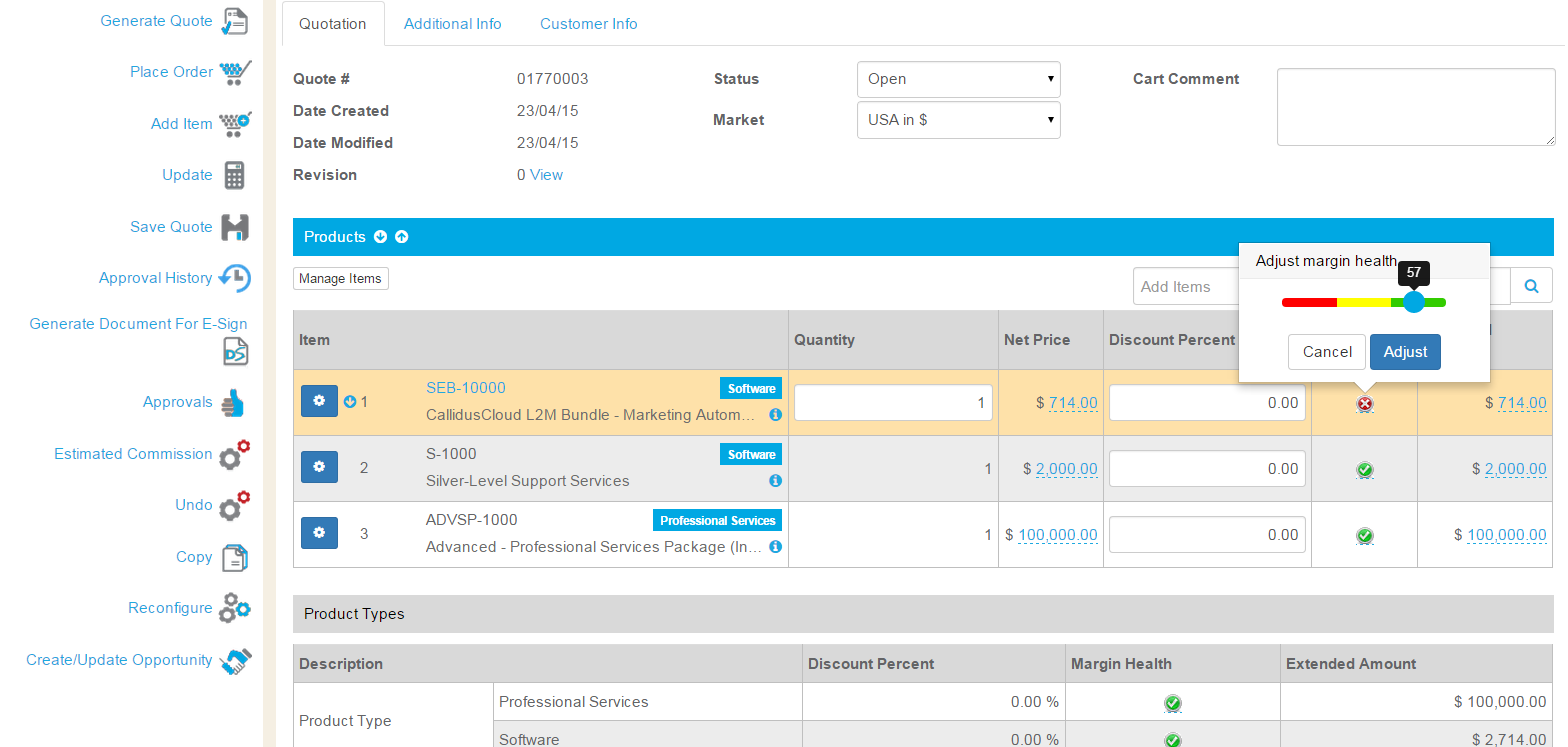
SAP CPQ is a solution built to help sales teams configure products, manage pricing flexibility, and generate accurate quotes. It is ideal for businesses that deal with complex, configurable products and need robust systems for managing pricing rules and quote generation.
Key Features
- Product configuration with flexible options and business rules
- Pricing management for complex structures, including discounts and regional pricing
- Quote creation with detailed pricing and product descriptions
- Integration with SAP systems for full enterprise workflow
Pricing
SAP CPQ customer pricing costs EUR 84.97/user/month for the standard edition. Commercial access costs EUR 10,006/month, covering blocks of 50000 orders per year. It’s a higher-cost solution for larger enterprises.
Pros
- Strong product configuration and pricing flexibility
- Good for companies selling complex or customizable products
- Integration with SAP ecosystem
Cons
- The user interface is difficult to navigate, making adoption harder
- Performance issues can occur, especially when working with large quotes
- Integration with non-SAP platforms is challenging
Reviews
SAP CPQ holds a 4.5-star rating on G2.
9. Conga CPQ
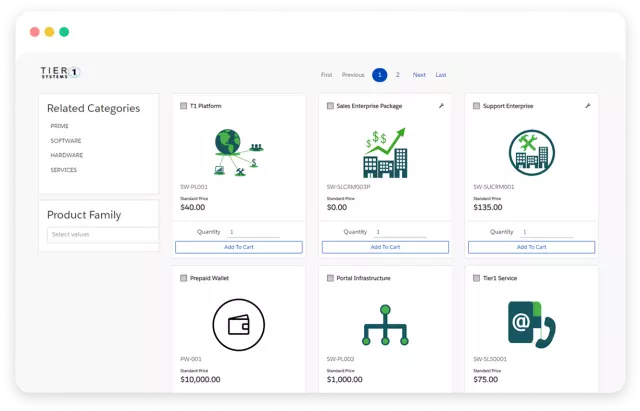
Conga CPQ is a cloud-based solution that automates the configure, price, and quote process for B2B sales teams. It focuses on reducing errors and improving efficiency with advanced product configuration, dynamic pricing, and seamless quote generation.
Key Features
- Guided product configuration engine to ensure compatibility
- Dynamic pricing and discounting models (tiered pricing, volume discounts)
- Integration with Conga Composer for generating branded quotes and proposals
- Automation of the quoting process to speed up sales cycles
Pricing
Conga CPQ pricing is available upon request. As a more feature-rich solution, it typically comes with a higher cost compared to simpler CPQ tools.
Pros
- Strong configuration capabilities for customizable product offerings
- Dynamic pricing and flexible discounting options
- Automated document generation for professional, branded quotes
Cons
- Customization is complex and requires developer expertise
- Performance issues when handling larger or more complex quotes
- Limited user guidance, often requiring external support for setup
Reviews
Conga CPQ has a 4.1-star rating on G2.
10. QuoteWerks
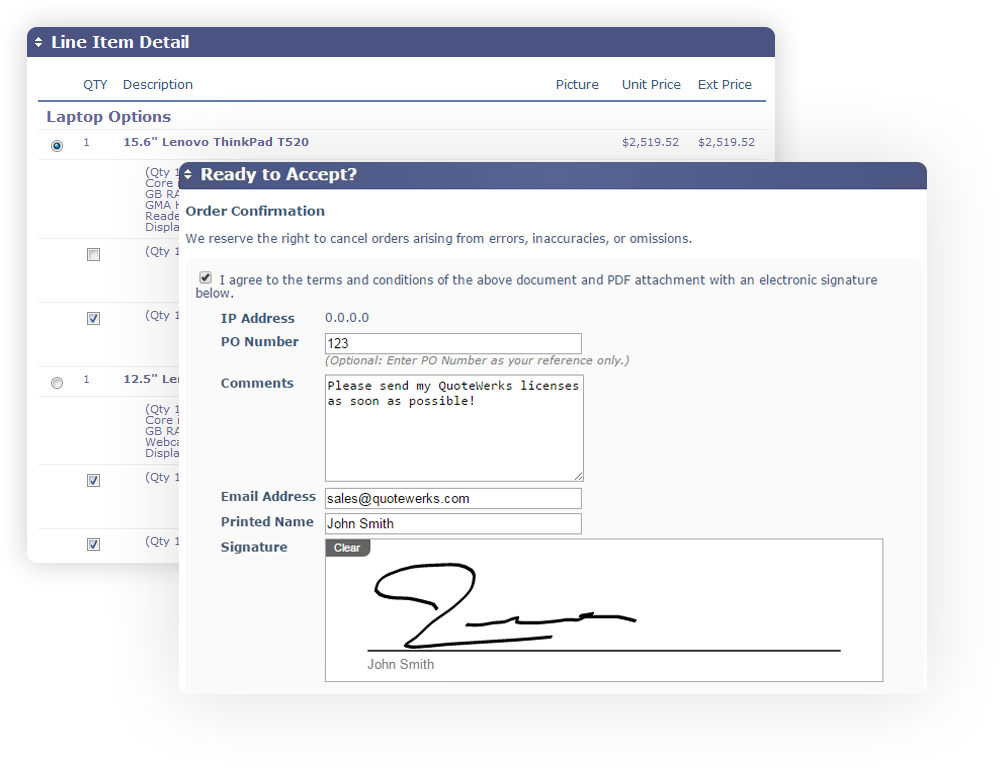
QuoteWerks is a flexible CPQ tool designed to streamline quoting processes for businesses. It offers customizable templates, real-time pricing integration, and approval workflows, making it a strong choice for teams that need a reliable quoting solution but don’t require heavy product configuration.
Key Features
- Customizable templates with built-in layout designer and Microsoft Word templates
- Real-time pricing and availability from over 15 distributors
- Peer reviews and approval workflows to ensure quote accuracy
- Seamless integration with CRM and accounting systems
Pricing
QuoteWerks pricing starts at $50 and goes up to $102/month/user, depending on the features and support level required.
Pros
- Great for creating branded, customizable quotes and proposals
- Real-time pricing from distributors improves quote accuracy
- Approval workflows help ensure consistency and reduce errors
Cons
- Limited flexibility in document customization
- Formatting issues when resizing images or editing shared documents
- Integration with third-party services can be difficult, which may slow down workflows
Reviews
QuoteWerks has a 4.4-star rating on G2.
HubSpot) and accounting systems (like QuickBooks and NetSuite).
11. Cacheflow
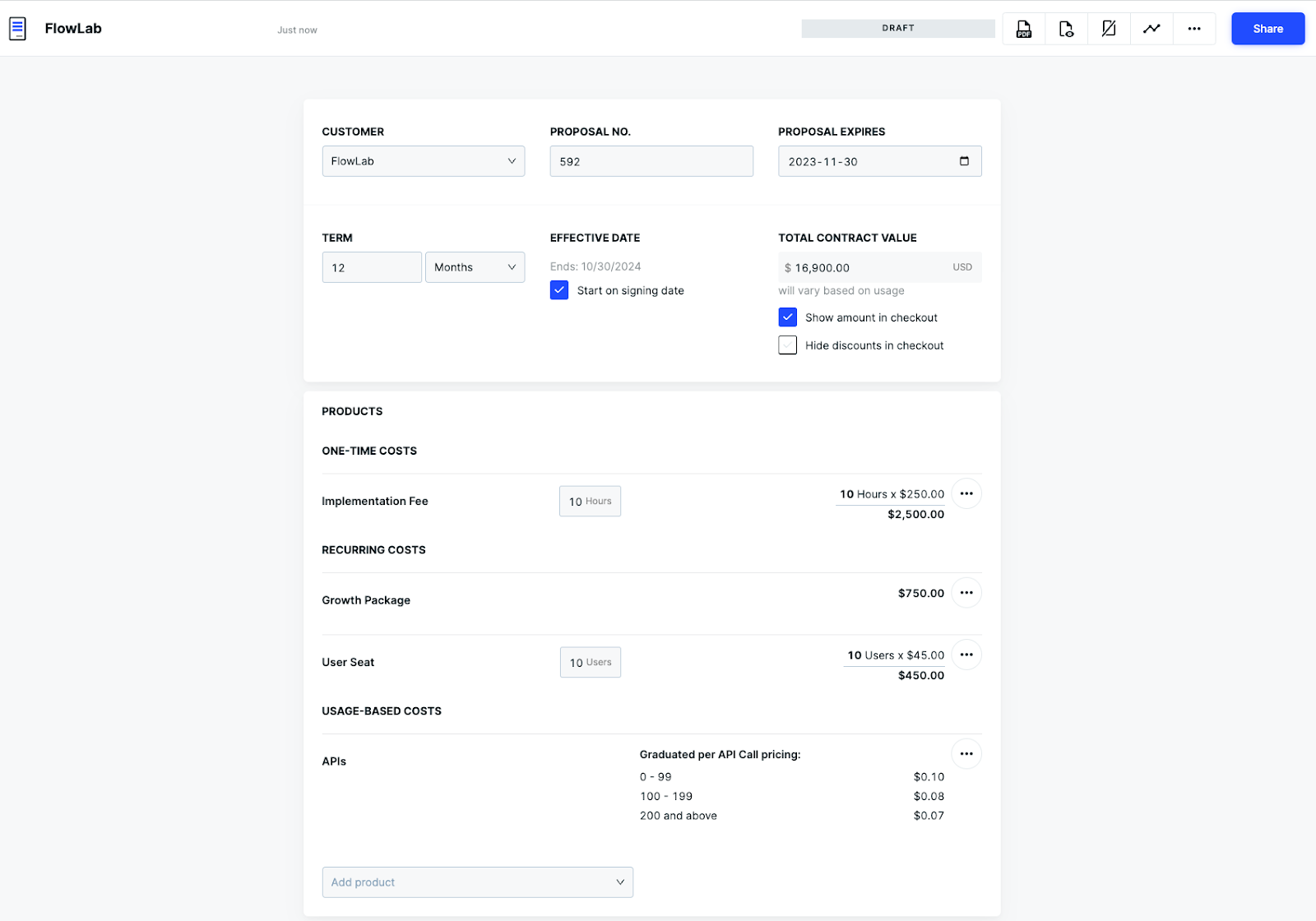
Cacheflow is a no-code CPQ platform built for SaaS businesses, now integrated into HubSpot’s Commerce Hub. It automates quoting, billing, and subscription management, enabling sales teams to close deals faster with fewer administrative tasks.
Key Features
- Dynamic, branded proposals with complex pricing models (usage-based, tiered)
- Self-Service checkout allowing buyers to review, e-sign, and pay via a single interactive link
- Automated recurring billing, upsells, and proration for SaaS contracts
- Seamless integrations with HubSpot, Salesforce, QuickBooks, and NetSuite
Pricing
Cacheflow pricing is available through HubSpot’s Commerce Hub:
- Professional: $48/month/seat (annual) or $95/month/seat (monthly)
- Enterprise: $84/month/seat (annual) or $140/month/seat (monthly)
Pros
- No-code platform for easy configuration of complex SaaS pricing
- Interactive buyer link for streamlined checkout and payment
- Strong integrations with HubSpot, Salesforce, and accounting systems
Cons
- Might not be a fit for teams that are not using HubSpot
- Limited customization for managing multiple entities under one contract
- Performance issues with larger, complex quotes
Reviews
Cacheflow is rated 4.5 stars on G2.
Proposify vs. DealHub
DealHub offers many features, but several DealHub competitors bring more of them. This is especially true of Proposify. Many of our capabilities surpass DealHub's, and offer users more options and better functionality.
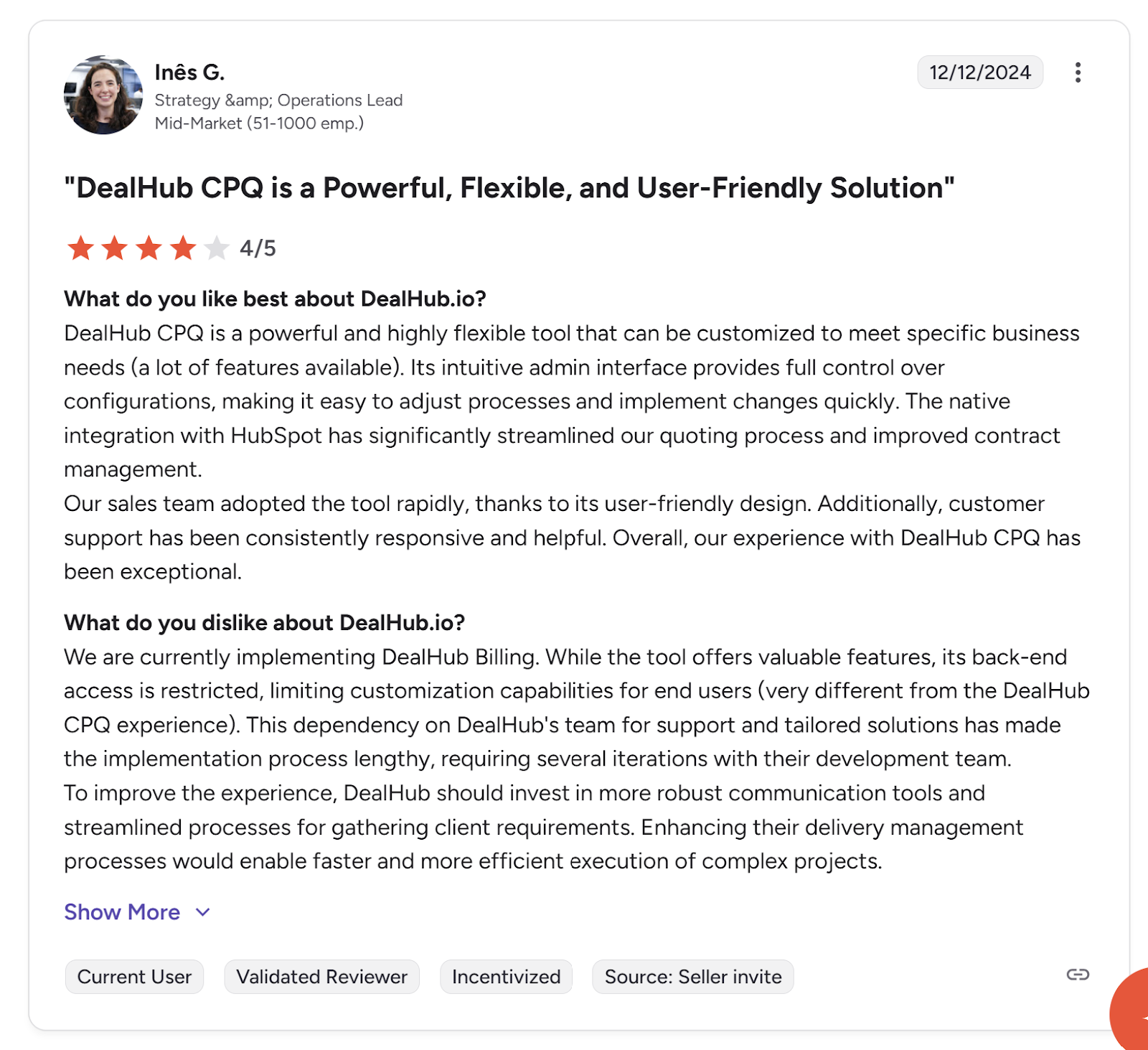
- Setup: While DealHub is generally easy to use on the front end, some customers find the back end confusing and difficult to use. Proposify is a simpler solution. It has a user-friendly back end, and is easy to set up and manage.
This makes troubleshooting easier, which means your team spends less time setting up software and more time closing deals.
- API: DealHub lacks an API, whereas Proposify launched a public API in April 2024. This makes it easier for developers to more deeply integrate Proposify with other business systems.
- Reporting: As DealHub puts the majority of its focus on CPQ, its reporting features are lacking. In addition to offering many of the same features as CPQ software, Proposify offers detailed reporting to help your team track movement through the sales process and measure success.
Overall, Proposify makes things easier for your sales team, while offering broader integration capabilities.
Become a CPQ Pro with Proposify
Whether you're looking for easy back-end setup, an API, or advanced reporting, or you simply want an affordable, easy-to-use option, Proposify provides a wide range of features to automate your sales processes and drive growth with less effort.
Learn more about how Proposify gives you end-to-end visibility into and control of your quoting process to help you close deals more quickly and efficiently.