







Published: March 13, 2026
Updated: March 13, 2026

Quick summary
Proposable no longer cutting it for you? It's time to explore alternatives. In this guide, we'll break down the five best proposal software options you can use instead of Proposable — comparing features, pricing, and ideal use cases to help you find the right fit for your sales workflow.
Here’s a quick glance at the top 3 proposal tools before we get started:
|
Tool |
Standout Feature |
Starting Price |
|
Proposify |
Feature-rich templates & analytics |
$19/user/month |
|
Better Proposal |
Fast, automated formatting |
$19/user/month |
|
Qwilr |
Interactive web-first proposals |
$35/user/month |
Looking for Proposable Alternatives?
With a solid rating of 4.2/5 on G2, Proposable delivers on its core promise: helping teams create, send, and track proposals without complex workflows.
But many users find the platform limiting once they need faster editing, smoother design options, or more intelligent automation. One user noted that the "page/content editor could be improved, as it can be tricky to get things exactly where you want them and takes some practice."
The verdict? Teams don't have time to wrestle with tools that slow them down, which is why many are exploring alternatives that feel more intuitive and modern. In this guide, we'll compare the top five Proposable alternatives to help you find a solution that better fits your workflow and budget.
Why Listen to Us?
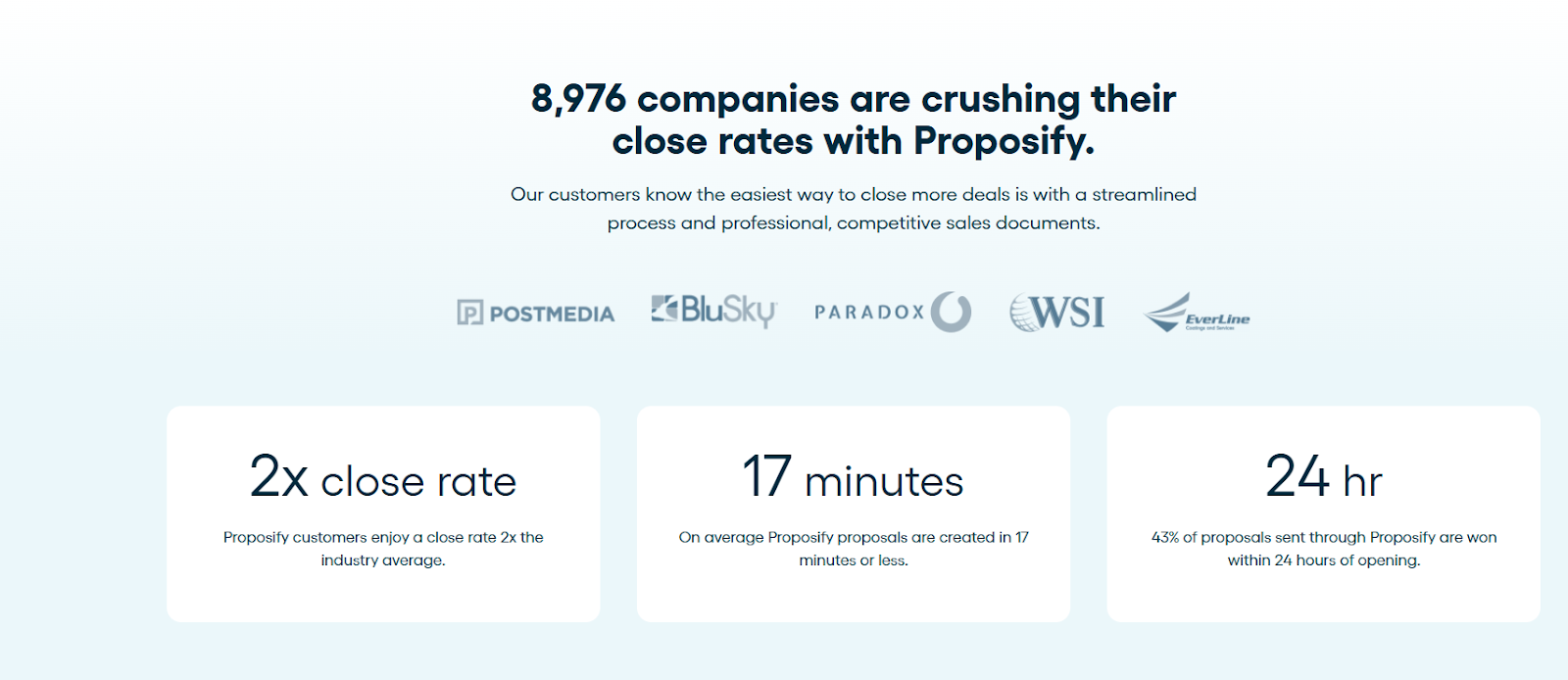
Sales proposals are more likely than ever to go unread, leaving high-stakes deals to grow cold. Despite the odds, our team here at Proposify has helped thousands of sales teams turn stalled opportunities into signed wins. We’ve studied what really moves prospects to action, eliminated the friction that slows sales cycles, and built features that make every proposal clear, compelling, and conversion-ready.
So, consider this more than just a product overview, but a high-level roadmap to a proposal tool that actually drives results.
What is Proposable?
Proposable is a cloud-based tool designed to help sales teams create business proposals more efficiently. It provides pre-designed templates, a drag-and-drop editor, and basic analytics to help teams design, send, and track proposals without the manual work. Teams get to collaborate internally, see when clients open proposals, and collect e-signatures all in one place, making proposal management as simple as can be.
Why look for an alternative?
Proposable covers the basics well, but as teams grow or need more customization, advanced workflow automation, or design flexibility, it tends to fall short. Based on trend patterns and common themes from user reviews, here are the top reasons why teams look for alternatives:
Complicated Customization Options
While Proposable offers a rich set of customization features, many users report that configuring templates and adjusting designs can be confusing or overwhelming. New users, in particular, find it difficult to fully leverage the platform.
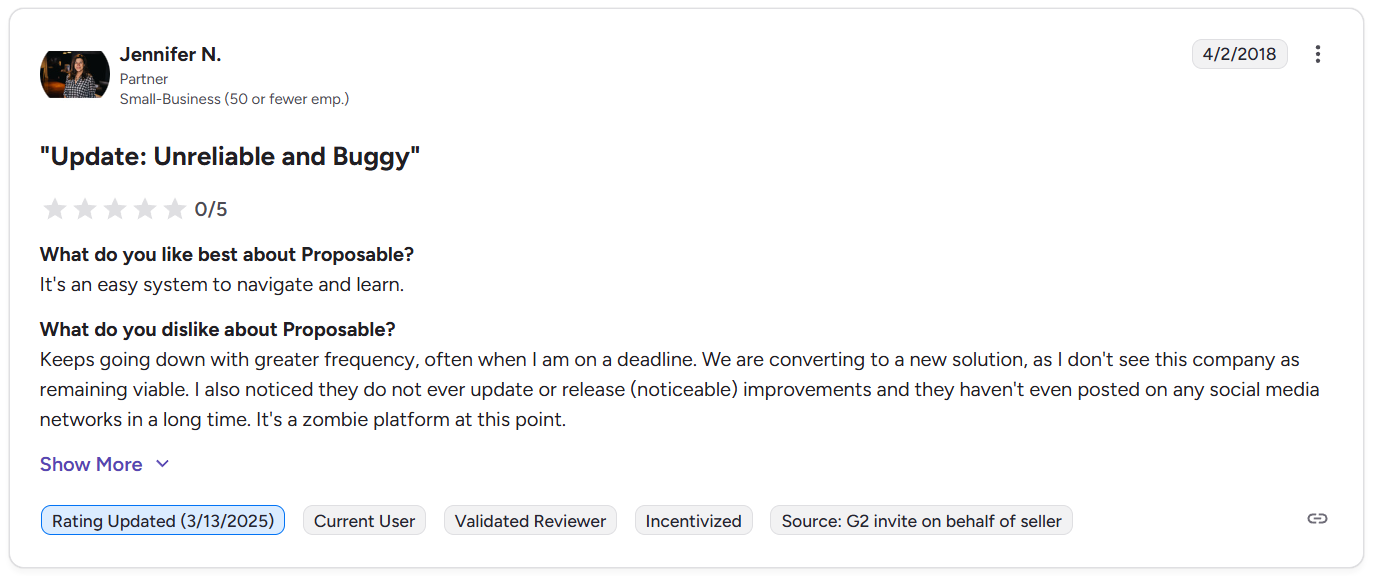
Occasional Platform Downtime
Some users report instances of downtime or slow app performance, which creates bottlenecks and reduces overall productivity for sales teams that rely on speed and efficiency.
Formatting Problems on Import
Importing content from other platforms or documents can sometimes lead to unexpected formatting issues. Users often spend extra time tweaking layouts and correcting inconsistencies, which can stall proposal workflows and create frustration for teams working with tight deadlines.
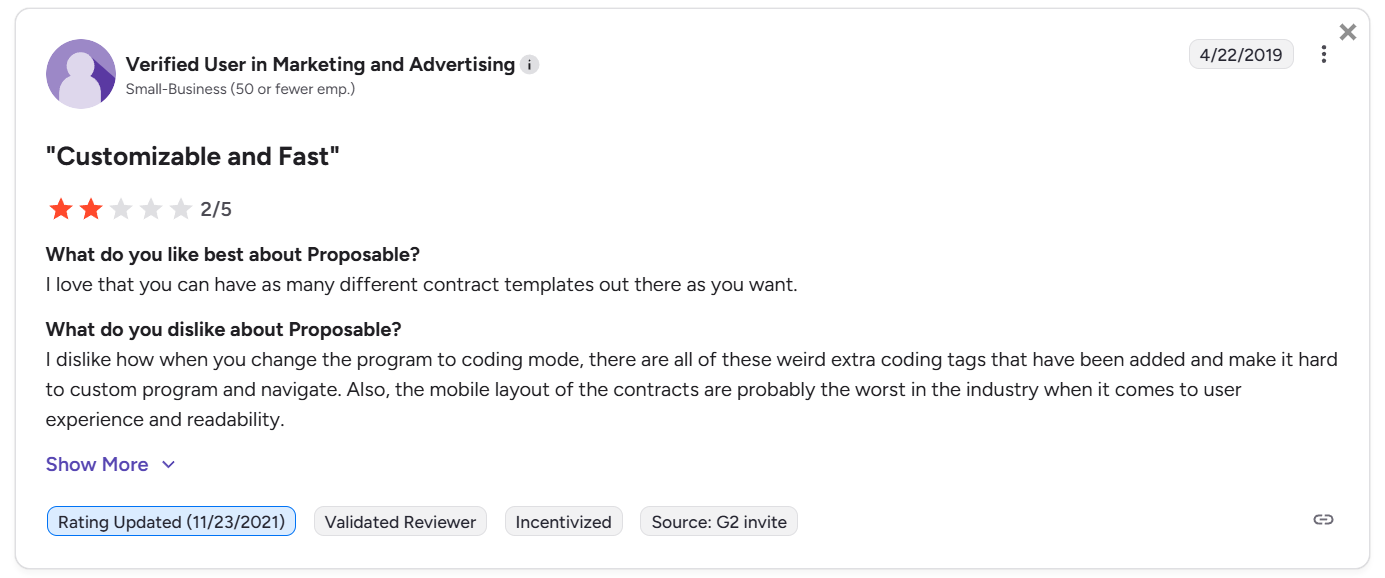
Clunky Editor Feature
The drag-and-drop editor, while functional, can feel finicky or restrictive for detailed design work. Users have reported that navigation and layout are unintuitive, making it challenging to create highly polished proposals quickly.
Top 5 Proposable Alternatives
- Proposify
- Better Proposal
- Qwilr
- Nusii
- PandaDoc
Here's a quick snapshot of how each proposal platform stacks up in features, pricing, and usability.
|
Tool |
Overview |
Key Features |
Pricing |
Pros |
Cons |
|
Proposify |
Cloud platform for on-brand proposals |
Templates, editor, analytics |
$19–$65 |
Intuitive, free collaborator seats |
Needs stable internet |
|
Better Proposal |
Simple, fast proposal tool |
Auto-format, live chat, smart notifications |
$19–$49 |
Easy integrations |
Clunky interface |
|
Qwilr |
Web-first interactive proposal platform |
Web links, dynamic pricing, templates |
$35–$59 |
Mobile-friendly |
Limited editing |
|
Nusii |
Simple tool for freelancers & small teams |
Clean editor, reusable blocks, smart variables |
$29–$129 |
Personalized proposals |
Limited integrations |
|
PandaDoc |
Collaborative proposal & docs automator |
Templates, CRM/API automation, team permissions |
$19–$Custom |
Review workflows, strong support |
Performance lags |
1. Proposify
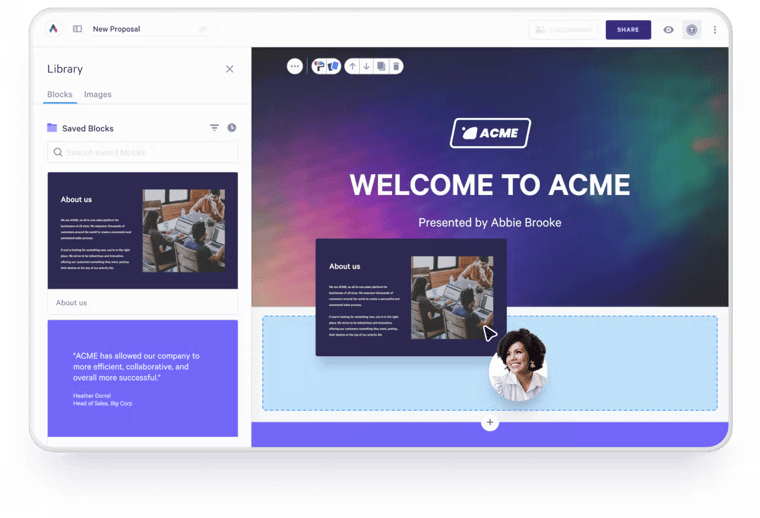
Leading the lineup is Proposify, a cloud-based proposal management platform, widely recognized for its feature-rich template library, clean editor, and intuitive analytics dashboard. It’s built for teams who want polished, on-brand designs, seamless workflows, and real visibility into how prospects engage with their proposals.
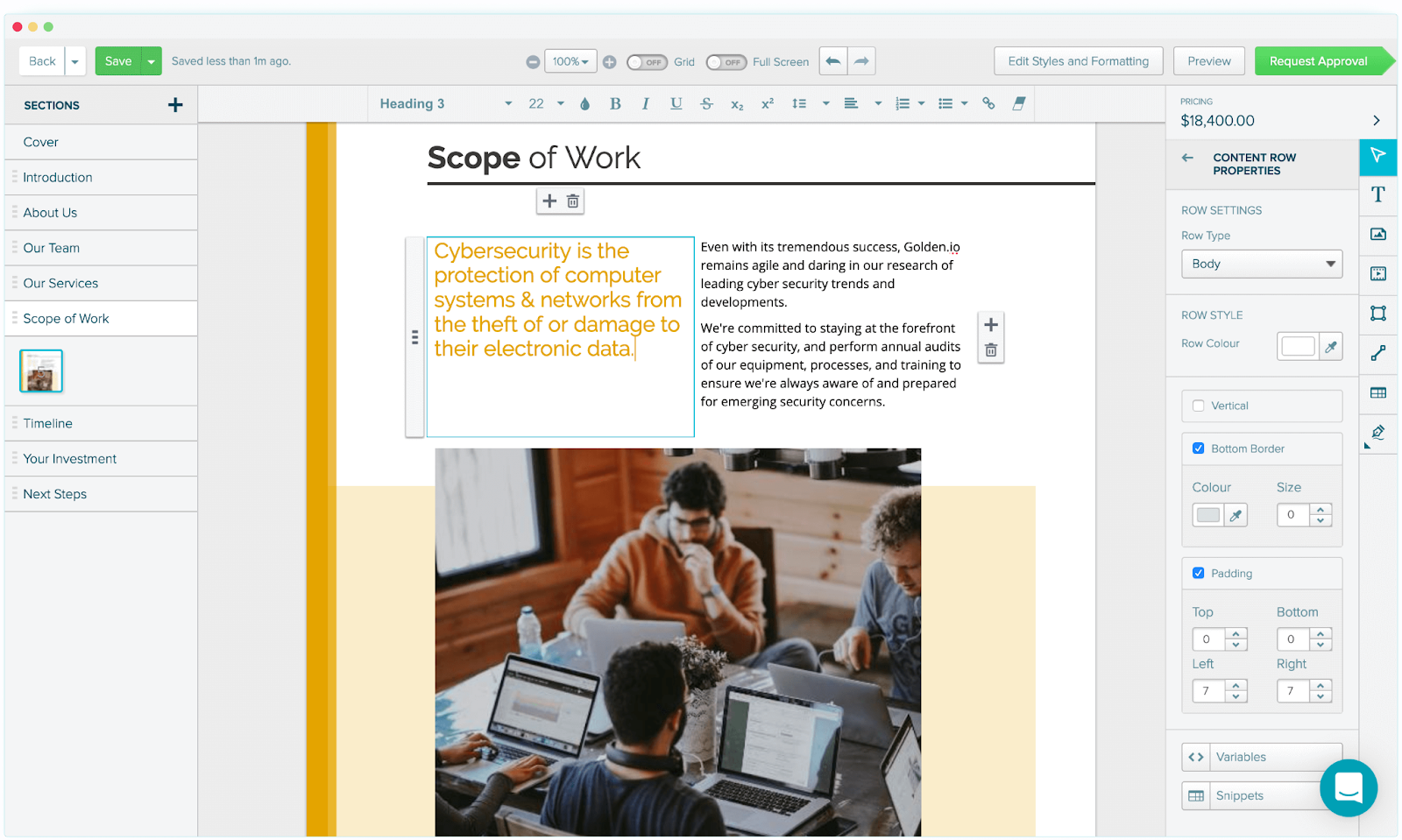
From first draft to final signature, Proposify keeps your proposals on track, integrating with third-party CRMs, payment platforms, and collaboration tools like HubSpot, Salesforce, Stripe, and Slack, among others.
Key Features
- Smart Template Library: Access endless templates and a shared content repository, with pre-approved formats (like pricing tables, case studies, or legal clauses) to work smarter.
- Design Flexibility: Build proposals that actually look and feel like your company using the drag-and-drop editor, customizable branding elements, reusable content blocks, and flexible layout controls
- Advanced Engagement Analytics: See who viewed your proposal, how long they spent on each section, what they clicked, and whether or not they came back.
- Collaborator Seats: Invite review-only contributors like subject-matter experts, legal reviewers, and finance approvers to comment and approve proposals without needing full user licenses.
- Industry-Leading Support: Get real solutions to user problems through multiple support channels and enjoy a seamless user experience.
- Role-Based Element Locking: Protect sensitive or non-negotiable elements, like pricing and legal terms, so reps can customize proposals without risking errors or compliance issues.
Pricing
Features aside, here’s what Proposify’s plans and pricing look like.
- Basic: $19/user/month– Includes fundamental features like content library, e-signatures, and analytics.
- Team: $41/user/month– Adds custom fields, integrations, auto reminders, and more collaboration tools.
- Business: $65/user/month– Includes advanced features like API access, SSO, roles/permissions, and multi-workspace support.
You can check out the full breakdown here.
Pros
- User-friendly interface makes proposal creation intuitive and fast.
- Integrated e-signatures and payment tools let buyers sign and pay directly within the proposal.
- Smart customization features (fonts, images, layout) give teams real creative control.
- Granular access control lets admins lock down scope and sections to enforce compliance.
- API access and multi-workspace support enable more advanced enterprise usage.
Cons
- Initial setup may take some time, though there’s a hands-on setup service.
2. Better Proposals
Better Proposals isn’t the most feature-heavy proposal tool out there, but it still gives teams everything they need to create, send, and track winning proposals without the extra work.

With a core focus on speed, simplicity, and smart design, this cloud-based platform empowers teams to build on-brand proposals quickly through automation and seamless integrations.
Key Features
- Automatic Design: Automatically format your text, spacing, margins, and styling in clicks so you can focus on content, and not layout.
- Live Chat Integration: Want to let prospects ask questions directly inside the proposal? Use supported integrations like Drift and Intercom to engage clients in real time.
- Smart Notifications & Analytics: Get notified when someone opens, views, or signs your proposal, and analyze interactions.
- Collaborative Workflow: Work together with your team, in real time, track changes, maintain version history, and manage who can access or edit what.
Pricing
All plans include a 14‑day free trial; annual billing is the standard, but you also have the option to renew monthly.
- Starter: $19 /user / month – 10 active proposals, drag‑and‑drop editor, basic analytics, e‑signature.
- Premium: $29 /user / month – unlimited proposals, advanced analytics, tiered pricing packages, internal approval workflow.
- Enterprise: $49 /user / month – full feature set (bulk send, contract renewal), custom branding add‑on, priority support.
Pros
- Dynamic PDF and video embed features make file handling more seamless.
- Integrations with notable third-party tools add flexibility to workflows.
- High-quality template offerings, consistently a user favourite.
Cons
- Interface can feel clunky and glitchy, making customization harder.
- E-signature fields are reported to fail from time to time.
- Analytics are basic, lacking deeper ROI calculators or heatmaps.
3. Qwilr
Ever wished you could send a proposal that feels more like a sleek web page than a PDF? Well, that’s exactly what Qwilr’s product offering promises: a cloud-based tool that helps users turn simple proposal ideas into interactive, clean, shareable links.
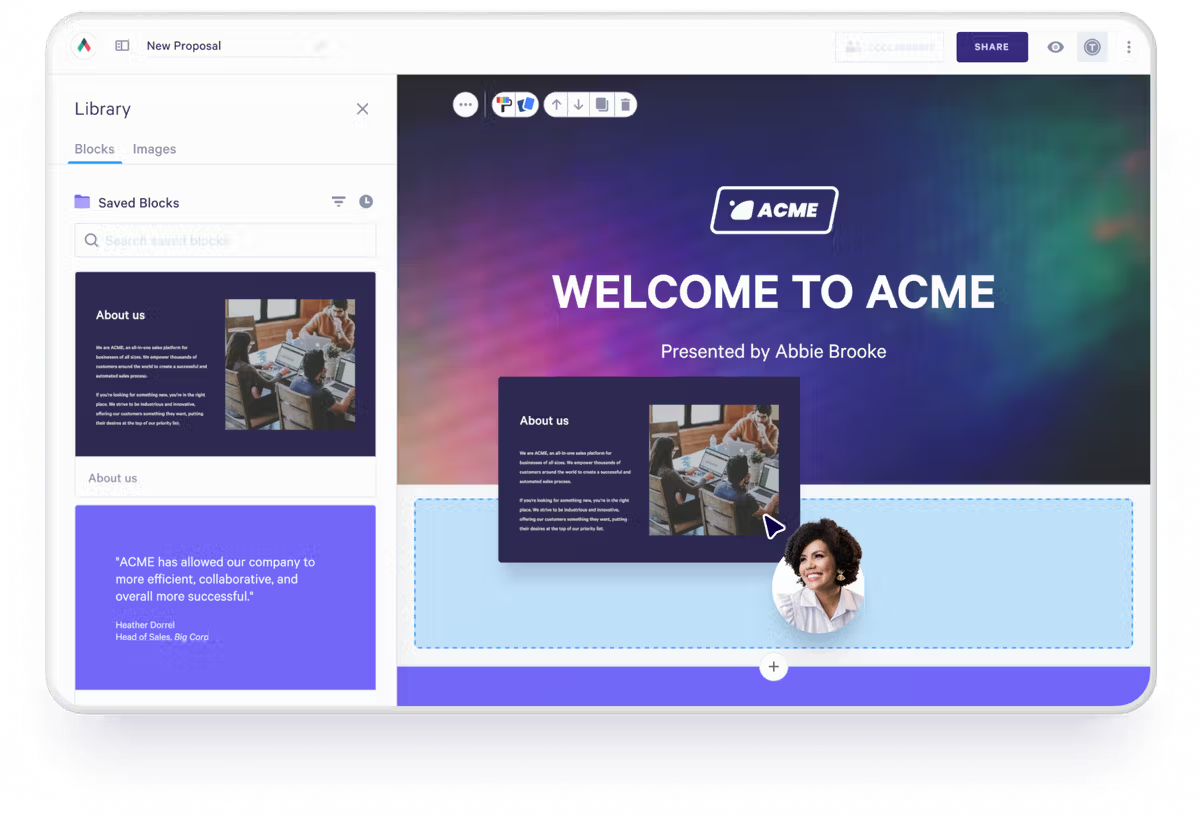
Users get access to endless templates, cutting-edge formatting features, insight-packed analytics, among other pretty cool add-ons.
Key Features
- Web-based Proposals: Easily turn proposals into responsive, shareable links that are compatible with any device.
- Interactive quotes & pricing: Create dynamic quote tables and tiered pricing that let buyers toggle options, choose packages, and see totals update in real time.
- Vast Template Library: Gain access to a large library of customizable templates and reusable content blocks (case studies, scope, terms) that speed up proposal creation.
- Real-time analytics: See who opened your proposal, how long they spent on each section, what they clicked, and when they re-shared it. These signals power smarter, more timely follow-ups.
Pricing
Qwilr keeps its pricing simple with two main plans:
- Business: $35/user/month—Includes core features like interactive web-based proposals, e-signatures, dynamic quote blocks, page analytics, CRM integrations, and unlimited pages.
- Enterprise:$59/user/month— Adds advanced security, team permissions, custom branding, Salesforce integration, template controls, and a dedicated account manager.
Pros
- Creates web-first, mobile-friendly proposals shareable via links.
- Strong integrations with CRMs and common toolchains (HubSpot, Salesforce, etc.).
- Built-in e-signatures and payments, so clients can accept and pay within proposals.
Cons
- Editing & fine-tuning can feel limited for users wanting cutting-edge controls.
- Mismatches with the PDF export/layout cause formatting headaches for print/PDF workflows.
- Collaboration and autofill options are minimal.
4. Ignition
Ignition is a comprehensive client engagement and commerce platform purpose-built for accounting firms, bookkeepers, and professional services businesses looking to streamline their entire client lifecycle.
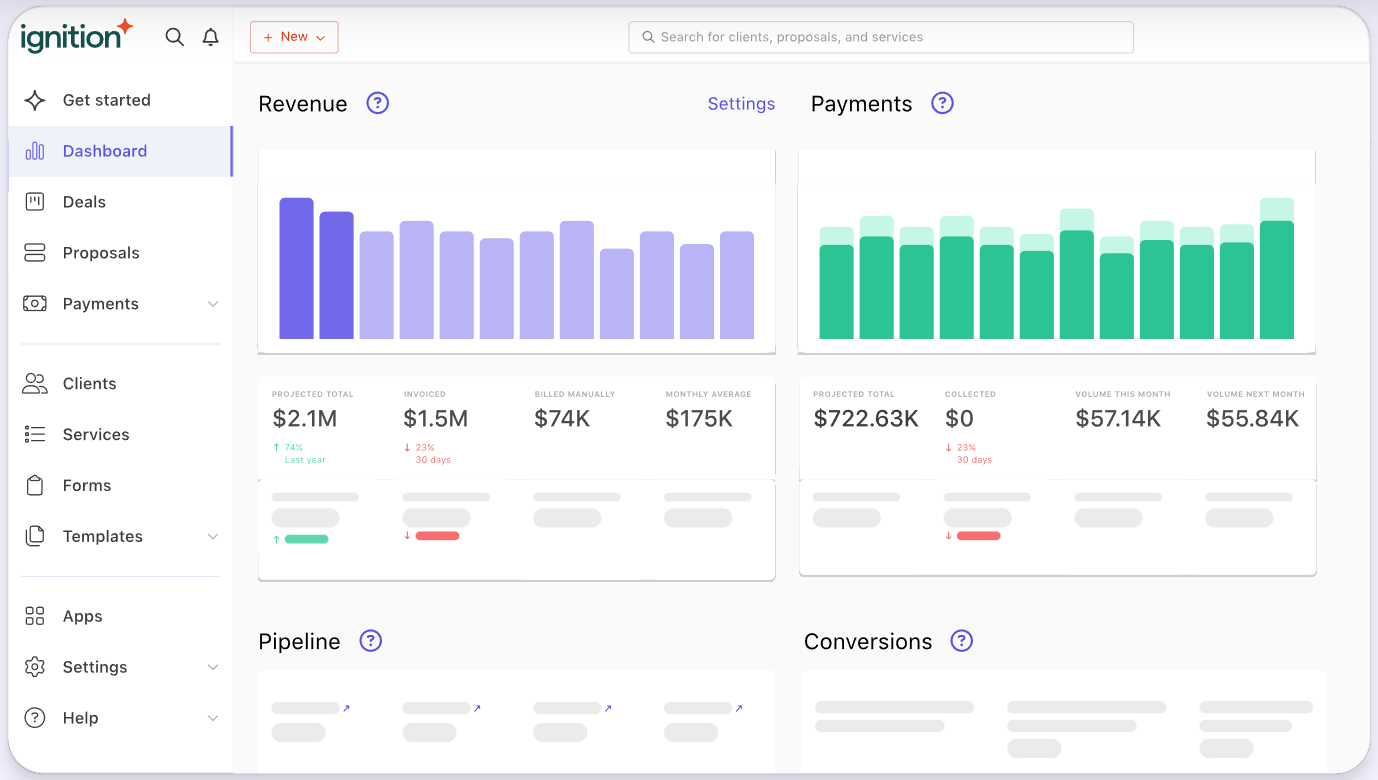
The platform combines proposal creation, automated engagement letters, payment collection, and billing into a single workflow, helping firms replace multiple disconnected tools with one centralized system.
Key Features
- Automated Engagement Letters: Proposals automatically convert to legally binding engagement letters with e-signatures.
- Upfront Payment Collection: Collect payment details when clients sign proposals to automate recurring payments, deposits, or one-off charges.
- Business Insights Dashboard: Track key metrics like monthly recurring revenue, proposal acceptance rates, and projected billing to make data-driven decisions.
- Deep Accounting Integrations: Native connections with Xero, QuickBooks Online, and practice management tools like Karbon sync invoices and client data automatically.
Pricing
Ignition offers a 14-day free trial with access to all features and the ability to collect up to $10,000 in payments with zero fees. Here's the pricing breakdown:
- Solo: $49/month (monthly) or $39/month (annually), includes 1 user and requires connection to Xero or QuickBooks.
- Core: $149/month (monthly) or $99/month (annually), includes 3 users with advanced automation and bulk proposal features.
- Pro: $249/month (monthly) or $199/month (annually), supports up to 15 users with enhanced customization and automation.
- Pro+: $499/month (monthly) or $399/month (annually), unlimited clients, users, and full feature access for large firms.
- Enterprise: Custom pricing for large organizations with advanced scalability needs.
Pros
- Streamlines proposal process creation with templates.
- Improves cash flow management by collecting payments upfront or spreading fees over months.
- Strong integration with accounting tools, automatically syncing invoices and client data.
Cons
- Pricing becomes expensive for small businesses and freelancers.
- Limited payment integration options beyond Stripe.
- Template customization is limited, with users restricted to one template when sending contracts.
5. PandaDoc
PandaDoc is a great option for teams looking for super smart collaborative features, intuitive templates, basic analytics, and organized workflows.
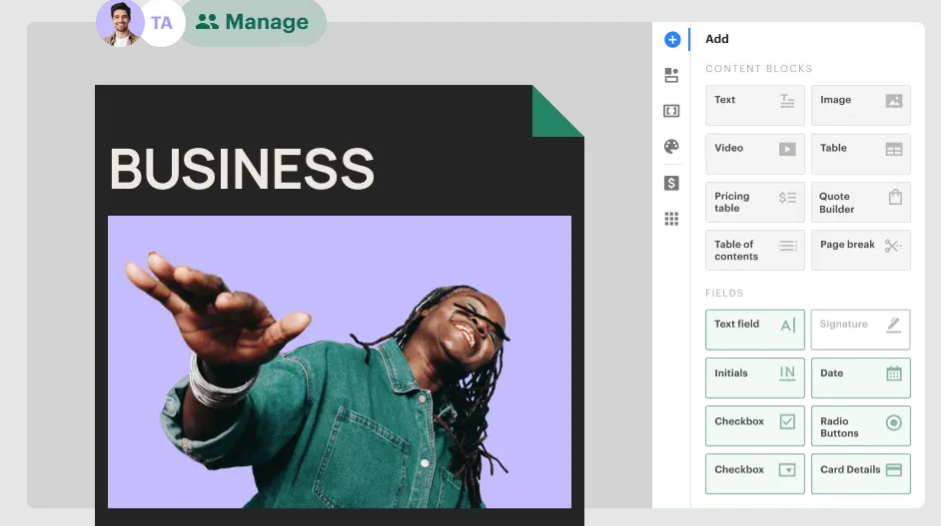
While it may not have all the advanced automation or deep integrations of some competitors, PandaDoc still provides a solid foundation for small to mid-sized teams looking for a straightforward, all-in-one proposal solution.
Key Features
- Smart Editor & Templates: Build proposals, quotes, contracts, and other documents with a super intuitive drag-and-drop editor and robust template library.
- CRM, API & Data Automation: Send documents directly from your CRM and auto-populate fields with stored client data.
- Team Permissions: Set permissions, restrict editing, define roles, and maintain consistency and control all through workflows.
- Document Generation: Use the PanadaDoc API to automatically generate documents (contracts, quotes, proposals) using CRM integrations or database data.
Pricing
- Starter: $19/user/month – Unlimited docs, drag-and-drop editor, analytics, real-time tracking, 24/7 support.
- Business: $49/user/month – Adds CRM integrations, content library, custom branding, approval workflows, deal rooms, web forms, bulk sending.
- Enterprise: Custom pricing – Advanced features like CPQ, workflow automation, API access, SSO, multi-team workspaces.
Pros
- Provides cutting-edge internal review and approval features.
- Strong customer support across all user plans.
- Allows for seamless CRM integrations and smarter automation.
Cons
- Complex layouts and clunky import features.
- Evident performance lags, especially when loading documents.
- Mobile app does not have full document creation and editing features.
The Smart Alternative? Proposify
Proposable served its purpose, but if you've outgrown its limitations, you're not alone. The alternatives we've covered — Better Proposals, Qwilr, Ignition, and PandaDoc — each bring something valuable to the table, whether it's speed, interactivity, or industry-specific workflows.
But if you're looking for a platform that truly scales with your team, Proposify delivers where it matters most. You get intuitive design tools that don't fight you, engagement analytics that reveal exactly what prospects care about, and seamless integrations that connect your entire sales stack.
Ready to see what a modern proposal platform can do? Book a demo with Proposify today and discover why thousands of teams have made the switch.