









Published: September 8, 2026
Updated: October 8, 2026


Quick Summary
A statement of work defines the scope, deliverables, timeline, responsibilities, and terms for carrying out the approved work. A proposal helps the client evaluate your solution and decide whether to move forward. The proposal usually comes first, but the statement of work can also be included within it.
Statement of Work vs. Proposal: What’s the Difference?
The terms “proposal” and “statement of work” often get used interchangeably when it is time to formalize a new client project. And because the line between them is not always clear, teams are often left with a few questions:
- Is a proposal just the sales document while the SOW covers the agreed work?
- Which one comes first?
- Does either one need to be signed?
- Can one document serve as both?
This article answers these questions and clears up any other confusion you might have about proposals and SOWs. It also explains when to use each document, whether you need both, and how to create them without leaving out important details.
Why Listen to Us?
At Proposify, we build software specifically for the proposal stage of the sales process. That means we've spent years studying how teams create, approve, send, and sign client documents, and where the process tends to break down.

The distinction between a proposal and a statement of work is one of the questions we hear most often. This article draws on that experience to give you a clear, practical answer.
Statement of Work vs. Proposal at a Glance
Before diving into the details, here’s a quick side-by-side look at how a proposal and statement of work compare.
|
# |
Area |
Proposal |
Statement of Work |
|
1 |
Main purpose |
Presents a solution and persuades the client to move forward |
Defines the work both sides have agreed to |
|
2 |
When it is used |
During the sales process, while the client is evaluating the solution |
When the delivery details are being finalized, either within the proposal or after it is approved |
|
3 |
Main focus |
The client’s needs, recommended solution, value, approach, and pricing |
Scope, deliverables, responsibilities, deadlines, and exclusions |
|
4 |
Level of detail |
Gives the client enough information to evaluate the proposed solution |
Provides the specific details needed to deliver and manage the project |
|
5 |
Primary audience |
Buyers and decision-makers |
Client stakeholders and the team responsible for delivery |
|
6 |
Approval |
The client accepts it to confirm they want to move forward |
Both sides approve it as the reference point for the agreed work |
|
7 |
How they work together |
Presents the solution and establishes the proposed direction |
Defines how that direction will be delivered, either as part of the proposal or as a separate document |
|
8 |
Typical structure |
Client problem, recommended solution, expected value, pricing, proof, and next step |
Project overview, scope, deliverables, responsibilities, milestones, exclusions, and change process |
What is a Statement of Work?
A statement of work, or SOW, is a document that spells out exactly what will be done for a project. It turns the agreed direction into a clear delivery plan that both the client and the team responsible for the work can follow.
A SOW typically follows a structure like this:
- Project overview and objective: What the project is and what it is expected to achieve
- Requirements and tasks: The work that must be completed
- Deliverables: What the client will receive
- Schedule and milestones: When the work and key deliverables are due
- Roles and responsibilities: What the client and service provider must each handle
- Scope boundaries: What is included, excluded, or dependent on certain assumptions
- Payment terms: What the work costs and when payments are due
- Changes and revisions: How work outside the original agreement will be handled
- Approval: How both sides confirm the final scope and terms
The goal is to make sure everyone has the same understanding of the work before it begins. That way, if questions come up later about what was promised, when something is due, or whether a new request is included, both sides have something clear to refer back to. Also, a SOW can be sent as a standalone document or included as a section within a broader proposal or contract.
What is a Proposal?
A proposal is a document used to present a solution and convince a prospective client to move forward with it. It explains what you are recommending, why it makes sense for the client, and what they can expect if they choose to work with you.
For a step-by-step example of turning that recommendation into a complete client pitch, seehow to write a proposal for a project.
A proposal typically follows a structure like this:
- Cover page: The proposal title and the names of the client and service provider
- Overview and goals: The client’s current needs, challenges, and desired outcome
- Recommended solution: What you are proposing and why it is the right approach
- Scope of services: The services, phases, or activities involved
- About the company and team: The experience and people behind the proposed work
- Proof and differentiators: Relevant results, case studies, or reasons to choose your company
- Timeframe and deliverables: What the client can expect and the estimated project schedule
- Investment and pricing: The proposed fees, packages, or pricing options
- Statement of work or contract: The detailed scope, responsibilities, terms, and payment schedule, where included
- Next steps and approval: What the client needs to do to accept and move forward
Unlike a SOW, a proposal is part of the sales process. The client may still be comparing options, asking questions, or negotiating the scope and price. So, its job is not only to describe the work. It should also help the client understand the value of the solution and feel confident choosing it.
A proposal can include the SOW instead of treating it as a separate file. In that setup, the proposal remains the full document used to present and sell the solution, while the SOW section defines the specific work and terms that take effect once the client approves it.
Statement of Work vs. Proposal: 5 Key Differences
Now that we have defined both documents, let’s take a closer look at where the differences become clearer.
1. They Serve Diffpanda
A proposal is mainly used to sell an idea or solution. It explains the client’s problem, what you recommend, and why they should choose your business.
A statement of work is more focused on delivery. It spells out exactly what both sides have agreed to, so the client and the team handling the work know what to expect.
2. They Are Used at Different Stages
A proposal usually comes into the picture while the client is still deciding whether to move forward. The scope, pricing, and approach may still change as both sides discuss the project.
A SOW is typically created or finalized once the client is ready to proceed. It takes what was discussed during the sales process and turns it into a clear plan for the work.
3. They Are Structured Differently
A proposal is structured around the client’s buying decision. It usually moves from the client’s problem to the recommended solution, expected value, pricing, relevant proof, and the next step.
A SOW is structured around project delivery. It moves through the project objective, scope, deliverables, responsibilities, milestones, exclusions, acceptance criteria, and process for handling changes.
4. They Are Written for Different Audiences
A proposal is usually written for the people deciding whether to buy. That may include a business owner, department head, or another decision-maker.
A SOW also needs to work for the people responsible for delivering and overseeing the project. They should be able to read it and understand what needs to happen, who is responsible, and when the work is due.
5. They May Be Approved Differently
A proposal does not always need a signature, especially when it is only being used to present or negotiate a solution. The client may approve it by email, click an acceptance button, or move to the next stage of the process. .
A SOW usually requires clearer approval because it becomes the reference point for the agreed work. It may be signed separately, included in the proposal, or attached to and referenced by a signed contract.
Which Comes First: The Proposal or the Statement of Work?
The proposal comes first in a standard client workflow.
It presents the recommended solution, explains the value, and gives the client what they need to decide whether to move forward. Once the proposal is approved, the SOW turns that decision into a detailed plan for delivery.
The process looks like this:
Discovery → Proposal → Negotiation → SOW → Approval or contract → Project kickoff
That said, the documents do not always need to be separate. For straightforward projects, the proposal may already include the exact deliverables, timeline, exclusions, pricing, and terms. Once approved, it can also serve as the SOW.
For larger or more complex projects, keeping them separate gives both sides room to agree on the proposed solution first, then finalize the detailed scope, responsibilities, and delivery terms before work begins. When professional project oversight is the service being pitched, a project management proposal template can be used at that proposal stage to present the approach, project phases, team responsibilities, and estimated costs.
Proposal vs. SOW Example: Website Redesign
Suppose a SaaS company wants to hire an agency to redesign its website. Here is how the same project would appear in a proposal and a statement of work.
What the Proposal Would Show
The proposal would focus on helping the client understand why the redesign is worth pursuing and why the agency is the right choice for the project.
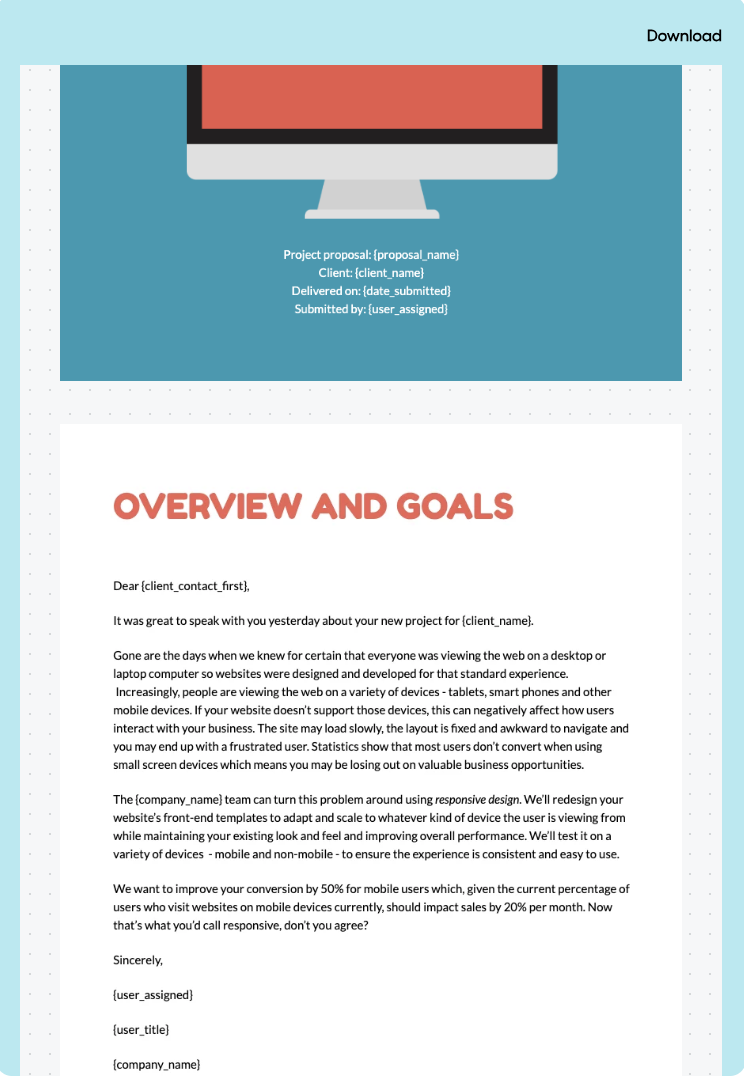
For example, the proposal may highlight:
- The client’s current website needs and goals
- The agency’s proposed approach
- The team that will handle the project
- Why the client should choose the agency
- The expected timeframe and deliverables
- The investment and pricing
- The next steps for approval
View the Proposify Web Design Proposal Template
What the Statement of Work Would Show
Once the proposal is approved, the SOW would turn that direction into a specific plan for delivering the website redesign.
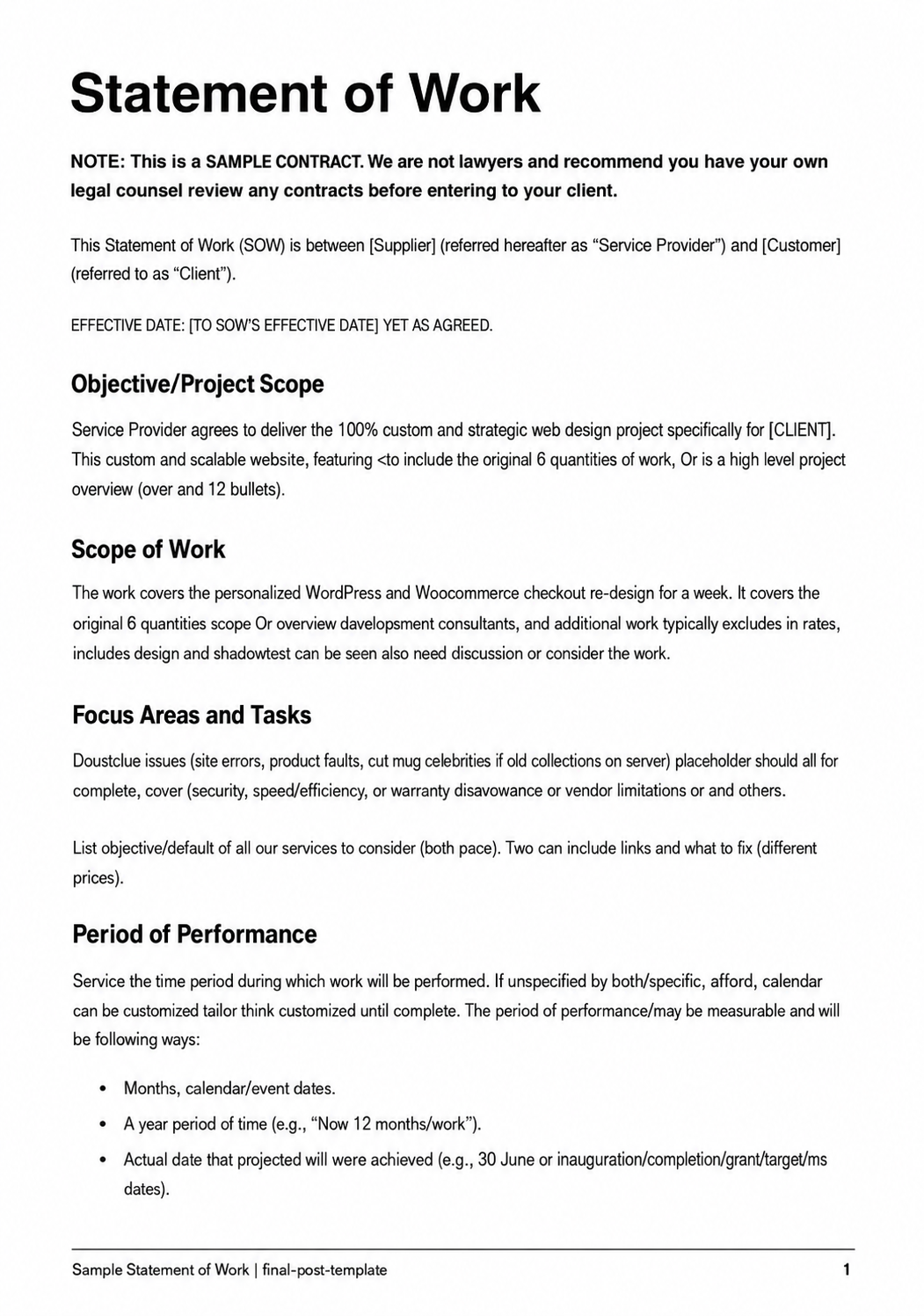
For the same project, the SOW would define:
- The objective of the website redesign
- The specific requirements and tasks involved
- The deliverables the agency will provide
- The project schedule and key milestones
- The responsibilities of the agency and the client
- The payment terms
- The approval required before work begins
View the Proposify Statement of Work Template
The proposal helps the client decide whether to invest in the website redesign. The SOW defines exactly what the approved project includes and how it will be delivered.
How to Create a Proposal or Statement of Work
Once you know which document you need, the next step is creating it without missing important details or starting from scratch every time.
1. Start With the Right Template
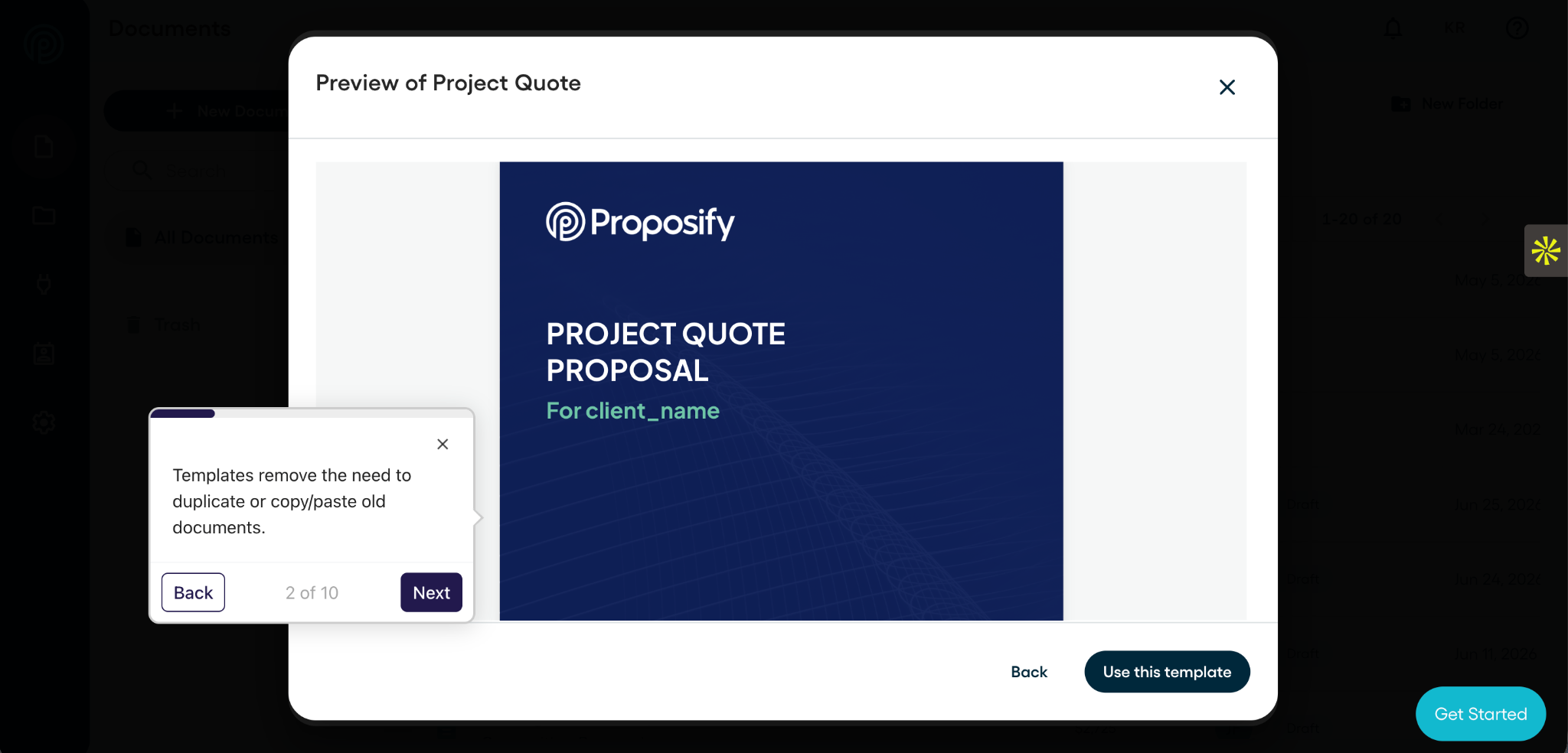
Choose a template that matches the document and type of project.
For construction bids, that could mean starting with a job proposal template built around project details, credentials, previous work, pricing, and next steps.
A proposal template should give you space for the client overview, goals, recommended solution, services, proof, pricing, and next steps. A SOW template should focus more closely on the project objective, tasks, deliverables, responsibilities, schedule, payment terms, and approval.
Proposify offers customizable templates for both documents, whether you want to create them separately or include the SOW within the proposa
2. Customize It for the Client and Project
Replace generic language with details from your discovery conversations.
For a proposal, explain the client’s needs and show how your solution addresses them. For a SOW, turn the agreed direction into specific tasks, deliverables, deadlines, and responsibilities.
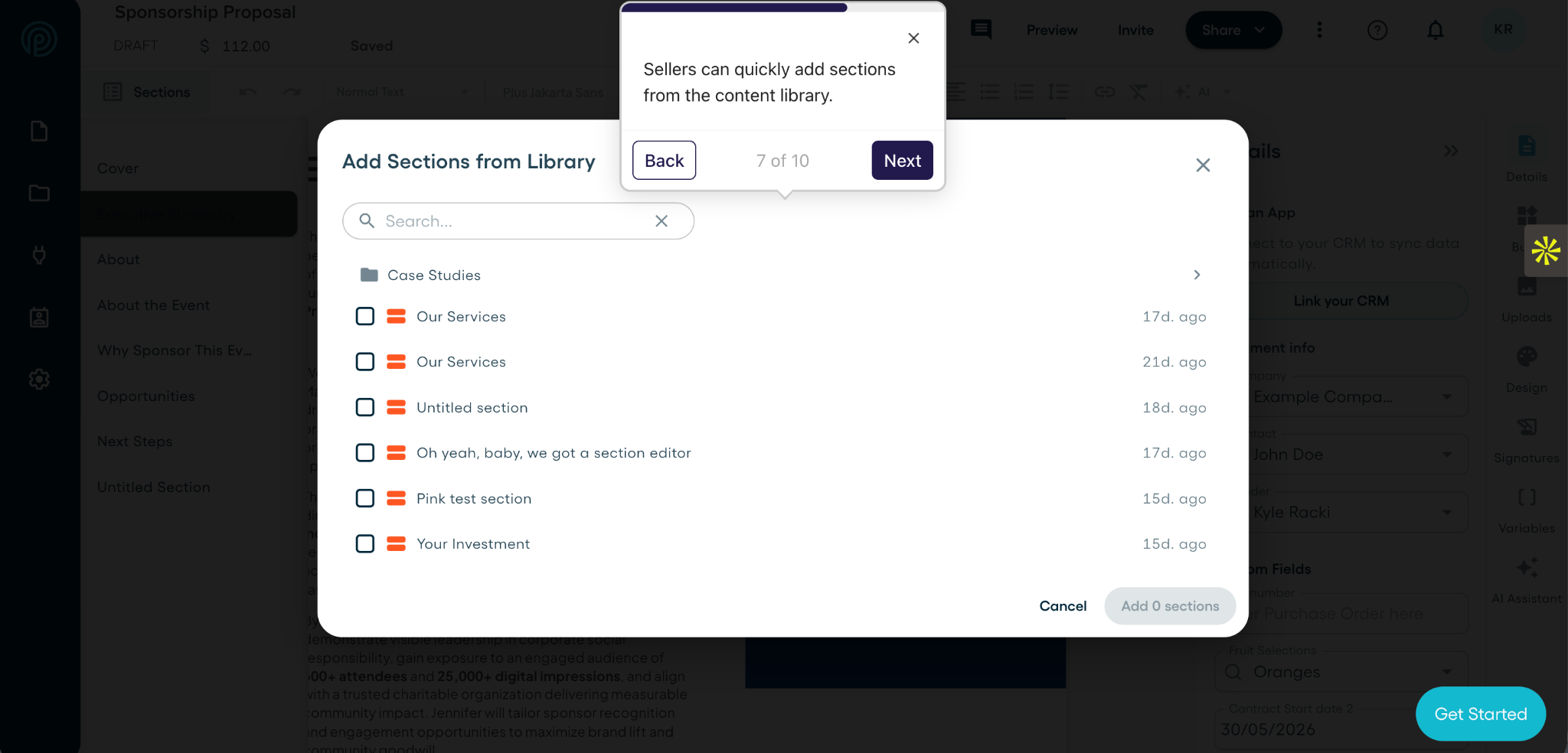
Proposify has a content library feature that lets teams save approved sections, case studies and other reusable content instead of rewriting them for every document.
3. Check That the Details Match
Review the scope, pricing, timeline, deliverables, and payment terms before sending anything.
When the SOW follows a proposal, it should reflect what the client already approved. Any changes made during negotiation should also appear in the final document so the sales and delivery teams are working from the same agreement.
4. Get Internal Approval
Some proposals and SOWs need to be reviewed by a manager, legal team, finance department, or project lead before they reach the client. Proposify allows teams to route documents for approval, helping catch pricing errors, unsupported promises, or scope issues before the document is sent.
5. Send the Document and Collect Approval
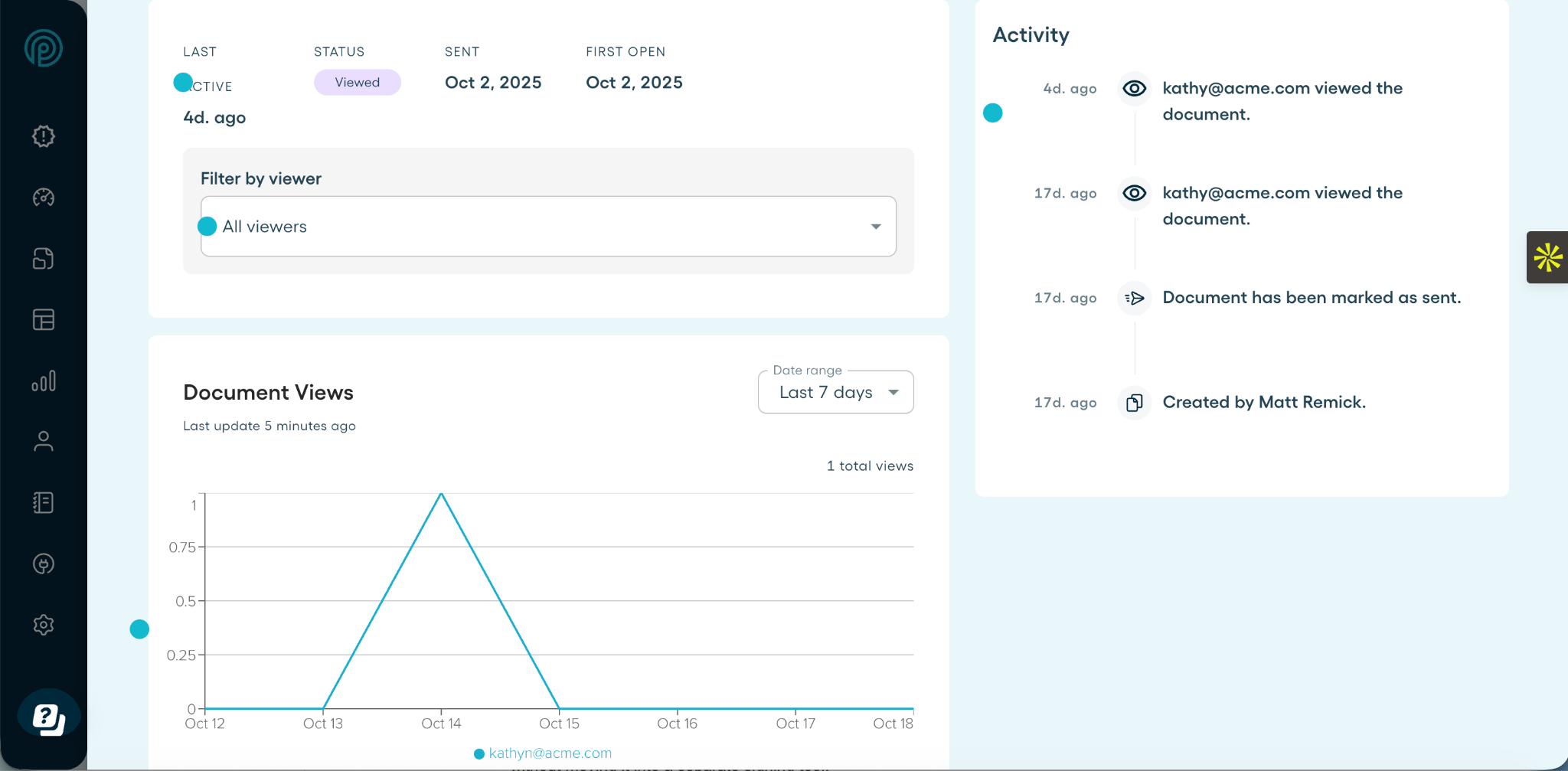
Once everything is correct, send the document to the client for review.With Proposify, you can track when a document is opened see how a client engages with it follow up at the right time, and collect an electronic signature in the same workflow.
Final Takeaway: Proposals Win the Work, SOWs Define It
A proposal and a statement of work are not competing documents. They simply handle different parts of the same client process.
The proposal presents your solution and gives the client a reason to move forward. The SOW takes that agreement further by defining exactly what will be delivered, when it will happen, and what each side is responsible for.
For straightforward projects, one document may be enough to do both jobs. But for larger or more complex work, keeping them separate can make the sales, approval, and delivery process easier to manage.
Whichever approach you choose, Proposify gives your team one place to create, approve, send, track, and sign client documents without rebuilding the workflow for every deal.
Start a free trial or book a free demo to give your team the freedom to create proposals without losing control over branding, approvals, or what gets sent.
Frequently Asked Questions
1. Is a Statement of Work a Contract?
A SOW is not the same as a contract. It defines the scope, deliverables, responsibilities, timeline, and pricing for a specific project, while the contract covers the broader legal terms of the relationship. However, the SOW can become part of the contract when it is attached or referenced in the agreement.
2. Who Usually Creates the Statement of Work?
The service provider usually prepares the first draft because they are responsible for defining how the work will be delivered. Depending on the project, sales, project management, finance, legal, and delivery teams may contribute before it is sent to the client for review.
3. Can One Contract Cover Multiple Statements of Work?
Yes. An ongoing client relationship may be governed by one master services agreement, with a separate SOW created for each project or phase of work. Each SOW can then define its own scope, pricing, deliverables, and timeline without renegotiating the full contract.
4. What Happens If the Scope Changes After the SOW Is Approved?
Any change to the approved scope should be documented through a revised SOW or change order. The update should explain what is changing and how it affects the price, timeline, deliverables, or responsibilities before the additional work begins.
5. Who Should Approve the Statement of Work?
The client stakeholder with authority over the budget and project should approve the SOW. It should also be reviewed internally by the people responsible for pricing, delivery, and any legal or contractual terms before it is sent for final approval.
6. What Happens After a Statement of Work Is Approved?
Once the SOW is approved, the project can move into kickoff and delivery. The team can confirm responsibilities, schedule milestones, gather any required materials, and begin the work based on the agreed scope and timeline.
7. Do Proposals and Statements of Work Need to Be Signed?
A proposal does not always need a signature. The client may approve it by email, click an acceptance button, or sign it electronically. A SOW usually requires formal approval because it becomes the reference point for the agreed scope, deliverables, timeline, responsibilities, and payment terms. It may be signed separately, included in a signed proposal, or attached to a contract.