








Published: October 16, 2026
Updated: October 16, 2026

Quick Summary
Investment proposal generation software streamlines the process of generating and tracking proposals. Our ranking of the 10 best proposal generation platforms features Proposify as the leading software, followed by Better Proposals and PandaDoc. Choosing the right platform starts with weighing your business's specific needs against each platform's features and functionality.
Want to Close More Deals in 2026 and Beyond?
Putting together an investment proposal with no established workflow usually means hours wasted in Word, manually creating proposals. Reps wrestle with formatting and then sending a PDF into the void with zero idea of what happened next. For sales teams, that guessing game costs real money.
Investment proposal generation software, like Proposify, replaces the guesswork with structured templates, real-time engagement analytics, and built-in e-signatures, so your team sends faster, follows up smarter, and closes more deals.
In this article, we review the 10 best investment proposal generation software available to help you decide which one is best for your business.
But before we begin…
Why Listen to Us?

At Proposify, we have spent years helping sales teams streamline their proposal process. We have analyzed millions of proposals sent through our platform and seen firsthand what slows teams down and what helps them close faster. This guide combines that experience with market research and user reviews to help you choose with confidence.
Best 10 Investment Proposal Generation Software to Consider
|
# |
Tool |
Key Features |
Best For |
Starting Price |
|
1 |
Proposify |
Drag-and-drop editor, AI proposal generation, engagement analytics, approval workflows, e-signatures, interactive quoting, CRM integrations |
SMBs and scaling sales teams want branded, trackable, signable proposals |
$35/user/mo (billed annually) |
|
2 |
Better Proposals |
260+ templates, section-level analytics, live chat in proposals, e-signatures, payment integrations |
Agencies and service teams that need professional proposals out the door fast |
$13/user/mo (billed annually) |
|
3 |
PandaDoc |
1,000+ templates, free eSign tier, approval workflows, CRM integrations, payment collection |
Teams needing one platform for proposals, contracts, and quotes |
$19/user/mo (billed annually) |
|
4 |
GetAccept |
Proposal creation, embedded video messaging, deal rooms, engagement tracking, CPQ, e-signatures |
Mid-market teams running complex, multi-stakeholder deals |
$25/user/mo |
|
5 |
Qwilr |
Web-based interactive proposals, in-proposal payments, engagement tracking, CRM integrations |
Sales teams that want proposals to look and feel like a modern web experience |
$35/user/mo (billed annually) |
|
6 |
Ignition |
Branded proposals, engagement letters, automated billing, upfront payment collection, e-signatures |
Accounting, bookkeeping, and professional services firms |
$39/mo (billed annually) |
|
7 |
Loopio |
AI-powered content library, RFP portal automation, approval workflows, Salesforce/HubSpot integration |
Enterprise teams responding to high volumes of formal RFPs |
$20,000/year (10 seats) |
|
8 |
Bidsketch |
30+ templates, reusable section library, optional fee upsells, e-signatures, Salesforce on all plans |
Small teams wanting a simple, affordable proposal tool with a built-in upsell feature |
$23/mo (billed annually) |
|
9 |
Nusii |
35-language support, multi-currency settings, optional pricing packages, e-signatures, Zapier and API |
Agencies with international clients needing multi-language, multi-currency proposals |
$29/mo |
|
10 |
ClientPoint |
Branded digital sales rooms, AI deal insights, proposal generation, engagement analytics, enterprise CRM integrations |
Enterprise teams managing the full B2B lifecycle from proposal to renewal |
$83/mo (billed annually) |
1. Proposify
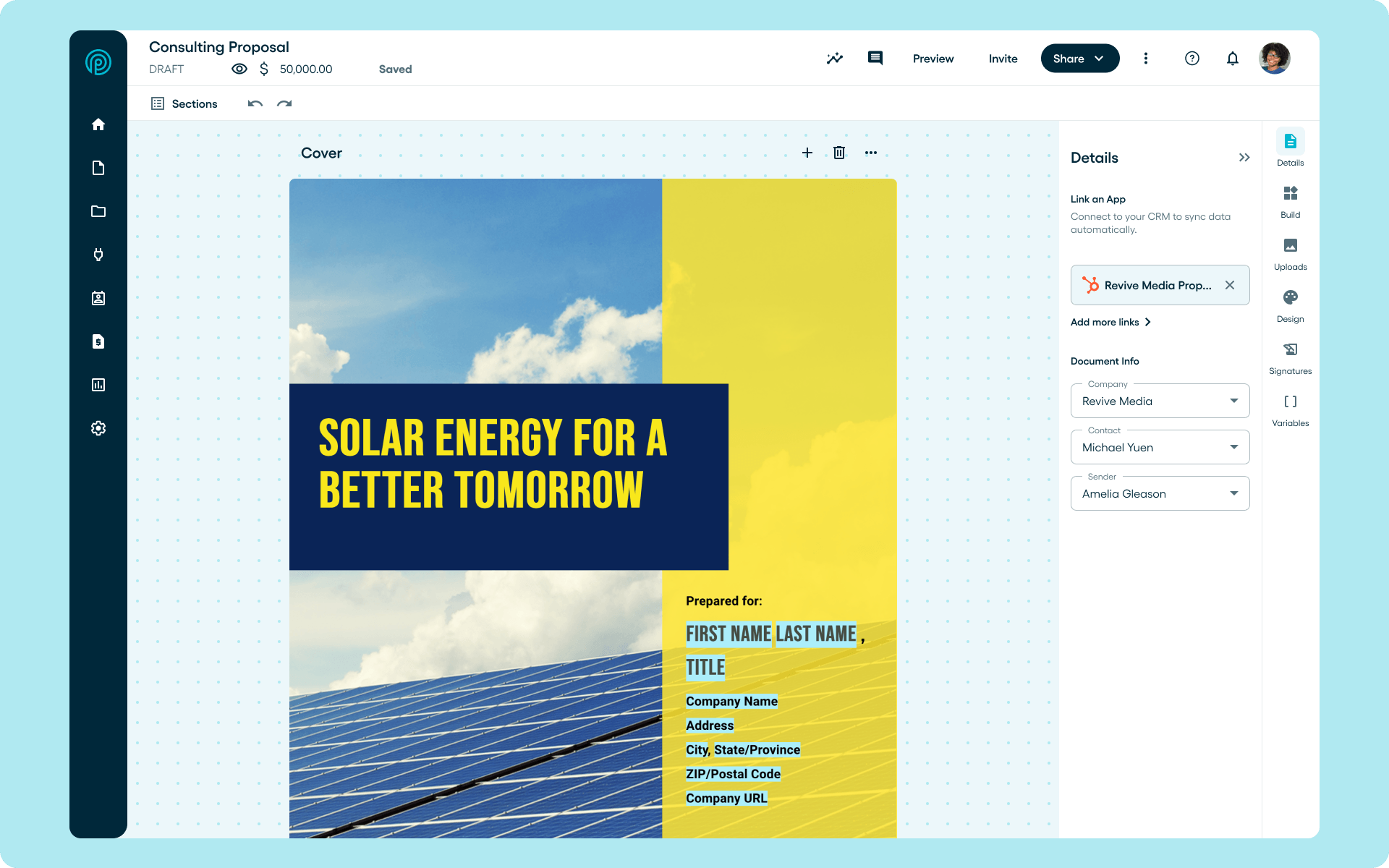
Proposify is proposal software built for growing B2B sales teams. It replaces the Word doc chaos with a process that's faster, more consistent, and easier to scale across every rep and office.
Sales managers get built-in control over what goes out. Approval workflows and locked content protect pricing, otect pricing, terms, and branding without slowing the team down.
That means reps spend less time formatting and more time selling. Prospects can review and sign from anywhere, while your team always knows exactly where a deal stands.
Best for
Sales teams and scaling businesses that need every rep sending consistent, on-brand investment proposals with real-time engagement data and built-in approval controls.
Key Features
- Customizable Templates: Create on-brand proposals in minutes with customized templates so every document looks consistent and professional.
- Interactive Quoting: Let prospects adjust quantities or select optional add-ons directly inside the proposal.
- CRM Integrations: Connect with HubSpot, Pipedrive, and other popular CRMs to pull deal data automatically and keep your pipeline updated without manual entry.
- Content Library: Store reusable sections, pricing blocks, and images in one place so your team can drag and drop instead of rebuilding from scratch.
- Engagement Analytics: See when your proposal is opened and which sections hold attention, giving you the insights to plan your next follow-up.
- Approval Workflows: Set conditions that trigger manager sign-off based on deal size or discount level, keeping quality control without slowing reps down.
- Collaborator Seats: A select number of collaborator seats come with each plan. Teams can purchase additional seats separately. See collaborator seats for details.
Pricing
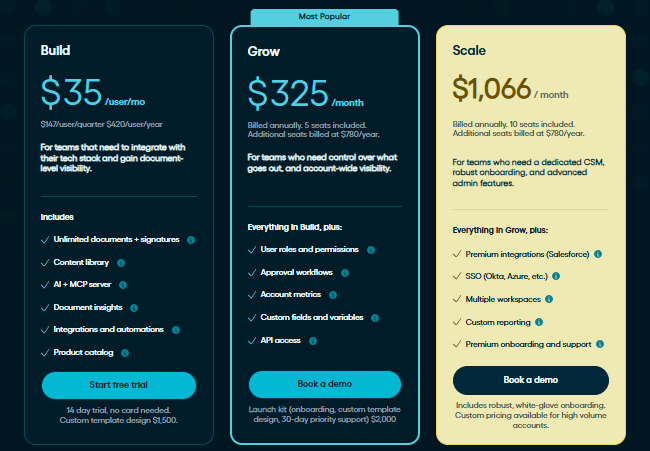
- Build ($35/user/month, billed annually): Includes a content library, document analytics, AI tools, integrations, and e-signatures. Quarterly billing is available at $49/user/month.
- Grow ($325/month, billed annually; five seats included): Adds approval workflows, user roles and permissions, account metrics, and API access.
- Scale (approximately $1,066/month, billed annually at $12,792; 10 seats included): Adds SSO, multiple workspaces, custom reporting, and premium onboarding and support.
Free Trial: 14-day free trial, no credit card required. Includes full access to Team plan features.
Pros
- Detailed analytics show viewer behavior by section
- Role-based permissions prevent unauthorized content edits
- Scalable support and onboarding options
- Proven to increase close rates and decrease turnaround time
- E-signatures let prospects review and sign proposals on-the-go
Cons
- The Basic plan has limited document sends
2. Better Proposals
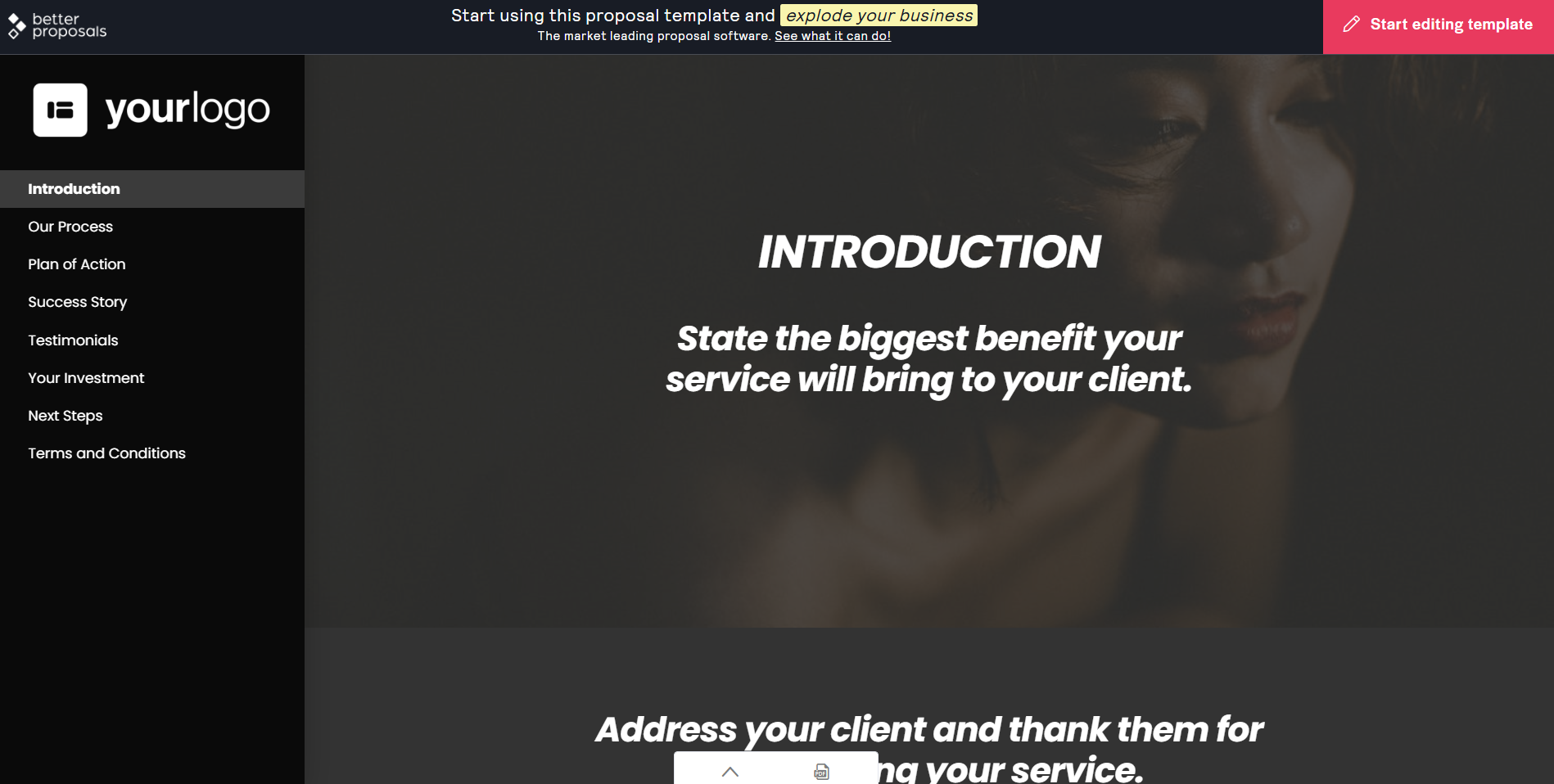
Better Proposals is a lightweight proposal platform built for speed. Agencies, consultants, and service businesses that want professional proposals out the door fast with minimal setup will find it easy to get started.
Its live chat integration lets prospects message you directly within the proposal as they read. But Zapier and more advanced workflow features are locked behind higher-tier plans, which limit automation for growing teams.
Best for
Agencies and consultants need a fast, easy-to-use proposal tool that combines digital signatures and instant payment collection in one step.
Key Features
- Templates: 260+ professionally designed proposal templates ready to customize.
- Live Chat Integration: Connect LiveChat, Intercom, or Zendesk so prospects can message you directly while reading.
- Proposal Analytics: See when proposals are opened, forwarded, or downloaded, with time-on-section data.
Pricing
- Starter ($13/user/mo, billed annually): For freelancers and solo users sending up to 10 proposals per month with core features.
- Premium ($21/user/mo, billed annually): For small teams needing unlimited proposals, more users, and white-label branding.
- Enterprise ($42/user/mo, billed annually): For agencies and businesses needing advanced customization, priority support, and full white-labeling.
- Optional NUDGE add-on ($10/user/mo): Adds automated follow-up workflows to any plan.
Free Trial: 14-day free trial, no credit card required.
Pros
- Quick startup
- Live chat inside proposals is a genuinely useful engagement tool
- Competitive pricing, especially at the entry tier
Cons
- Zapier integration only available on higher-tier plans
- The starter plan is limited to 1 user and 10 document sends per month
- Starter plan is limited to 1 user and 10 document sends per month
3. PandaDoc
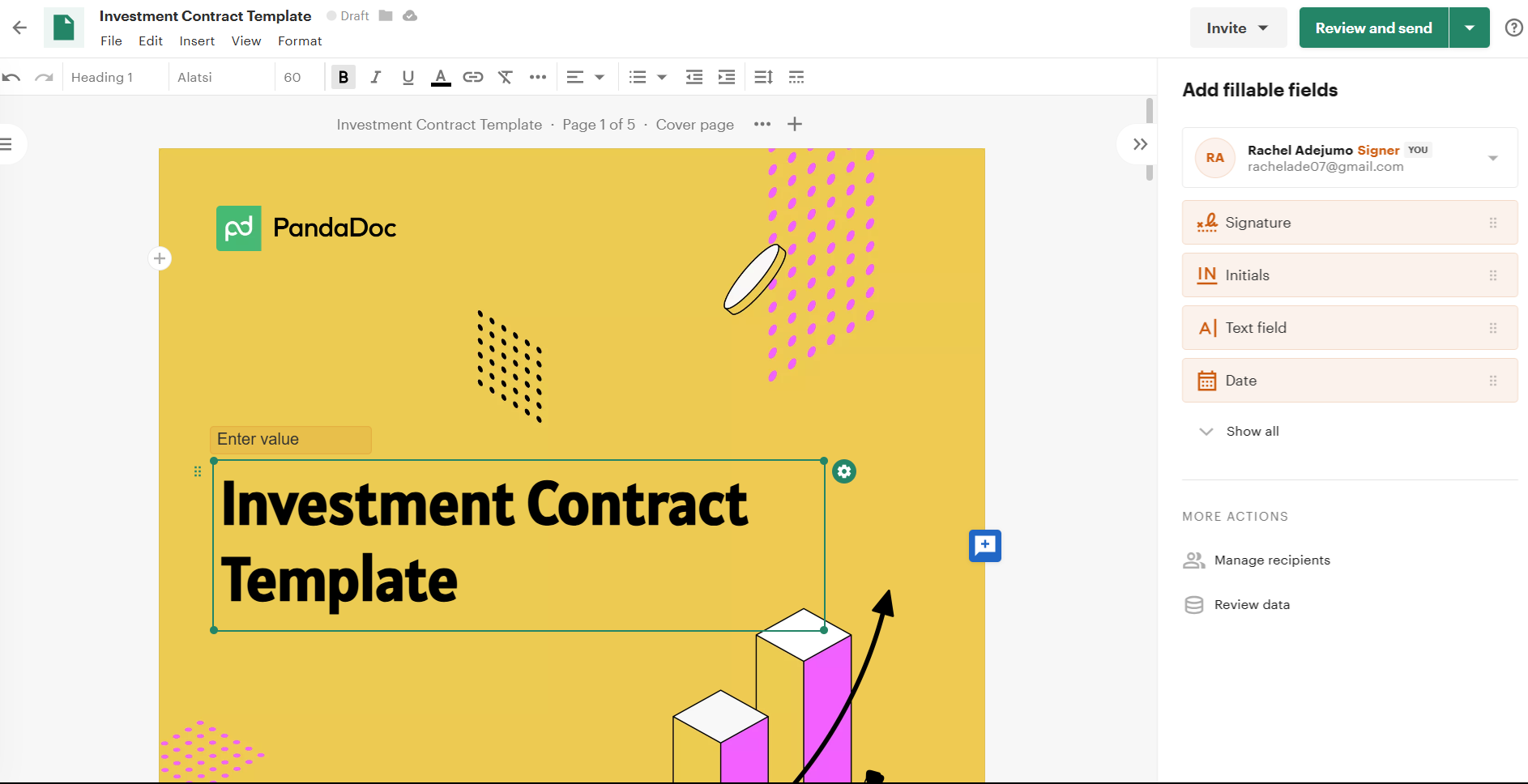
PandaDoc is a document automation platform that handles proposals, contracts, quotes, and forms in one workspace. Its 1,000+ template library and free eSign tier make it a flexible entry point for teams of all sizes and budgets.
If your team regularly sends contracts and quotes alongside proposals, PandaDoc's breadth is genuinely useful. That said, teams that need section-level engagement data to time follow-ups will likely find Proposify's analytics more actionable for that specific use case.
Best for
Growing teams that want proposals, contracts, and quotes handled in a single platform with a broad integration library and a free entry point.
Key Feature
- Template Library: 1,000+ templates across industries to cut time-to-first-proposal.
- Free eSign Plan: Unlimited document signing at no cost, without needing a paid subscription.
- CRM Integrations: Connects with Salesforce, HubSpot, and Pipedrive on the Business plan.
Pricing
- Free eSign ($0/user/mo): For individuals and small teams that need professional document signing without a paid subscription.
- Essentials ($19/user/mo, billed annually): For small teams ready to create and send proposals with templates and basic analytics.
- Business ($49/user/mo, billed annually): For growing teams that need CRM integrations, approval workflows, and a shared content library.
- Enterprise (Custom pricing): For large organizations requiring advanced security, dedicated support, and custom workflows.
Free Trial: 14-day free trial available.
Pros
- Free eSign plan makes it accessible for teams at any budget level
- Large template library reduces time-to-first-proposal significantly
- Strong workflow automation on Business and Enterprise plans
Cons
- CRM integrations locked behind the Business plan
- Analytics are basic compared to dedicated proposal tools
- Document creation is not available on the free plan, limiting it to signing only.
4. GetAccept
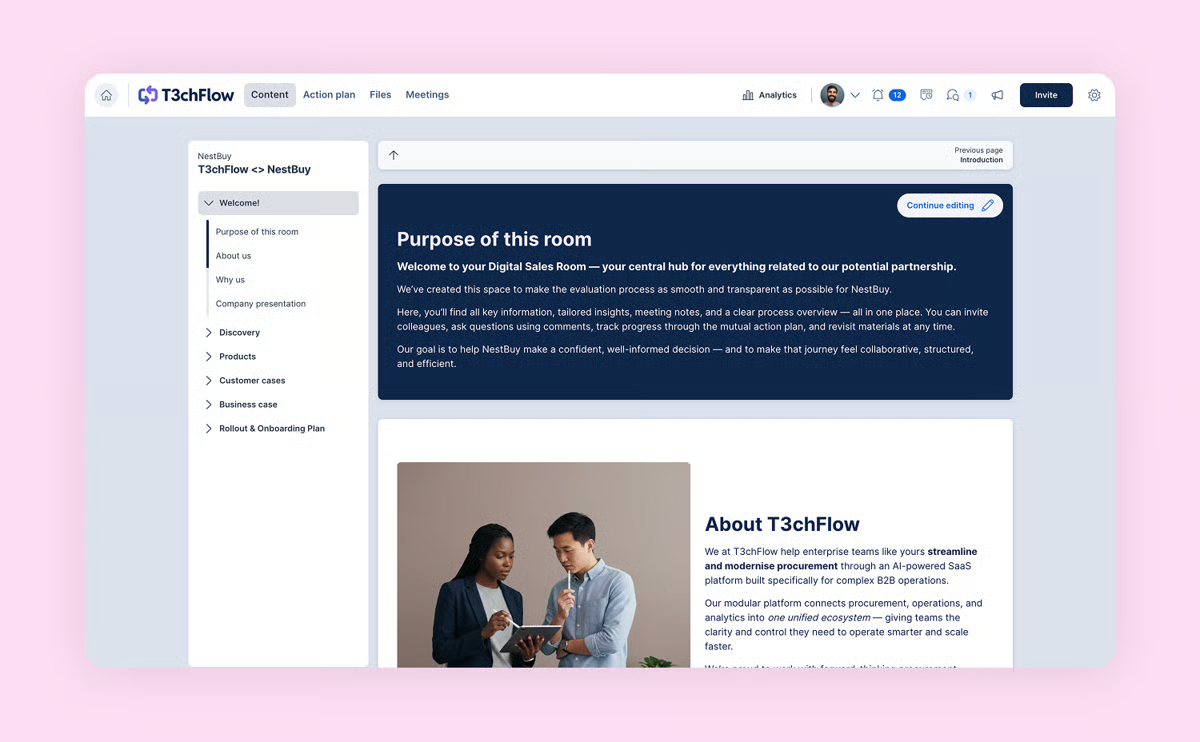
GetAccept is a digital sales room platform that combines proposal creation, deal rooms, e-signatures, and CPQ in one system. Reps can embed a short personalized video directly inside a proposal, which reviewers consistently flag as useful for complex, high-value deals.
But while GetAccept’s engagement tracking shows opens, time per page, and where prospects stopped reading, multiple advanced features require additional payments that drive total subscription costs higher.
Best for
Mid-market sales teams running complex, multi-stakeholder deals
Key Features
- Proposal Builder: Templates, drag-and-drop editor, and CRM auto-population to create proposals fast.
- Video Messaging: Embed personalized video introductions directly inside the proposal.
- Engagement Tracking: See opens, time per page, and stakeholder mapping in real time.
Pricing
- eSign ($25/user/mo): For teams that need e-signatures and basic document sending with monthly billing flexibility.
- Professional ($49/user/mo, billed annually): For mid-market sales teams needing proposal creation, deal rooms, video messaging, and engagement tracking; 5-user minimum.
- Enterprise (Custom pricing): For larger organizations requiring CPQ, advanced integrations, and dedicated support.
Free Trial: 14-day free trial available.
Pros
- Video messaging inside proposals is a genuine differentiator for complex deals
- Engagement analytics are detailed and actionable
- Strong Salesforce integration
Cons
- CPQ is a paid add-on, so real costs can run 20-60% higher than the listed price
- Professional plan requires a 5-user minimum and annual billing only
- Some users complain about upselling from the sales team during onboarding
5. Qwilr
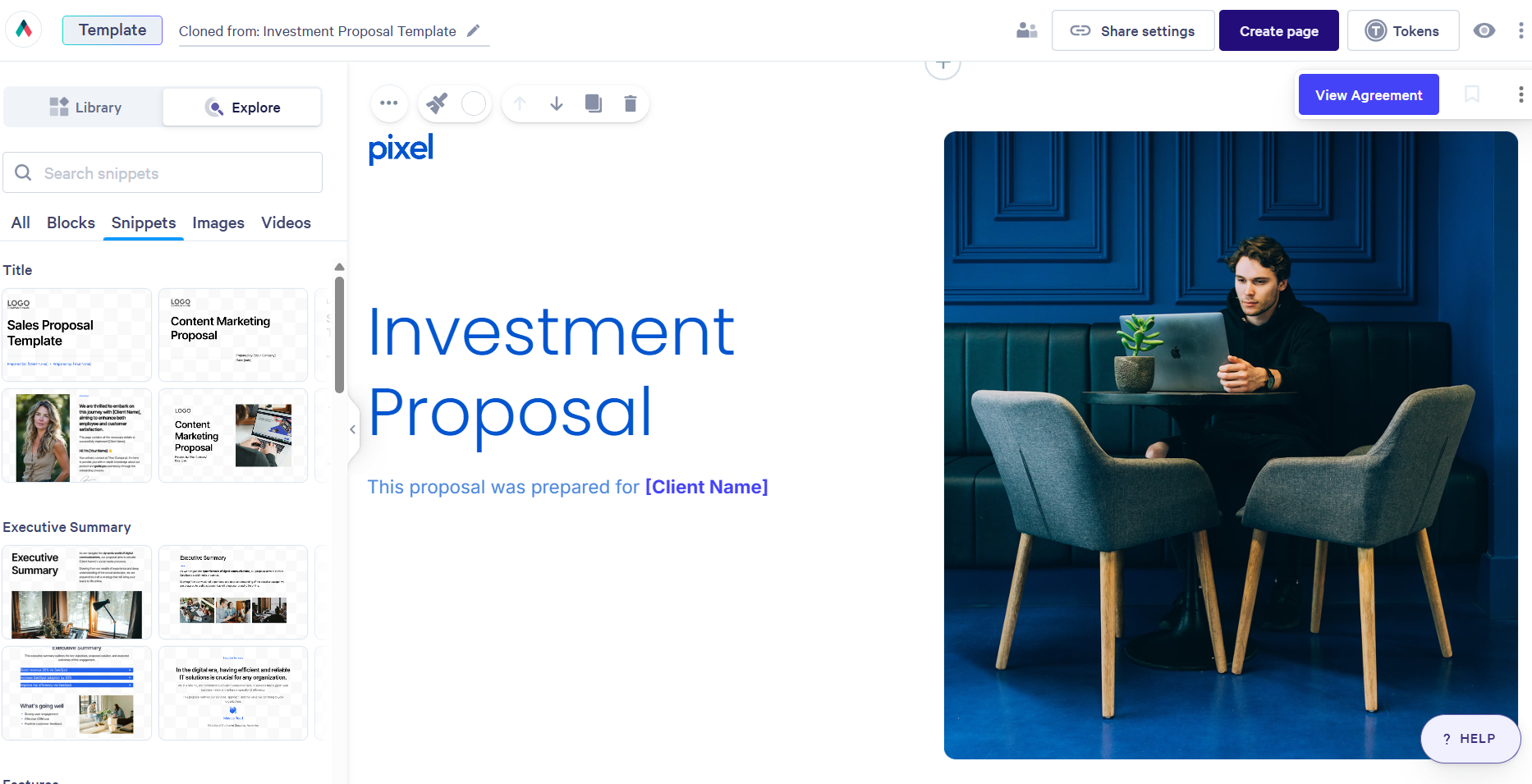
Qwilr turns proposals into interactive, web-based pages that prospects can navigate and sign in their browser. It is a strong fit for SaaS and marketing teams that want to leave a more modern impression than a standard PDF allows.
However, for teams that want proposal interactivity and engagement tracking without the 10-user commitment, Proposify covers comparable ground at a lower entry point.
Best for
SaaS companies, agencies, and marketing teams that want proposals to feel modern and interactive rather than a standard PDF.
Key Features
- Interactive Proposals: Web-based pages with embedded video, interactive pricing tables, and calendar links.
- QwilrPay: Collect payment directly inside the proposal at the point of acceptance.
- Engagement Tracking: Real-time alerts via Slack or email when buyers view or interact with the document.
Pricing
- Business ($35/user/mo, billed annually): For individual sellers and small teams that want interactive, web-based proposals with in-proposal payments and engagement tracking.
- Enterprise (Custom pricing): For larger teams needing Salesforce integration, advanced permissions, and a 10-user minimum.
Free Trial: 14-day free trial, no credit card required.
Pros
- Proposal format is distinctive and modern compared to PDF-based alternatives
- Strong engagement tracking with section-level visibility
- Solid CRM integrations for automating proposal creation from deal data
Cons
- Salesforce integration is only available on the Enterprise plan (10-user minimum)
- It has a learning curve for complex customizations
- Web-only format may not suit clients or industries that expect a traditional PDF
6. Ignition
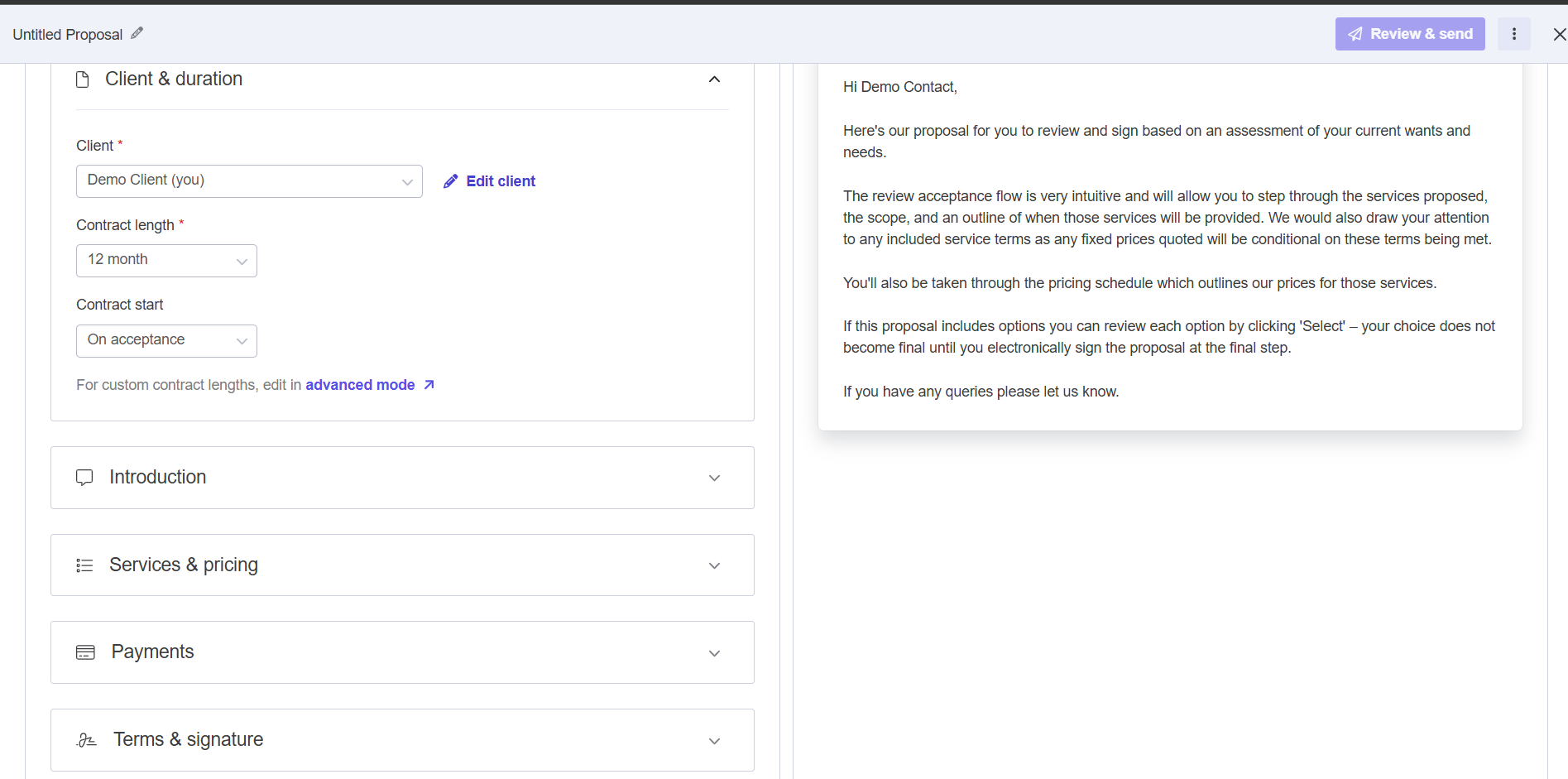
Ignition is a client engagement platform built for accounting, bookkeeping, and professional services firms. It integrates branded proposal creation, engagement letters, e-signatures, and automated payment collection into a single workflow.
Ignition is a good choice for large firms that can afford the investment, but its relatively high price point makes it less accessible to individuals and scaling sales teams than Proposify.
Best for
Accounting, bookkeeping, and professional services firms
Key Features
- Branded Proposals: Create professional proposals with service options, add-ons, and embedded video.
- Engagement Letters: Convert signed proposals into legally binding client agreements.
- Upfront Payment Collection: Capture payment details inside the proposal so billing starts the moment a client signs.
Pricing
- Solo ($39/mo, billed annually): For independent practitioners managing up to 20 active clients with 1 user seat.
- Core ($99/mo, billed annually): For small firms managing up to 50 active clients across up to 3 users.
- Pro ($299/mo, billed annually): For growing firms that need more users and advanced billing features like recurring payments.
- Pro+ ($399/mo, billed annually): For larger firms requiring full feature access, bulk renewals, and maximum capacity.
Trial: 14-day free trial available.
Pros
- Payment collection at the point of signing eliminates accounts receivable chasing
- Automates invoicing and reconciliation when connected to QuickBooks or Xero
- Highly rated by accounting firms for simplifying client onboarding and billing
Cons
- Primarily designed for professional services and less suited for general sales teams
- Advanced features like recurring billing and bulk renewals require higher-tier plans
- Limited customization capability affects integration with other software
7. Loopio
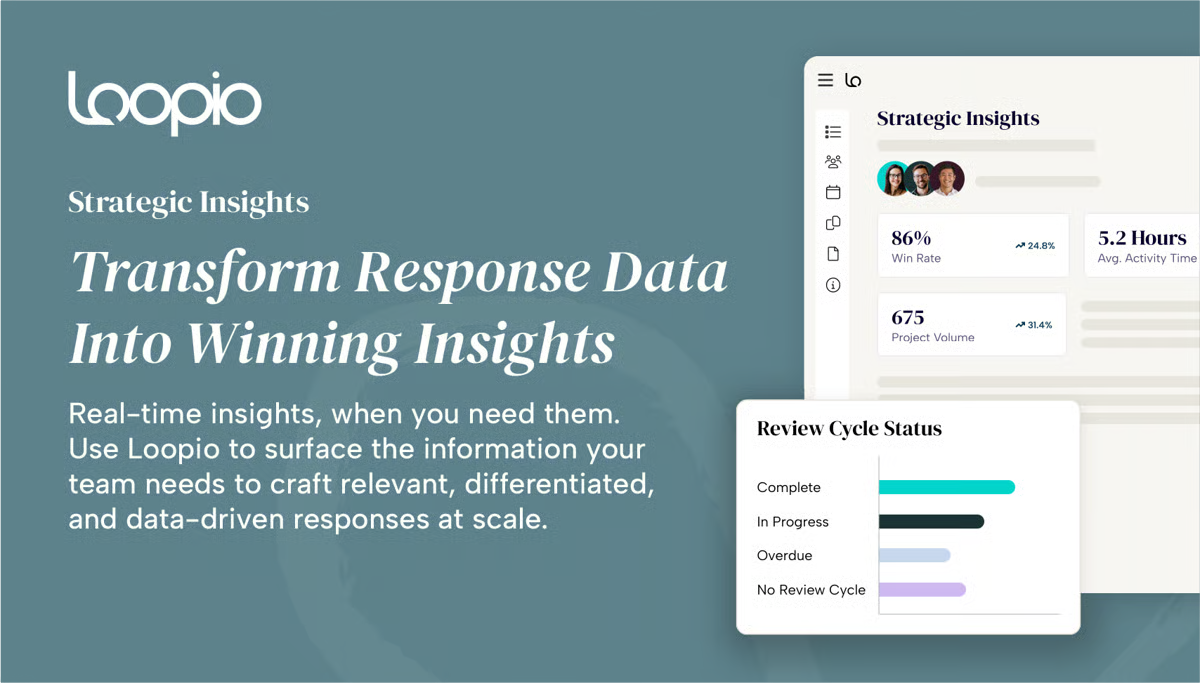
Loopio is purpose-built for teams that respond to formal RFPs at scale. Its Response Intelligence technology automatically surfaces the best answers from your content library. This way, teams can reduce the time spent drafting a first response.
It’s important to note, however, that Loopio is an enterprise platform with enterprise pricing. It is not designed for small teams sending occasional investment proposals.
Best for
Proposal managers and enterprise sales teams that handle high volumes of formal RFPs.
Key Features
- Response Intelligence: AI-powered technology that automatically surfaces the best answers from your content library.
- Portal Submission: Automated document import and submission for any web-based RFP portal.
- Content Library: Centralized with connectors to SharePoint, Google Drive, and websites.
Pricing
- Foundations ($20,000/year): For enterprise proposal teams getting started with RFP automation, covering 10 seats with core content library and workflow features.
- Enhanced and Enterprise (Custom pricing): For large organizations with complex multi-team workflows, advanced governance requirements, and higher volume needs.
Free Trial: No free trial, demo only.
Pros
- Best-in-class for high-volume, complex RFP response workflows
- Content library and collaboration tools are consistently praised by users
- Dedicated customer success team included on all plans
Cons
- Starts at $20,000/year, not viable for smaller teams
- First-year total cost often reaches $23,000-$25,000 with onboarding fees
- AI-generated answers require a well-maintained library to deliver consistent quality
8. Bidsketch
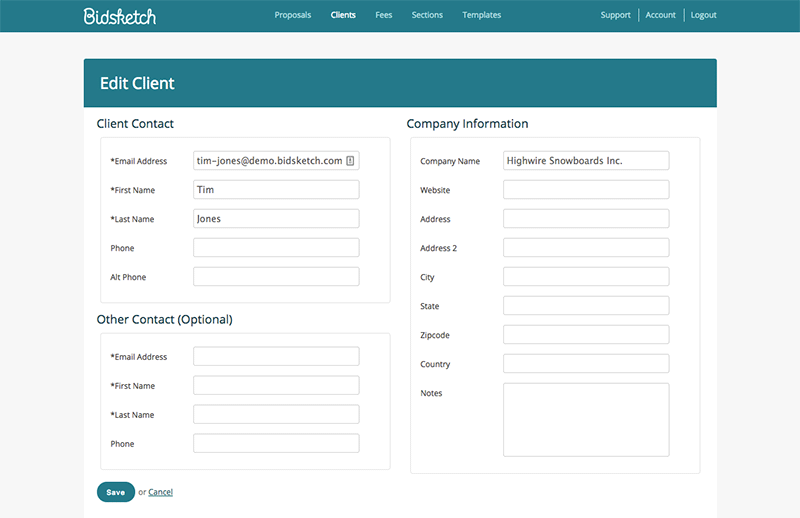
Bidsketch is straightforward proposal software that does the basics well. You can build from one of 30+ templates, or reuse sections from a content library. Bidsketch is a legacy platform that presents a good entry point for small sales teams, but its outdated interface makes it a less popular choice among medium-to-large businesses.
Best for
Small sales teams and individual reps who want a no-fuss proposal tool with Salesforce connectivity at every price point without paying enterprise rates.
Key Features
- Templates: 30+ customizable templates with a reusable section library.
- Optional Fee Upsells: Let clients accept or decline add-on items directly inside the proposal.
- E-Signatures: Legally binding with a full audit trail, including email, IP address, and timestamp.
Pricing
- Solo ($23/mo billed annually): For individual reps who need unlimited proposals, e-signatures, and Salesforce integration on a single seat.
- Team ($47/mo billed annually): For small teams of up to 3 users collaborating on proposals with shared templates.
- Business ($119/mo billed annually): For teams of up to 8 users needing a shared workspace and full feature access.
Free Trial: 14-day free trial available.
Pros
- Salesforce integration on every plan is genuinely unusual at this price
- Optional fee upsell feature is simple and effective for growing deal value
- Easy to get up and running with minimal setup
Cons
- Design and UI feel dated compared to more modern competitors
- Section-level engagement analytics are not available, and tracking is basic
- Limited native integrations beyond the main CRM and accounting tools
9. Nusii
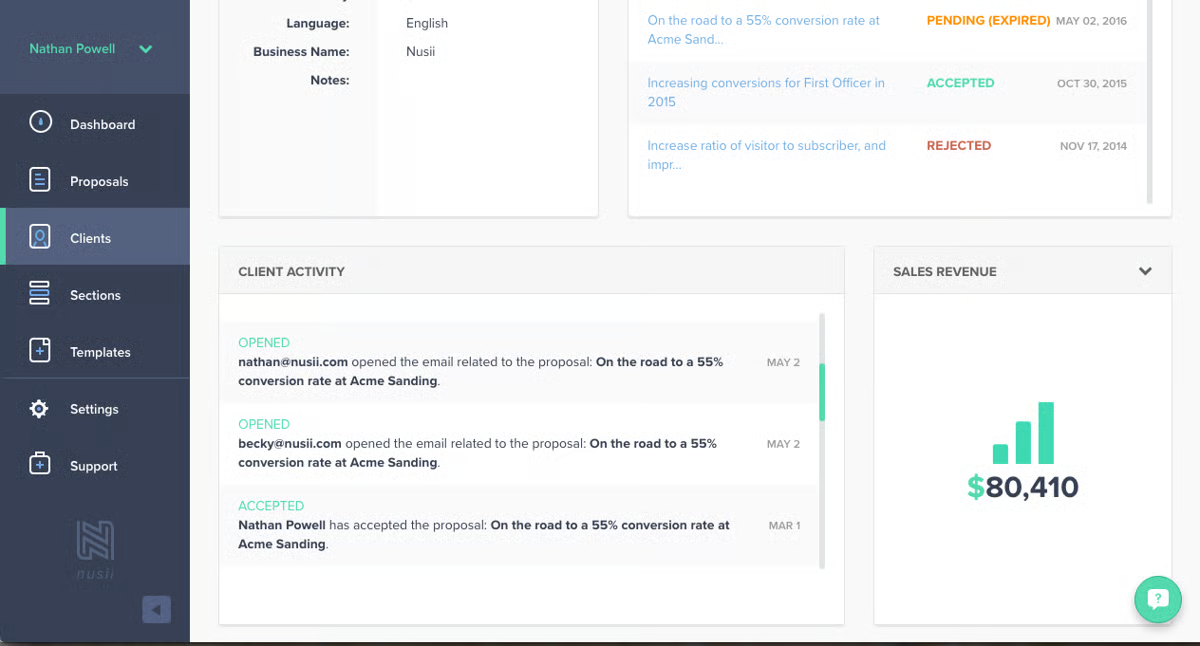
Nusii is a lightweight proposal tool built for creative agencies and service businesses. It supports 35 languages and lets you configure currency and tax settings for each client, making it practical for teams working across multiple markets.
On the other hand, Nusii’s lightweight strength can also be considered its weakness. The platform lacks the advanced features that scaling businesses typically need.
Best for
Creative agencies and service businesses with international clients who need proposals that handle different languages, currencies, and tax configurations out of the box.
Key Features
- Multi-Language Support: 35 languages with per-client currency and tax configuration.
- Optional Pricing: Present two or three packages so clients can choose rather than decline.
- Stripe Integration: Collect deposits at the moment of signing.
Pricing
- Freelancer ($29/mo): For independent consultants needing multi-language proposals, e-signatures, and basic automation.
- Small Agency ($49/mo): For small teams that need more proposals per month and additional user seats.
- Agency ($69/mo): For larger agency teams sending high proposal volumes with full feature access.
Free Trial: 14-day free trial available.
Pros
- Good multi-language and multi-currency support in this price range
- Relatively short learning curve
- Optional pricing feature is effective at increasing average deal value
Cons
- Limited design flexibility, only two layout options (Modern and Classic)
- Text editor is basic and can be frustrating for users who want more control
- Smaller feature set than Proposify or PandaDoc, not suitable for complex approval workflows
10. ClientPoint

ClientPoint is a digital sales room and proposal management platform built for enterprise sales and client success teams. It manages the entire B2B customer journey from prospect engagement through proposal, onboarding, and renewal, all inside a branded digital workspace.
Best for
Enterprise sales, marketing, and client success teams that need one persistent workspace to manage prospects, proposals, onboarding, and renewals without handoff friction.
Key Features
- Sales Rooms: Persistent branded digital sales rooms with proposals, meetings, files, and messaging in one link.
- ClientPoint RelationshipAI: Get real-time deal insights and next-best-action recommendations.
- Document Generation: Access templates, merge fields, and a centralized content library.
Pricing
- Free: A basic version for solopreneurs, including custom profiles, QR codes, and document sharing.
- Sales Accelerator ($83 per user/mo billed annually): Includes proposal generation, e-signatures, CRM integration, and video marketing tools.
- Enterprise Essentials ($333/mo for 3 users): Includes 3 licenses and adds document automation, content libraries, and customer portals.
- Enterprise Solutions (Custom pricing): For large teams needing API access, international language support, and dedicated onboarding.
Free Trial: No self-serve trial, demo required.
Pros
- Full lifecycle coverage from prospecting to renewal in one platform
- Advanced enterprise CRM integrations, including NetSuite
- RelationshipAI adds a layer of intelligence beyond standard engagement tracking
Cons
- Slow page load times can diminish the user experience
- Learning curve and implementation time are significant for enterprise rollouts
- UI has received some criticism for feeling dated in places
How We Selected Our Best 10 Investment Proposal Generation Software
Not all investment proposal tools are built the same. To put this list together, we evaluated each platform across five key areas.
- Ease of use: How quickly can a sales rep build and send a professional proposal without design or technical help?
- Customization and branding: Can the tool produce polished, on-brand proposals that reflect your company's identity?
- Integrations: Does it connect cleanly with your CRM, payment tools, and the rest of your sales stack?
- Analytics and visibility: Can you see when a prospect opens your proposal and how they engage with each section, so you know when to follow up?
- Pricing and scalability: Is the tool accessible for smaller teams and practical to scale as the business grows?
What is Investment Proposal Generation Software?
Investment proposal generation software automates the process of creating, sending, and tracking investment proposals. Instead of piecing things together in Word or a PDF editor, you manage templates, pricing tables, and client data all in one place.
For sales teams managing multiple deals, this means less time rebuilding the same documents from scratch and more time in front of prospects.
Ideally, a well-structured proposal sent through high-end platforms, like Proposify, can reach a client, get reviewed, and come back signed, all without a single follow-up call. They deliver consistent, branded proposals your team can turn around in minutes, with real-time visibility into every open, click, and signature.
How to Choose the Right Investment Proposal Generation Software
Here is a quick guide to help you find the best fit:
1. Identify your core needs
Think about who will use the tool, how many proposals you send per month, and how much process control your team actually needs. A five-person agency has very different requirements from a 50-person enterprise sales team.
2. Evaluate features and functionality
Look for the tools you will actually use. If engagement analytics are a priority, Proposify leads the field. If you need international language and currency support, Nusii covers more ground than most. If you are an accounting firm that wants proposals tied directly to payment collection, Ignition is built for exactly that.
3. Consider scalability
Will the software grow with your business? Check what is gated behind higher-tier plans before committing, since CRM integrations, approval workflows, and analytics are commonly locked features that push your real cost above the entry price.
4. Test with a free trial
Most tools on this list offer a free trial. Take advantage of it and test two or three software before deciding. This will give you a more informed idea of how each platform works for your business before you commit to a subscription.
Close More Deals with Proposify
The right investment proposal software makes the whole process faster for your team and smoother for your prospects.
With Proposify, you can put together accurate, branded proposals in minutes, see exactly when and how prospects engage, and close deals faster with built-in e-signatures. Proposal creation, approvals, and tracking all live in one place, so your team spends less time on admin and more time selling.
Ready to up your proposal game? Start your free 14-day trial or book a demo today.
FAQs
1. What is the best investment proposal generation software?
Proposify is the best overall option for SMBs and scaling teams, offering proposal creation, engagement analytics, approval workflows, e-signatures, and CRM integrations in one platform. The right choice depends on your team size, workflow needs, and budget.
2. Can I track whether a prospect has opened my investment proposal?
Yes. Most tools on this list send open notifications. Proposify goes further with section-level analytics showing time spent on each part of the proposal, so you know when to follow up and what to say.
3. Is there a free investment proposal generation tool?
PandaDoc offers a free eSign plan, though it does not include document creation. Most other tools offer a free trial. Proposify's 14-day trial includes full access to Team plan features with no credit card required.
4. How long does it take to create a proposal with these tools?
With a template and CRM integration pulling in client data, most tools can have a polished proposal ready in 15-30 minutes. Proposify customers average 17 minutes per proposal. Without a template, expect 45 minutes to an hour for a complex investment proposal.
5. Do these tools integrate with CRMs like Salesforce and HubSpot?
Most do, but CRM integrations are commonly gated behind higher-tier plans. Proposify supports HubSpot, Pipedrive, and Zoho across multiple plans. Salesforce is included as a premium integration on the Business plan at an additional cost. Always check which plan unlocks the CRM you use before committing.